How to Create AI Fashion Videos with Seedance 1.0 Pro
Learn how to create stunning AI fashion videos with Seedance 1.0 Pro. From runway-style lookbooks to social media fashion content, discover techniques for professional fashion video production using AI.
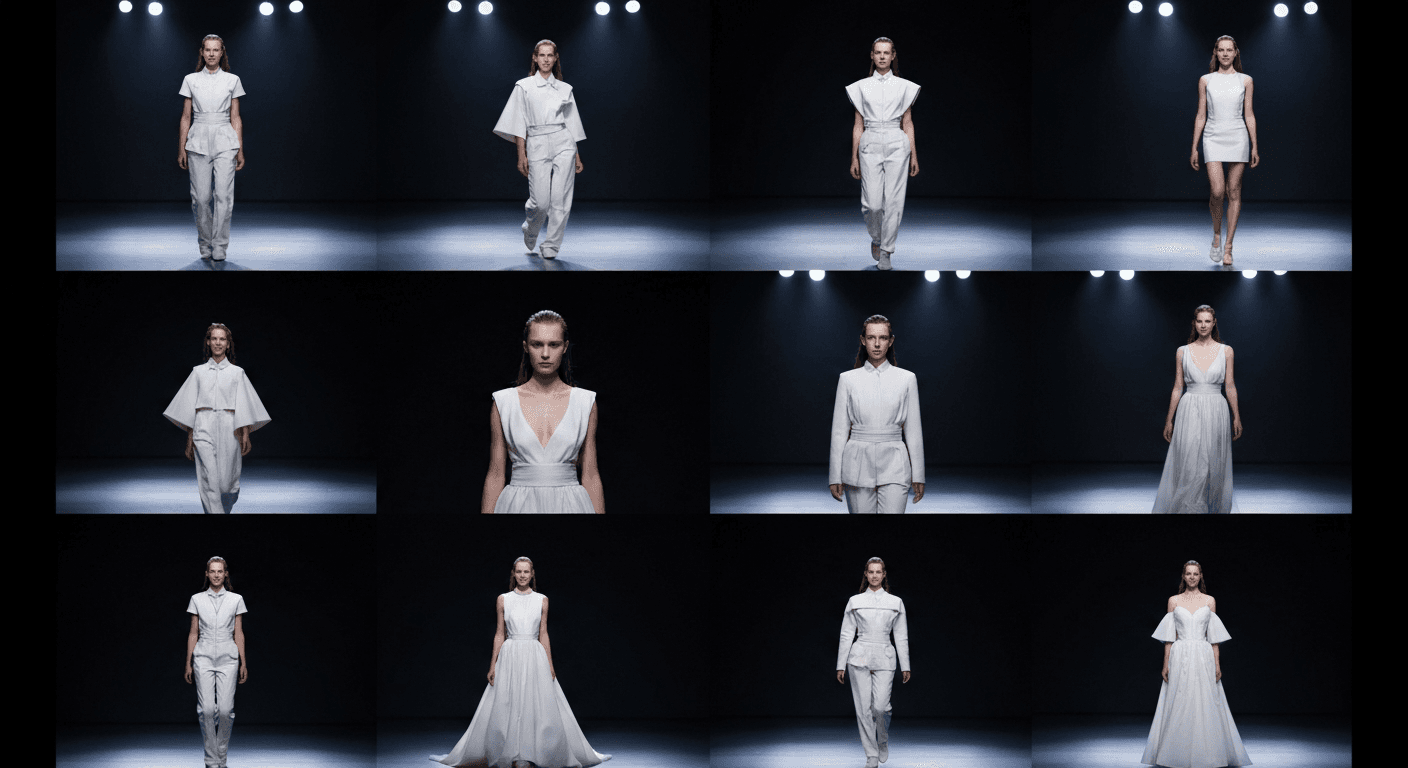
A traditional fashion lookbook shoot — studio, models, stylist, photographer, retoucher — runs $5,000 to $50,000 for a single collection. Seedance 1.0 Pro produces 1080p motion lookbooks from your product photography for a few dollars per look. The fashion industry is not known for patience with soft tech, but the economics here are rewriting the rules.
TL;DR
- Full motion lookbook (10 looks × 6s) for ~$15 in Seedance credits
- Traditional equivalent: $5,000–$50,000+ per collection
- Best for: DTC brands, independent designers, editorial content, social campaigns
- Workflow: product photography or Seedream-generated lookbook → Seedance motion → social cut
- Native 1080p output holds up in close-ups where fabric detail matters
Why Fashion Demands Seedance 1.0 Pro Specifically
Fashion is the most unforgiving vertical for AI video. Viewers notice every glitch on a garment, every wobble in drape, every wrong stitch. Seedance 1.0 Pro earns its keep here because:
- Native 1080p keeps fabric texture, stitching, and print detail intact
- Motion coherence means fabric drapes and clothing moves naturally, not with AI "jello"
- Camera lock gives you clean studio-style shots without camera drift
- End frame control lets you stage wardrobe changes and reveals
- Fast iteration — you can dial in the look in 2-second tests before spending on full shots
Generate broadcast-quality 1080p video
Professional image-to-video AI. Default 1080p output, superior motion. 50 free credits.
Try Seedance 1.0 Pro FreeFashion Content Categories You Can Ship
Runway-Style Walking Shots
Every collection needs walking shots. Seedance 1.0 Pro handles garment movement — swishes, flows, coat swings — with enough coherence to be usable for editorial and brand content.
Medium shot of a model walking toward camera down a minimal
white studio runway, wearing a long red silk dress that flows
with each step, soft diffused overhead lighting, subtle camera
pull-back, 50mm lens, shallow depth of field, real-time confident
pace. 6 seconds.
Lookbook Motion Stills
Traditional lookbooks are still photos. Motion lookbooks are the 2026 upgrade — still compositions with subtle breathing motion that makes them feel alive.
Medium shot of a model in an editorial pose wearing a structured
black blazer, camera lock, soft natural window light from camera
left, subtle breathing and hair movement, warm neutral palette,
85mm lens, shallow depth of field. 6 seconds.
Detail and Fabric Shots
Close-ups of fabric movement — the drape of silk, the sway of a hemline, the flow of a scarf in the wind — are the heart of fashion storytelling.
Extreme close-up of silk fabric billowing in slow motion, soft
directional light catching the sheen, deep emerald color, black
background, real-time to slow motion. 8 seconds.
Accessory and Jewelry Shots
Macro product shots of bags, shoes, watches, jewelry — all benefit from 1080p native detail and camera lock.
Macro dolly around a leather handbag on a marble surface, warm
directional light, slow orbit revealing craftsmanship details,
shallow depth of field, 85mm lens. 10 seconds.
Social Media Edits
9:16 vertical for Reels, TikTok, Shorts. Generate from a vertical source image and Seedance delivers the crop natively.
Vertical medium-wide shot of a model twirling in a flowing summer
dress, golden hour backlight, park setting with soft green bokeh
background, 85mm lens, shallow depth of field, confident real-time
pace. 6 seconds.
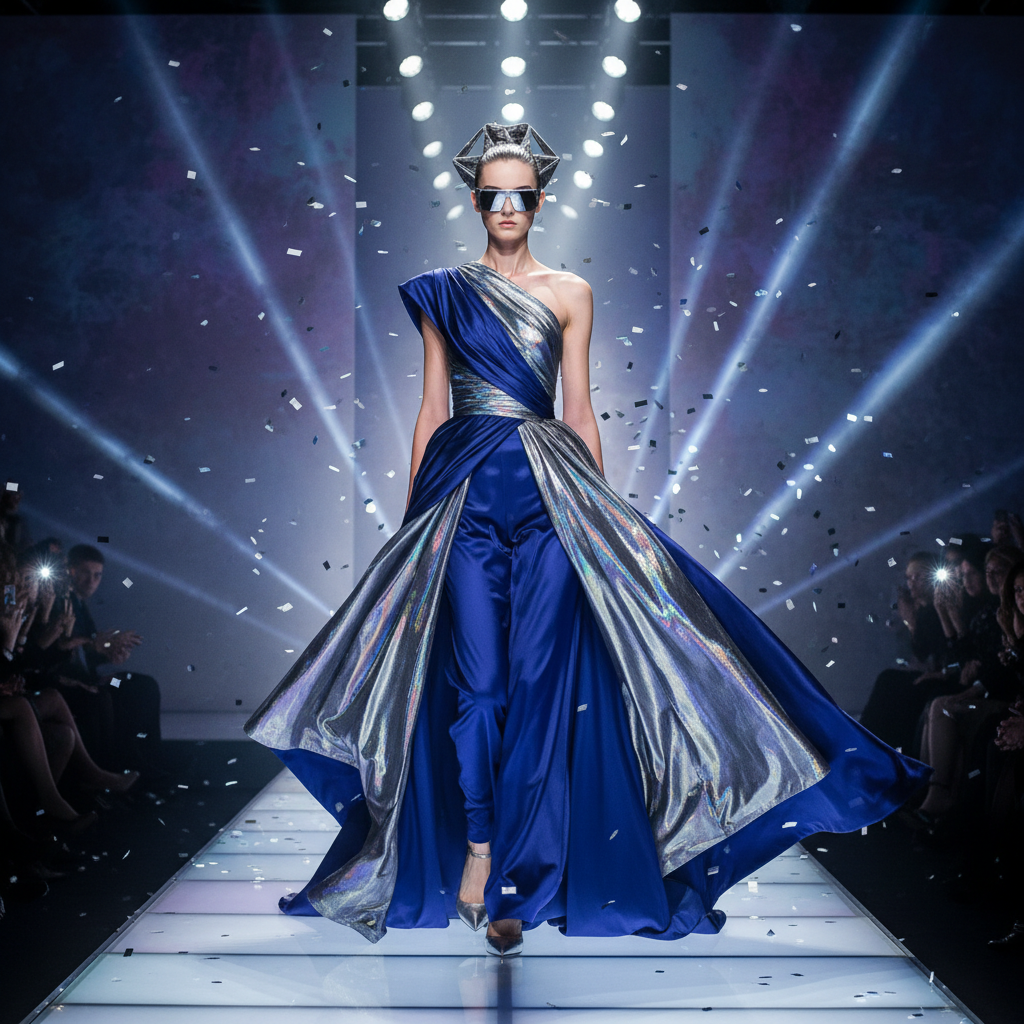
Want broadcast quality like this? Try Seedance 1.0 Pro free →
The Full Lookbook Workflow
Step 1 — Prepare source imagery. Use your product photography (flat lays, on-model stills, editorial shots) or generate lookbook imagery with Seedream.
Step 2 — Plan your shot list. For each look, decide on:
- 1 establishing shot (medium, full garment visible)
- 1 detail shot (close-up of fabric or accessory)
- 1 motion shot (walk, turn, twirl)
Step 3 — Generate hero shots at 6 seconds. Plenty of time for a clean motion moment and editing handles.
Step 4 — Generate detail shots at 4–5 seconds. Shorter, punchier, fits social cuts.
Step 5 — Cut in your editor. Assemble the lookbook in Premiere, Resolve, or CapCut.
Cost Breakdown: Full Collection Lookbook
10 looks, 3 shots each = 30 shots.
- 10 establishing shots × 6s = $14.40
- 10 detail shots × 4s = $9.60
- 10 motion shots × 6s = $14.40
Shot total: $38.40
Include iteration budget (2x): ~$77
Compare to traditional fashion production for 10 looks:
- Studio rental: $500–$2,000/day
- Model fees: $500–$5,000/day per model
- Photographer: $1,500–$10,000/day
- Stylist: $500–$2,000/day
- Retouching: $50–$200/image × 30 shots = $1,500–$6,000
- Traditional total: $5,000–$50,000+
You spend 1–2% of the traditional budget.
Working with Real Product Photography
Most pro fashion workflows start with real product shots and add Seedance motion. The process:
- Shoot or source product photography — flat lays, on-model stills, hero shots
- Upload to Seedance 1.0 Pro as source images
- Describe the motion — "model slowly turns to the left, hair catching the breeze"
- Generate and iterate
This preserves the brand's actual products while adding the movement that turns a photo into a scroll-stopper.
Working with Seedream-Generated Imagery
For concept development and brand storytelling beyond your current product lineup, generate your source images in Seedream v4.5 with consistent character references, then animate in Seedance.
This unlocks editorial fashion content — mood shoots, lifestyle scenes, seasonal concept campaigns — without booking a studio.
Fabric that drapes. Stitching you can see.
Native 1080p preserves weave, thread, and print detail. Superior motion coherence on garments. 50 free credits.
Start Your LookbookCamera Lock for Studio-Style Shots
Toggle camera lock when you want the clean, tripod-mounted studio aesthetic. The subject animates; the frame holds. Perfect for:
- Lookbook motion stills
- Product detail shots
- Editorial poses
- Turnaround-style coverage
With camera lock on, your prompt should describe only subject motion: "the model slowly turns her head toward camera, a faint smile forming."
End Frame Control for Wardrobe Reveals
End frame control opens up reveal shots. Start frame shows one state, end frame shows another, Seedance handles the transition.
Ideas:
- Hood down → hood up reveal
- Coat closed → coat opened to show inner detail
- Back of garment → front of garment (slow turn)
- Accessory hidden → accessory revealed
Platform-Specific Outputs
| Platform | Format | Notes | |---|---|---| | Instagram Feed | 4:5 or 1:1 crops from 16:9 | Crop in editor | | Instagram Reels | 9:16 vertical | Generate vertical native | | TikTok | 9:16 | Generate vertical native | | YouTube Shorts | 9:16 | Generate vertical native | | Pinterest | 2:3 or 9:16 | Crop in editor | | Website hero | 16:9 | Native Seedance output | | Email marketing | 16:9 or 1:1 | Crop in editor |
Fashion-Specific Prompt Tips
- Name the fabric. "Silk," "linen," "leather," "denim" — Seedance's training data knows how each drapes differently.
- Describe the motion of the garment, not just the model. "Skirt swirls outward as she turns" is better than "she turns."
- Specify lighting direction and quality. "Soft window light from camera left" beats "nice lighting."
- Use cinematography language. 85mm, shallow depth of field, rim light, golden hour.
- Lock the pace. "Slow confident walk," "effortless twirl," "casual stroll."
- Mind the background. Empty studio, seasonal exterior, editorial set — be specific.
Related Reading
- Seedance 1.0 Pro complete guide
- Cinematic techniques
- Seedream v4.5 for fashion photography
- AI music videos
FAQ
Does Seedance handle fabric draping well? Yes — motion coherence is one of its strongest features, and fabric is a specific strength.
Can I use a real model's image? Legally, you need rights to the source image. If the model is under contract, check your usage agreement before generating derivative motion.
Can I keep a consistent character across shots? Use a consistent source image approach with Seedream consistent characters.
Will it look AI-generated? Not if you prompt well and use high-quality source imagery. Most viewers cannot tell on first glance.
Commercial use? Yes, all Seedance output is cleared for commercial use including retail and ecommerce.
Fashion brands that adopt AI video workflows first are shipping 10x the content for 1/10th the budget. The gap is not going to last.
Start creating fashion videos on Seedance 1.0 Pro → with your 50 free credits.