How to Create AI Documentary Clips with Reference Materials
Documentary filmmakers need archival, b-roll, and recreation footage on tight budgets. Here's how to generate matching clips with Seedance 2.0 Reference and your source materials.
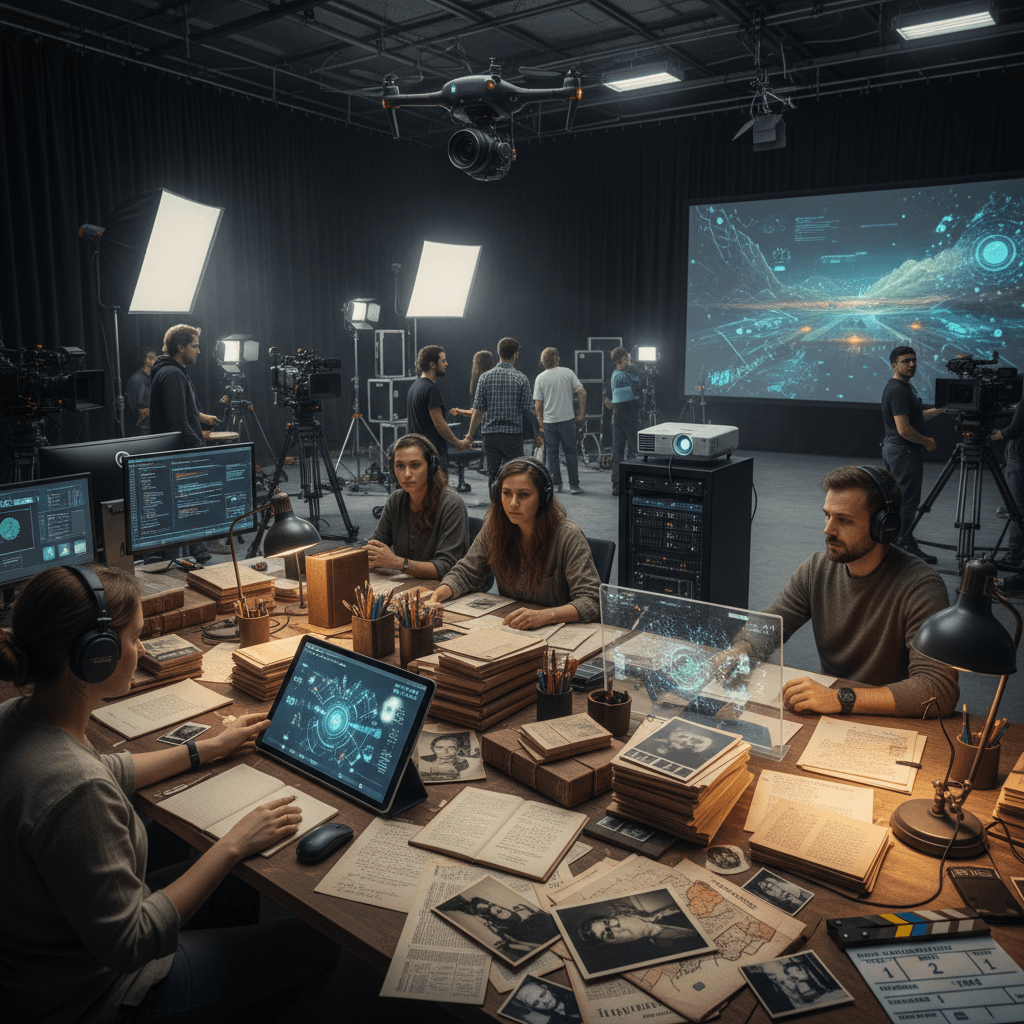
Documentary budgets have one persistent hole: archival and recreation footage. You have photos, newspaper clippings, and a talking head interview, but you need moving footage to carry the story. Rights, travel, and recreation shoots eat budget fast. For independent docs, the math usually doesn't work.
Seedance 2.0 Reference opens a new path: generate supplementary documentary footage that matches your actual archival materials, using those materials as reference input.
TL;DR
- Use your archival photos and materials as reference images (up to 9)
- Generate atmospheric recreation footage at 720p
- Cost: $3-$9 per clip vs $500-$5000 for traditional archival/recreation
- Ideal for historical docs, personal story docs, and research films
- Must be clearly disclosed as recreation/illustration, not presented as archival
- Try it free with 50 credits
The Documentary Production Gap
Traditional documentary production has a well-known squeeze. Interview footage is cheap — a camera, a subject, a quiet room. B-roll and recreation footage is expensive. Finding the right archival imagery, licensing it, and working it into the edit takes weeks and serious money.
For stories where archival simply doesn't exist (a childhood memory, a small-town event not documented in media), traditional recreation shoots are the only option, and those can cost thousands per scene.
Reference mode creates a middle path. You generate matching b-roll from the photos and materials you do have, at near-zero marginal cost. It's not archival — it's clearly generated — but for atmospheric cutaways and illustrative moments, it fills a gap that previously required either budget or compromise.
The Documentary Workflow
Step 1: Gather your source materials. Photos, magazine clippings, contact sheets, scanned letters — anything visual that represents the story's era or setting.
Step 2: Build a reference bundle per scene/era. A documentary typically spans multiple time periods or locations. Build separate bundles for each.
Step 3: Write scene-specific prompts describing atmospheric moments that support the narrative.
Step 4: Generate at 5-8 seconds per clip. Documentary cutaways are usually short.
Step 5: Label clearly in your edit. AI-generated footage should be marked as such in credits, captions, or lower thirds as appropriate.
Ethical Use in Documentary Work
Documentary carries an implicit truth contract with viewers. They trust that what they're seeing either happened or is clearly labeled as recreation. AI-generated footage has to honor that contract.
Good uses:
- Atmospheric scene-setting that represents an era's mood without claiming to document specific events
- Recreation footage clearly labeled as such
- Visualization of hypotheticals or "what if" moments with clear framing
- Illustrative b-roll that supports narration about general conditions or settings
Uses to avoid:
- Presenting AI footage as real archival
- Generating specific named individuals doing specific things
- Creating "found footage" that could be mistaken for authentic
- Any content that misrepresents historical events
The guideline: if the footage would confuse an engaged viewer about what actually happened, don't use it. If it clearly functions as illustration, it's fair game with proper labeling.
Scene Type Examples
Period atmosphere (1950s small town):
Reference bundle:
- 4-5 period photographs from the era
- 1-2 contemporary photos color-matched to period tones
- 1 hero frame establishing the vibe
Prompt:
A quiet main street in a small American town in the 1950s,
car passes slowly, afternoon light, 6 seconds
Interior recreation (old family home):
Reference bundle:
- 3-4 family photos from the actual interior
- 2-3 period interior photography references
- 1 hero frame
Prompt:
Warm interior of a mid-century family kitchen, soft afternoon light
through window, camera slowly pans across counter, 8 seconds
Environmental establishing (rural farmland, 1920s):
Reference bundle:
- 4-5 period farmland photographs
- 2 topographically similar modern photos
- 1 hero frame capturing the dust-bowl era feel
Prompt:
Wide shot of flat farmland stretching to the horizon,
dust blowing across the frame, afternoon sun, 8 seconds
Test with your own archive. Upload 6-9 source materials and generate your first clip. Start free.
Cost Math for Independent Docs
Let's budget a typical 45-minute independent documentary that needs ~60 supplementary clips.
Scenario: 60 clips at 6 seconds average
- 60 × 364 credits = 21,840 credits
- Cost: ~$218
That's inside two $100 Max tier purchases. Compare to traditional alternatives:
| Approach | Cost for 60 clips | |---|---| | Archival licensing | $6,000-$30,000 | | Recreation shoot | $15,000-$50,000 | | Stock footage | $3,000-$12,000 | | Reference mode | ~$218 |
The cost difference isn't marginal — it's transformative. Projects that previously couldn't justify the b-roll budget can now afford atmospheric coverage throughout.
Case Study: A Personal History Doc
Imagine you're making a 20-minute documentary about your grandmother's childhood in 1940s Italy. You have:
- 15 family photos from the era
- 3 letters with photos
- 1 interview with your grandmother
You have no archival footage from her village, no recreation budget, and no travel budget to shoot modern footage there.
Your Reference bundle:
- 6 family photos showing the era and setting
- 2 publicly available period-accurate reference images of similar Italian villages
- 1 hero frame capturing the mood
Generation plan:
- 15 atmospheric clips supporting the narrative — a village street at morning, hands preparing food, a doorway opening, children playing in a courtyard, a figure walking down a dirt road, etc.
Cost: 15 × 364 credits = 5,460 credits = ~$55
Fifteen atmospheric b-roll clips for $55. The doc can now tell the story with visual richness that would have been impossible without a production budget. Label clearly in credits and the result is an honest, emotionally resonant film.
Try Seedance 2.0 Reference — multi-modal video generation
Documentary b-roll from your source materials. 50 free credits, no card required.
Try Seedance 2.0 Reference FreeDisclosure in the Final Edit
How you label AI-generated documentary footage matters. Common approaches:
Lower-third text: "Recreation / AI-generated illustration" during the clip Credits roll: "Certain atmospheric scenes illustrated with AI video based on archival materials" Press notes: Clear mention in press materials that the doc includes AI-generated illustration Festival submission notes: Disclosure where submission forms request information about techniques
Festivals and platforms vary in their policies on AI-assisted documentary. Check specific venue policies before committing — some festivals have explicit rules about AI-generated content that may affect eligibility.
Archival + Generated Hybrid
The strongest documentary workflow right now combines real archival with AI generation. Use real archival whenever it exists, and fill gaps with AI generation from reference materials.
Edit principle: Never put AI footage in place of available archival. Use AI only where real footage is unavailable or cost-prohibitive.
Visual balance: If your doc is 80% real archival and 20% AI recreation, viewers barely notice the hybrid. If it flips to 80% AI, the film starts to feel synthetic regardless of labeling.
Prompt Writing for Documentary Tone
Documentary writing is understated. Your prompts should be too.
Too dramatic:
An emotional scene of a struggling family in a gritty, atmospheric
1930s kitchen with dramatic lighting and cinematic depth
Right tone:
A woman stands at a kitchen stove in a modest 1930s home,
morning light through a single window, static shot, 6 seconds
Over-dramatic prompts push the model toward cinematic artifice that feels wrong in a documentary context. Restrained prompts produce observational footage that feels documentary-appropriate.
Multi-Era Docs: Era-Specific Bundles
For docs spanning multiple eras, build separate reference bundles per era and use them for the relevant scenes.
Example structure for a multi-generational doc:
- 1920s bundle (9 references)
- 1950s bundle (9 references)
- 1980s bundle (9 references)
- Present-day bundle (9 references)
When the narration is in the 1950s, use the 1950s bundle for b-roll. The era changes automatically as the bundle changes, maintaining visual authenticity across decades.
Limitations Worth Naming
Specific faces: Reference mode won't reproduce specific historical or personal figures. Use only for atmospheric and environmental material, not "famous person doing X."
Text in the world: Signage, book titles, newspaper headlines won't reliably carry through. Plan to add any critical text in post.
Absolute historical accuracy: Small details — period-accurate clothing, specific vehicle models, architectural details — may drift. For precision-critical moments, use real archival or consult historians.
Where to Go Next
For the foundational workflow, read the style-consistent tutorial. For personal history applications, see animating a photo album. For the full feature breakdown, the Seedance 2.0 Reference guide is the right starter.
Documentary production economics just shifted. Stories that couldn't afford b-roll now can. Use the tool responsibly and it unlocks work that previously couldn't be made.
Fill your documentary b-roll gap
Upload archival source materials and generate matching atmospheric footage. 50 free credits, no card required.
Start Creating Free