How to Animate a Photo Album with Seedance 2.0 Reference
Got a photo album full of memories you wish were video? Here's how to animate them with Seedance 2.0 Reference — your actual photos as input, style locked in.
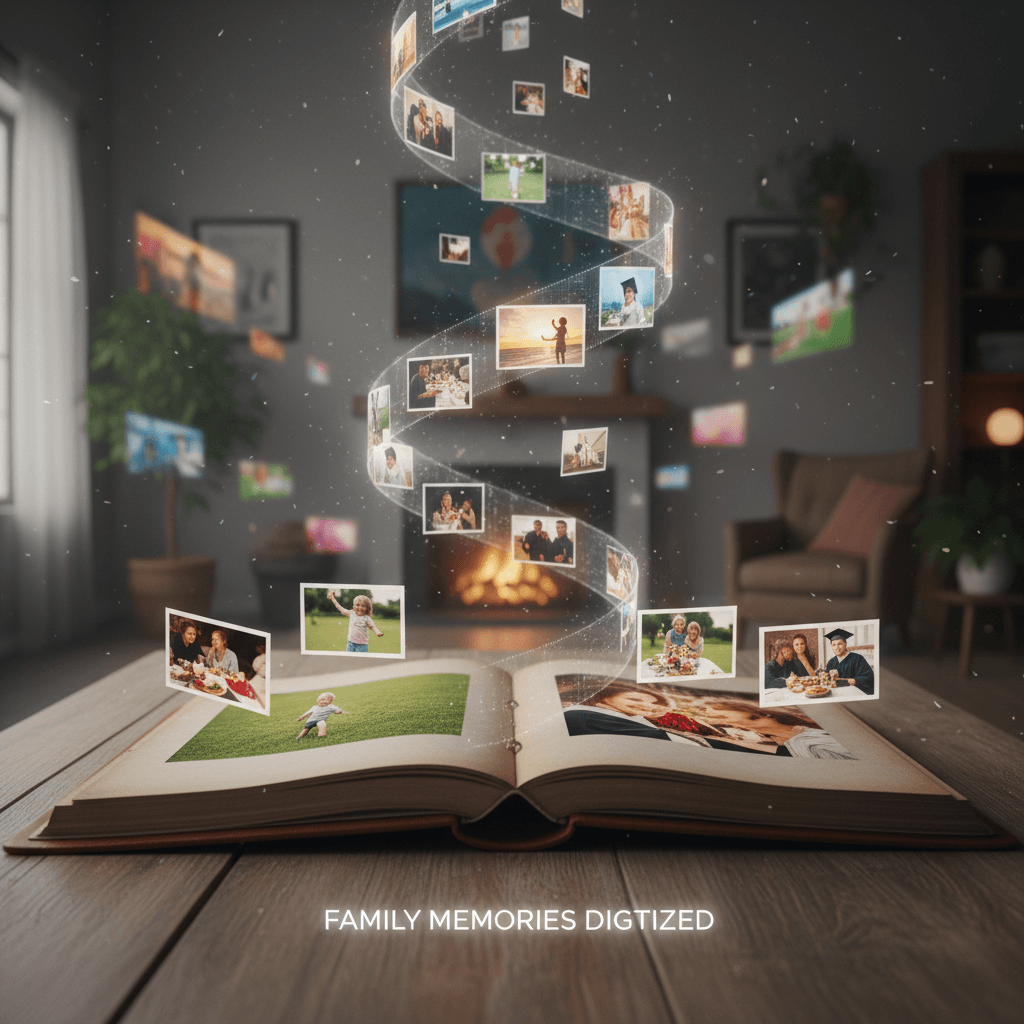
Almost every photo album has the same regret: "I wish I'd taken video of this." Kid's first steps. Grandparents' last summer. A wedding moment nobody caught on camera. The photos are beautiful but static, and there's no going back to re-shoot.
Seedance 2.0 Reference can't time-travel, but it can do the next best thing — take your actual photos and generate a matching video that captures the style and feel of the original moment.
TL;DR
- Upload your own photos as reference images (up to 9)
- Generate matching video clips that carry the same visual feel
- Cost: ~$3 per 5-second animation
- Works for family albums, wedding photos, travel memories, and portrait sessions
- Not a face-swap — output matches style and mood, not exact identity
- Try it free with 50 credits
What Photo Animation Actually Does
Let's be clear about what this is and isn't. Reference mode with personal photos doesn't clone the exact people in your photos into video. What it does is generate new video in the exact visual style of your photos — same color grade, same lighting feel, same compositional language.
Think of it as "a video that could have been taken alongside these photos" rather than "these photos animated."
For memory projects, tribute videos, and nostalgic content, that's often more than enough. The feel of the moment translates even if the exact people and actions are creatively interpreted.
The Photo Album Workflow
Step 1: Pick your album. A wedding album, vacation photos, a portrait session, a baby's first year. Whatever memory you want to bring to video.
Step 2: Curate 6-9 photos. Choose the ones that best represent the overall feel of the album, not necessarily the "best" individual shots. You want variety that averages to the album's mood.
Step 3: Upload as references. All 6-9 into Seedance 2.0 Reference.
Step 4: Write a prompt that describes a moment. Keep it simple and emotionally true to the album.
Step 5: Generate 5-8 second clips. One clip per moment you want to capture.
Step 6: Edit together in a simple video editor with music from the same era or occasion.
Animate a memory this afternoon. Pick 6-9 photos from any album and run your first test. Start free.
Prompt Ideas for Different Album Types
Wedding album:
Bride and groom walk hand in hand down a garden path at golden hour,
warm natural light, slow camera follow, 6 seconds
Baby album:
A baby plays with wooden blocks on a soft rug, close-up,
natural window light, 5 seconds
Travel album:
Traveler walks along a cobblestone street in Rome, morning light,
medium shot, 6 seconds
Family portrait session:
Family sits together on a picnic blanket in a sunny meadow,
wide shot, soft summer light, 5 seconds
Holiday gathering:
Hands reach toward a table of holiday food, warm interior lighting,
close-up, 4 seconds
Each prompt is emotionally true to the type of album without trying to describe specific people or exact events.
The Memory Video Edit
Once you have 5-10 short clips, you have the ingredients for a memory video. The structure that works:
- Start with a wide/environmental clip (5 sec)
- Cut to a medium action clip (5-6 sec)
- Close-up detail clip (4 sec)
- Another medium (5 sec)
- Hero moment clip (8 sec)
- Closing wide (5-6 sec)
Total: ~30-35 seconds. Perfect length for social sharing, a tribute moment, or an album cover video.
Add a song from the relevant era (your own wedding song for a wedding album, etc.) and the emotional impact goes up dramatically.
Cost for a Memory Video
A 6-clip memory video with 5-second clips:
- 6 × 303 credits = 1,818 credits
- Cost: ~$18
That's cheaper than a nice framed print. For what you get — a video version of a memory that previously only existed as photos — the math is hard to beat.
Most memory video projects fit in the Starter $10 tier (1,050 credits) for a short piece or the Popular $25 tier for a longer tribute.
Try Seedance 2.0 Reference — multi-modal video generation
Turn your photo memories into video. 50 free credits, no card required.
Try Seedance 2.0 Reference FreeHandling Face and Identity
This is the biggest thing to understand before you try this workflow. Reference mode captures the style of your photos, not the identities of the people in them. Faces in the generated output will be new interpretations, not your actual family members.
For most memory videos that's fine. You're not trying to fake your grandmother giving a speech — you're trying to capture the feel of her living room at Christmas. The generated clips create atmospheric moments that evoke the album's mood without claiming to show specific people doing specific things.
When this approach is right:
- Memorial tribute videos where atmosphere matters more than identity
- Mood montages accompanying old photos
- Era-evocation videos for memoir or personal history projects
- Ambient background video for photo slideshows
When it isn't right:
- You need a specific person's exact face in motion (consider OmniHuman for avatar workflows instead)
- You want to "bring someone back" — this technology isn't that, and shouldn't pretend to be
Be honest with yourself and anyone you're making the video for about what's real footage versus atmospheric generation.
Photo Album Types That Work Best
Albums with strong visual consistency. Photos from the same day, same lighting, same photographer. Great reference material.
Albums with distinct eras or locations. Build separate bundles per era so each "chapter" of the video has its own consistent look.
Film photo albums. Film's specific color and grain characteristics translate beautifully through Reference mode — often the results feel more authentic than digital references.
Travel albums. Travel photos usually have strong environmental context, which helps the model generate matching video.
Editorial portrait sessions. If you had a nice family or individual portrait session, those photos make excellent reference bundles.
Photo Albums That Are Trickier
Phone snapshots with mixed lighting. The model averages these toward generic and the output feels flat.
Albums with heavy face-dependence. If the emotional weight is entirely about specific people being themselves, reference mode can't deliver that.
Very dark or very bright photos. Technical extremes give the model weak style signal.
Mixed-style collections. An album that spans 10 years and 5 photographers won't produce consistent output. Split into smaller coherent bundles.
Creative Uses Beyond Memory Videos
Travel vlog supplementation. Use your travel photos as reference to generate b-roll that matches your vlog footage.
Memoir and personal history projects. Illustrate a written memoir with atmospheric video matched to photo references from the era.
Album release cards. Make a short "album is now open" video using photos from a specific event, for sharing with family.
Personal portfolio reels. Photographers can turn portfolio stills into motion versions for showreel use — matching the style of their photography precisely.
A Sample Project: Grandfather's 80th
Let's say you're making a 60-second tribute video for a grandfather's 80th birthday.
Reference bundle (8 photos):
- 2 from his childhood (warm tones, vintage feel)
- 2 from his young adult years (mid-century aesthetic)
- 2 from family gatherings over the years (warm interior light)
- 2 recent photos (modern but matching the warm family feel)
10 clips, 6 seconds each:
- Environmental wide of a family home exterior at golden hour
- Close-up of hands on a wooden table
- Medium of a figure walking through a sunlit doorway
- Kitchen interior with steam rising from a pot
- Close-up of old family photos on a wall
- Wide of a garden in summer light
- Close-up of a hand holding a weathered book
- Medium of figures laughing around a table (softly framed)
- Close-up of a cake with candles
- Wide shot of figures silhouetted against evening light
Total: 60 seconds. Cost: ~$36. Edit to a meaningful song and you have a 1-minute tribute that carries real emotional weight.
Next Reads
For the foundational workflow, start with the style-consistent tutorial. For broader reference-mode use cases, see the mood board tutorial. For the complete feature set, the Seedance 2.0 Reference guide is the right starter.
Memory projects are one of the most emotionally meaningful uses of reference mode. Try it with photos from an album that matters to you.
Bring a memory to life
Pick 6-9 photos from an album that matters. Get matching video in under 3 minutes. 50 free credits.
Start Creating Free