Seedance 2.0 Reference for Fashion: Lookbook Videos from Photos
Fashion lookbooks live on consistent visual language. Here's how Seedance 2.0 Reference turns your lookbook photos into matching video content at 40x lower cost.
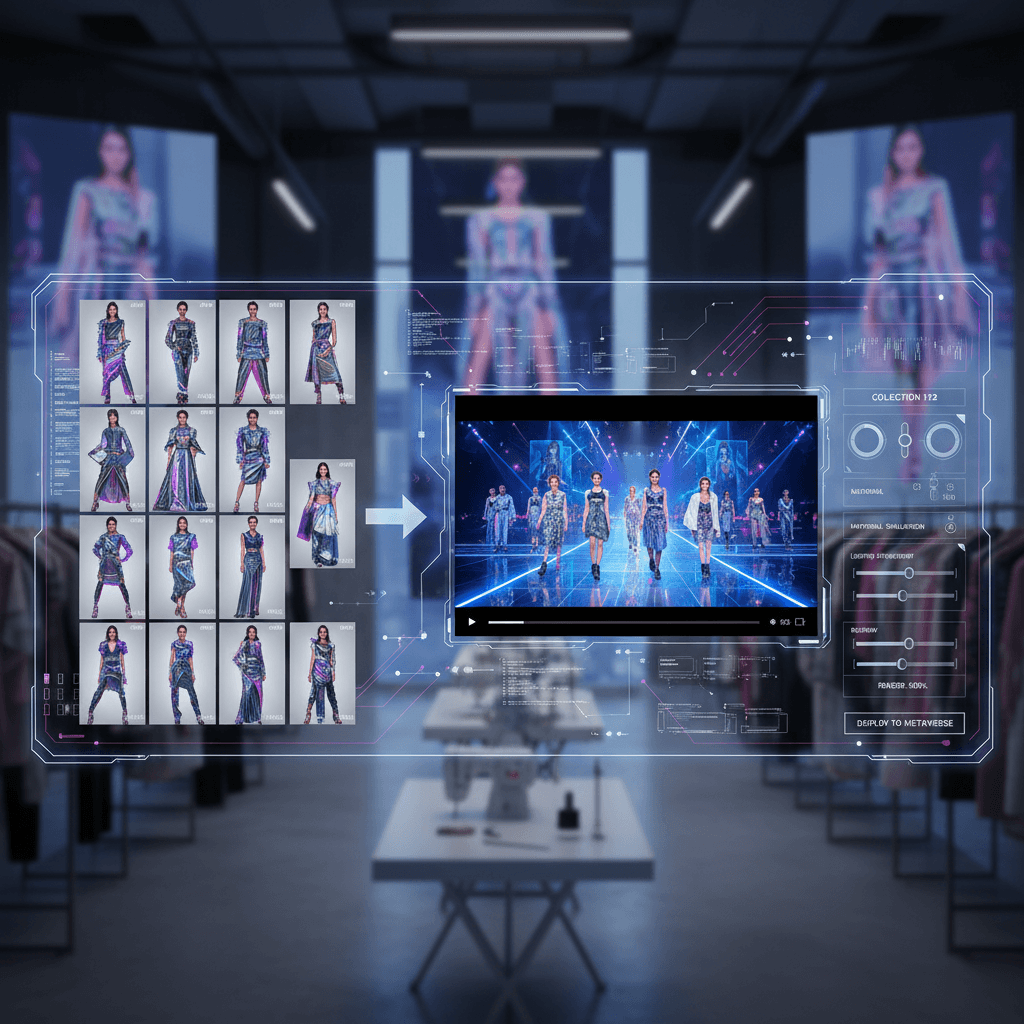
Fashion is the industry AI video was made for. Visual-first, style-obsessed, and constantly shipping new content — fashion brands and editorial teams burn through creative at a pace that traditional production can't sustain. Lookbook videos, especially, have been a budget black hole.
Seedance 2.0 Reference turns your existing lookbook photography into lookbook video at a fraction of traditional production cost, with style matching that actually works.
TL;DR
- Upload 5-9 lookbook photos as reference images
- Generate style-matched video in 60-180 seconds
- Cost: $3-$5 per clip vs $1,000+ per shot for traditional
- Works for editorial shoots, collection drops, and ecom video
- Full collection videos for $30-$80 total
- Try free with 50 credits
Why Fashion Has Been Waiting For This
Fashion teams produce more creative than almost any other sector. Every collection drop, every campaign, every editorial needs photos, videos, social assets, ecom assets, and ad creative. The math on traditional video production breaks down fast at this scale.
Early AI video tools didn't fit the workflow because they couldn't match photographic style. Fashion photography is defined by specific choices — lighting, lens character, color grading, styling direction. Generic text-to-video couldn't honor those choices, so the output never felt on-brand.
Reference mode is the first AI video approach that treats style as input. Upload the photoshoot, get matching video. That's the workflow fashion has wanted from day one.
The Lookbook-to-Video Workflow
Step 1: Gather your strongest lookbook photos. 5-9 images that represent the collection's visual direction. Mix hero shots and supporting frames.
Step 2: Add 1-2 "environment" images showing your shoot location or set dressing. This helps the model understand the full visual context.
Step 3: Write a simple movement prompt. The photos handle the look. Your prompt handles the action — usually something like "model turns toward camera" or "subtle movement of fabric in wind."
Step 4: Generate at 5-6 seconds. Fashion videos live in short runtime. 5 seconds is usually plenty.
Step 5: Iterate. First run is almost always a style test. Refine prompts, not references.
Prompt Templates for Fashion Video
Static hero with subtle motion:
Model stands in frame, subtle wind moving fabric of the garment,
camera holds steady, 5 seconds
Turning reveal:
Model slowly turns from back to front, studio lighting,
camera holds, 6 seconds
Walking look:
Model walks toward camera in a narrow hallway, medium shot,
natural light, 6 seconds
Detail close-up:
Close-up on the hem of the garment as it moves slightly,
soft light, 4 seconds
Editorial beat:
Model leans against a textured wall, looks away from camera,
moody side light, 5 seconds
All of these assume the references are doing the heavy lifting on color, lighting, and styling.
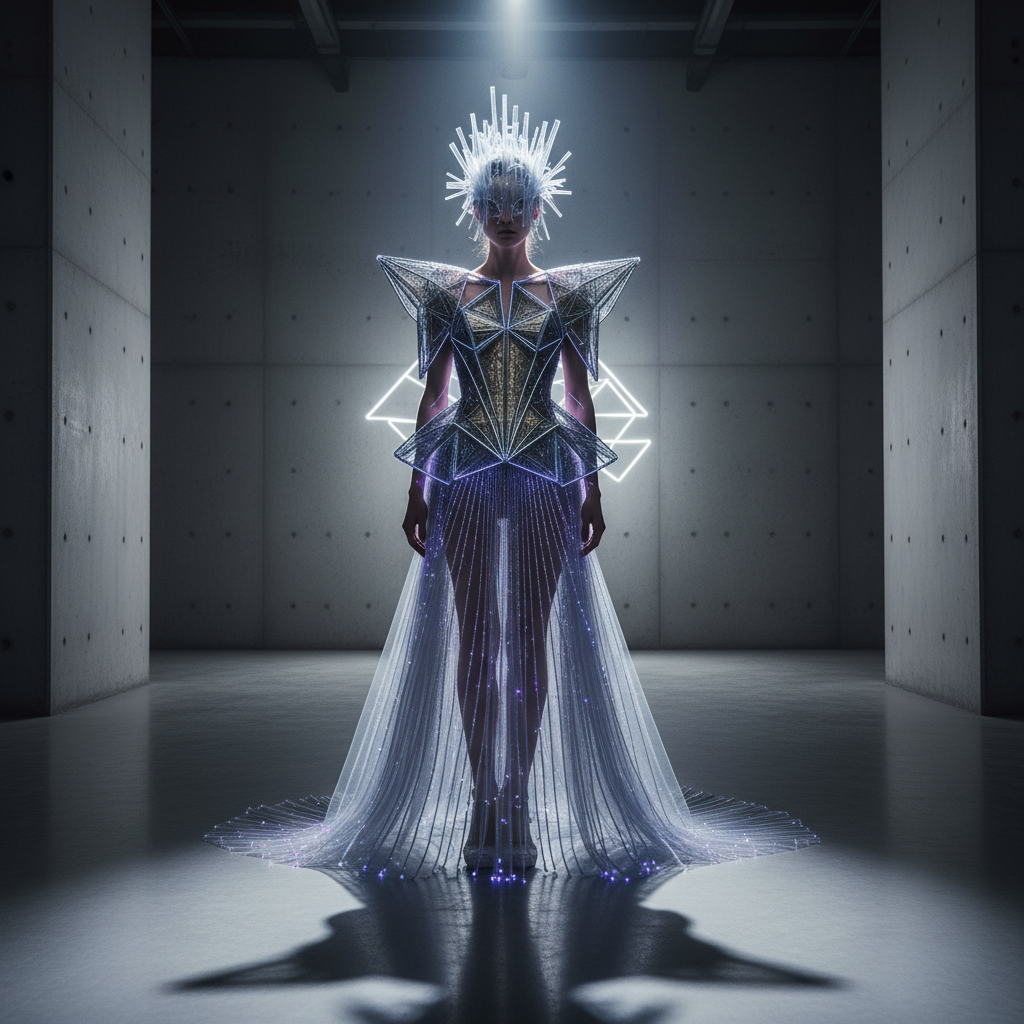
Upload your lookbook. See your photos come to life in under 3 minutes. Start free.
Collection-Wide Video Workflow
For a full collection drop with 20 looks, you don't need to rebuild references for each look.
Approach: Collection bundle + look-specific additions
- Collection bundle (5-6 images): Shared across all 20 looks. Establishes the overall lighting style, color grade, and atmosphere of the collection.
- Per-look additions (2-3 images): Specific photos of that look. Added to the collection bundle for the specific generation.
Total references per generation: 7-9. Output: 20 videos that all feel like one unified collection drop.
Cost for a 20-look collection:
- 20 videos × 5 seconds × 303 credits = 6,060 credits
- Total: ~$60
The entire collection video rollout for the price of a dinner.
Where Fashion Reference Video Shines
Ecom product pages. Turn every lookbook shot into a subtle-motion video for your product detail pages. Conversion lift + on-brand feel.
Social rollouts. Collection drops need dozens of social variants. Generate them from your lookbook without additional shoot days.
Editorial expansion. Shot a print editorial? Generate matching digital video versions for your website and social.
Ad creative variants. A/B test motion versions of your hero images without reshooting.
Behind-the-scenes feel. Use set photos as references to generate "BTS-style" video that matches the real shoot's aesthetic.
Try Seedance 2.0 Reference — multi-modal video generation
Lookbook videos from photos, in under 3 minutes per clip. 50 free credits, no card required.
Try Seedance 2.0 Reference FreeHandling Model Consistency
One of the trickiest parts of fashion AI video is keeping the model (the person) visually consistent across multiple shots. Reference mode helps but doesn't fully solve it.
What works:
- Using multiple photos of the same model as references produces "close enough" consistency for editorial and social
- Keeping the same reference bundle across a look's variations
- Short clips (4-6 sec) where facial features don't have time to drift significantly
What doesn't work (yet):
- Pixel-identical face matching across different generations
- Exact body proportions consistent across multiple shots
- Specific identity matching for named models
For fashion work where "same model, different shot" needs to be exact, plan to generate reaction shots, b-roll, and atmospheric cuts with AI, and shoot the hero "face" shots traditionally. The hybrid approach gets you the scale benefits of AI without the consistency limits.
Fabric, Texture, and Material Fidelity
Fabric is where AI video has historically struggled — fine texture, draped motion, and specific material behavior are genuinely hard. Seedance 2.0 Reference does better than most models, especially when your reference images include close-ups that show the fabric clearly.
Tips for fabric-heavy shoots:
- Include at least 1 close-up reference showing the fabric texture
- Use prompts that describe the fabric behavior ("silk moves gently," "structured wool holds shape")
- Keep motion subtle — aggressive movement is where fabric physics breaks down
- 4-5 second clips render fabric more reliably than 15-second clips
Lookbook Video Pricing for Fashion Teams
| Use Case | Clip Count | Total Duration | Credits | Cost | |---|---|---|---|---| | Single hero look | 3 clips | 15 sec | 909 | $9.09 | | Collection (10 looks) | 10 clips | 50 sec | 3,030 | $30.30 | | Full collection (20 looks) | 20 clips | 100 sec | 6,060 | $60.60 | | Season campaign | 40 clips | 200 sec | 12,120 | $121.20 |
The Popular $25 tier (2,750 credits) handles ~9 lookbook clips. The $50 Pro tier handles a full collection. The $100 Max tier covers a season campaign with room left over.
Editorial Team Workflow
Fashion editorial teams often operate on tight deadlines — same-day or next-day turnaround for social content tied to events, runway shows, or releases. Reference mode fits this rhythm because generation is minutes, not days.
Runway show workflow:
- Capture 9 key looks during the show
- Build a show bundle (+2-3 atmospheric shots of the venue)
- Generate 9 video clips the same evening
- Publish same-night across social channels
Under an hour of work for a full video rollout tied to the show. This is genuinely new territory — editorial teams couldn't do this before at any budget.
Common Fashion-Specific Mistakes
Using product-only photos without context. Include at least 1-2 lifestyle or environmental shots alongside product shots. The model needs context to know how to animate.
Over-describing styling in the prompt. Don't write "vintage, edgy, cool." Let the reference photos carry that message.
Ignoring the motion reference option. For specific runway walks or editorial poses, 1 video reference can lock down the movement style in ways prompts can't.
Fighting the model on face identity. Use reference mode for style, not for identical face rendering. If faces must match exactly, shoot traditionally.
Where to Go From Here
Start with a single lookbook test — 5-6 references from your strongest recent shoot, one simple motion prompt, 5-second output. Evaluate. If the style lands, build a collection bundle and scale to a full collection in a weekend.
For the underlying workflow, read the style-consistent tutorial. For broader e-commerce applications, see product launch videos. For the full feature set, the Seedance 2.0 Reference guide is the starter.
Fashion video production economics have changed. Your lookbook is now your video library, too.
Your lookbook → your video library
Upload 5-9 photos and generate your first lookbook video. 50 free credits, no card required.
Start Creating Free