Multi-Input AI Video Generation: Complete Guide
Multi-input AI video means feeding the model more than just text. Here's the complete guide to using images, video, and audio inputs in Seedance 2.0 Reference.
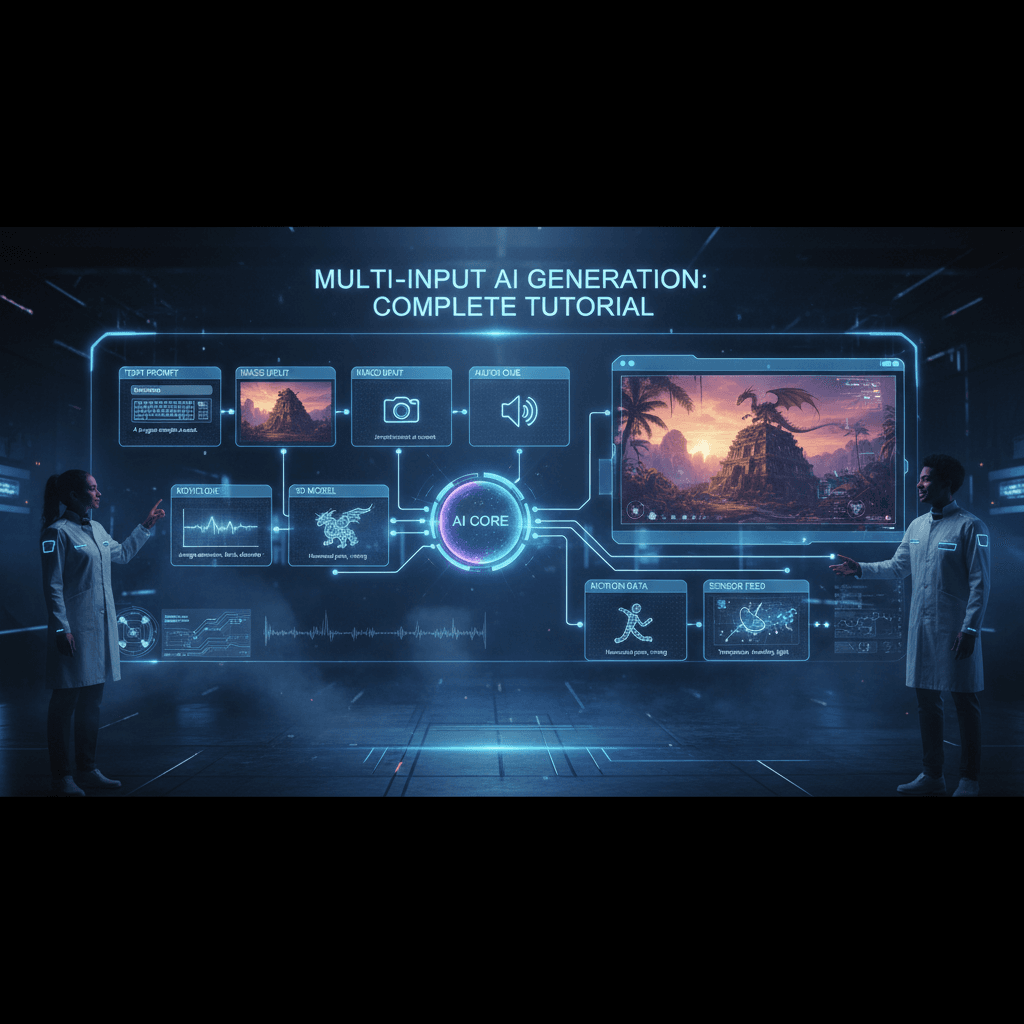
The next phase of AI video isn't better prompts — it's better inputs. For two years, the industry has optimized one lever: the text prompt. That lever is running out of room. The real breakthrough is in accepting richer inputs: images, video clips, audio, and combinations of all three.
Seedance 2.0 Reference is the most fully multi-input AI video model currently shipping, and this is the complete guide to using every input type together.
TL;DR
- Multi-input = text + up to 9 images + up to 3 video clips + up to 3 audio clips
- Each input type controls different output dimensions (style, motion, mood)
- All fused into a single generation at $0.3024/sec
- Generation time: 60-180 seconds regardless of input count
- The most effective workflow for precise AI video output
- Try the full multi-input stack free
Why Multi-Input Matters
Text is compressed visual information. When you write "moody, warm, cinematic," you're taking a rich visual concept and lossy-compressing it into seven syllables. The model has to re-expand those seven syllables back into visuals, and the re-expansion loses information.
Multi-input skips the compression step. Instead of describing your style in words, you show it directly. Instead of describing motion, you show it. Instead of describing mood, you show it. The model reads your inputs at full fidelity.
The result is output that hits intent more precisely, on the first generation, without as much prompt iteration.
The Four Input Types
1. Text prompt (required). The only thing text should do in a multi-input workflow: describe the subject and action. Leave style, mood, and motion to the other inputs.
2. Reference images (up to 9). Primary style input. Cover color, lighting, composition, grain, texture.
3. Reference videos (up to 3). Motion input. Capture camera moves, pacing, action rhythm.
4. Reference audio (up to 3). Mood input. Biases visual output emotionally, not through the output's actual audio track.
Together, these give you control over every dimension of the output without relying on text to do everything.
How the Fusion Works
Under the hood, Seedance 2.0 Reference processes each input type through dedicated encoders and fuses the results into a single conditioning signal. The text prompt goes through a text encoder; images go through an image encoder; video goes through a motion encoder; audio goes through an audio mood encoder.
The fused conditioning signal is then used to guide the video generation process. You don't see any of this — you just see inputs go in and video come out. But understanding the fusion helps you think about which inputs to weight more heavily.
Rough weight ordering:
- Text: strong influence on subject and action
- Images: strong influence on visual style
- Video: strong influence on motion
- Audio: subtle influence on visual mood
Missing an input type doesn't break the generation. It just leaves that dimension to default behavior, which is often fine for simpler work.

Run your first multi-input generation. Upload all three input types and see the precision. Start free.
A Complete Multi-Input Example
Here's a generation with every input type used.
Text prompt:
A woman in a leather jacket sits on a motorcycle in a neon-lit
alley at night, camera slowly pushes in, 8 seconds
Image references (7):
- 3 stills from Blade Runner (color, lighting)
- 2 cyberpunk photography shots (composition, grain)
- 1 motorcycle product shot (subject positioning)
- 1 hero frame (overall vibe target)
Video reference (1):
- 3-second clip of a slow dolly push toward a subject
Audio reference (1):
- 5-second clip of a synth drone with subtle rain
Result:
- Style: Heavily Blade Runner, locked in by the images
- Motion: Matches the dolly push reference precisely
- Mood: Subtle rain-soaked atmosphere from the audio cue
Total inputs: 7 images + 1 video + 1 audio + 1 prompt. Generation time: ~120 seconds. Output: exactly what I wanted on the first try.
Compare that to prompt-only workflows where it often takes 5-10 generations to approximate the intended look. Multi-input saves you iteration cost and matches intent more precisely.
When to Add Each Input Type
You don't always need all four. Here's when each adds value.
Text only: Never. You always need at least one reference type for Reference mode.
Text + images: Most common setup. Works for 70% of projects.
Text + images + video: When you need specific motion that's hard to describe.
Text + images + audio: When mood needs to shift beyond what images alone capture.
All four: When maximum precision matters — brand work, hero shots, final deliverables.
Start with text + images and add other inputs as you hit the limits of that setup.
Multi-Input Workflows for Different Use Cases
For brand videos: Text + 6-9 brand images + 1-2 motion references showing your signature camera style. Skip audio references unless you have a specific mood target.
For music videos: Text + 6-9 style images + 1 audio reference matching the song's mood. Video references optional.
For storyboards: Text + 4-6 concept art images + 1 motion reference per shot type. Skip audio.
For product launches: Text + 5-7 product photos + 1 lifestyle/brand motion reference. Skip audio unless the product has mood associations.
For editorial/fashion: Text + 6-9 lookbook photos + 1 walk/pose motion reference. Skip audio unless the shoot has an accompanying soundtrack.
Try Seedance 2.0 Reference — multi-modal video generation
Full multi-input control: images, video, and audio references in one call. 50 free credits, no card required.
Try Seedance 2.0 Reference FreeCost and Speed Considerations
Multi-input generations cost the same per second as single-input generations: $0.3024 per second of output. Adding reference types doesn't add cost.
| Duration | Credits | Cost | |---|---|---| | 4 sec | 243 | $2.42 | | 8 sec | 484 | $4.84 | | 15 sec | 907 | $9.07 |
Speed: Multi-input generations take slightly longer than text-only because the model is processing more input data. Expect 90-180 seconds for multi-input calls versus 60-120 for image-only calls. The extra wait is almost always worth the precision gain.
Common Multi-Input Mistakes
Contradicting inputs. If your images say "moody and slow" and your audio says "upbeat and fast," the fusion gets confused. Pick inputs that agree on mood.
Using video references for style. Video references influence motion only, not style. Don't pick them based on their visual look.
Over-loading audio. One or two audio references is usually enough. Three can dilute the mood signal.
Skipping the prompt. Even with strong references, you need a text prompt for subject and action. A blank prompt will produce generic content.
Changing inputs between clips in a series. If you're producing multiple clips that should feel related, use identical reference bundles across them.
Comparing Multi-Input to Single-Input
Here's a side-by-side comparison I ran with the same scenario.
Scenario: Short atmospheric clip of a rain-soaked city street at night.
Text-only attempt:
Atmospheric shot of a rain-soaked city street at night, neon reflections,
moody cinematic lighting, slow camera push, 5 seconds
Result: Decent but generic. Could be any noir-style AI clip. Got it on the 4th generation after iterating on prompt.
Multi-input attempt:
- Same prompt stripped of style language
- 6 Blade Runner stills
- 1 dolly push video reference
- 1 rainy synth audio reference
Result: Specific, locked-in, matched my intended vibe on the first try.
Time savings: ~8 minutes of iteration eliminated. Cost savings: 3 fewer generation attempts at ~$3 each = ~$9 saved.
Multiply that across a project with 20+ clips and multi-input workflows pay for themselves many times over.
Multi-Input vs Standard Seedance 2.0
Worth noting: standard Seedance 2.0 is a text-to-video / image-to-video workhorse. It's single-input. If you only need a prompt and one image, standard is faster to set up.
Multi-input with Seedance 2.0 Reference is for when precision matters more than setup speed. See the full Reference vs Standard comparison for the decision framework.
Input Preparation Tips
Images: 512px+ on short edge, JPG or PNG, ideally from a consistent style source.
Video: 2-5 seconds per clip, any aspect ratio, MP4 preferred.
Audio: 4-10 seconds per clip, MP3 or WAV, matching your target mood.
Don't over-engineer input prep. The model is pretty forgiving about resolution, format, and file size. What matters is content relevance, not technical perfection.
Building a Multi-Input Library
Power users build a personal library of reusable inputs:
- Style bundles for different genres/moods (noir, pastoral, epic, etc.)
- Motion clips for common camera moves (dolly in, handheld, static hold, etc.)
- Audio cues for emotional tones (melancholy, hopeful, tense, etc.)
With a library, starting a new project is a matter of combining existing inputs rather than sourcing everything fresh. You develop a "sound" — a recognizable style that carries across your work because your inputs are consistent.
Going Further
For a practical deep dive on the multi-modal combination, read multi-modal AI video. For the image-specific workflow, see the multi-image tutorial. For the big-picture feature breakdown, the Seedance 2.0 Reference complete guide is the right read.
Multi-input is how AI video becomes precise. Learn the workflow once and your generation quality jumps permanently.
Try the full multi-input stack
Upload images, video, and audio references in one generation. 50 free credits, no card required.
Start Creating Free