Seedance 2.0 Reference for Music Videos: Audio-Synced Generation
Music videos demand visual rhythm and style consistency. Here's how Seedance 2.0 Reference handles both with multi-modal input and native audio sync.
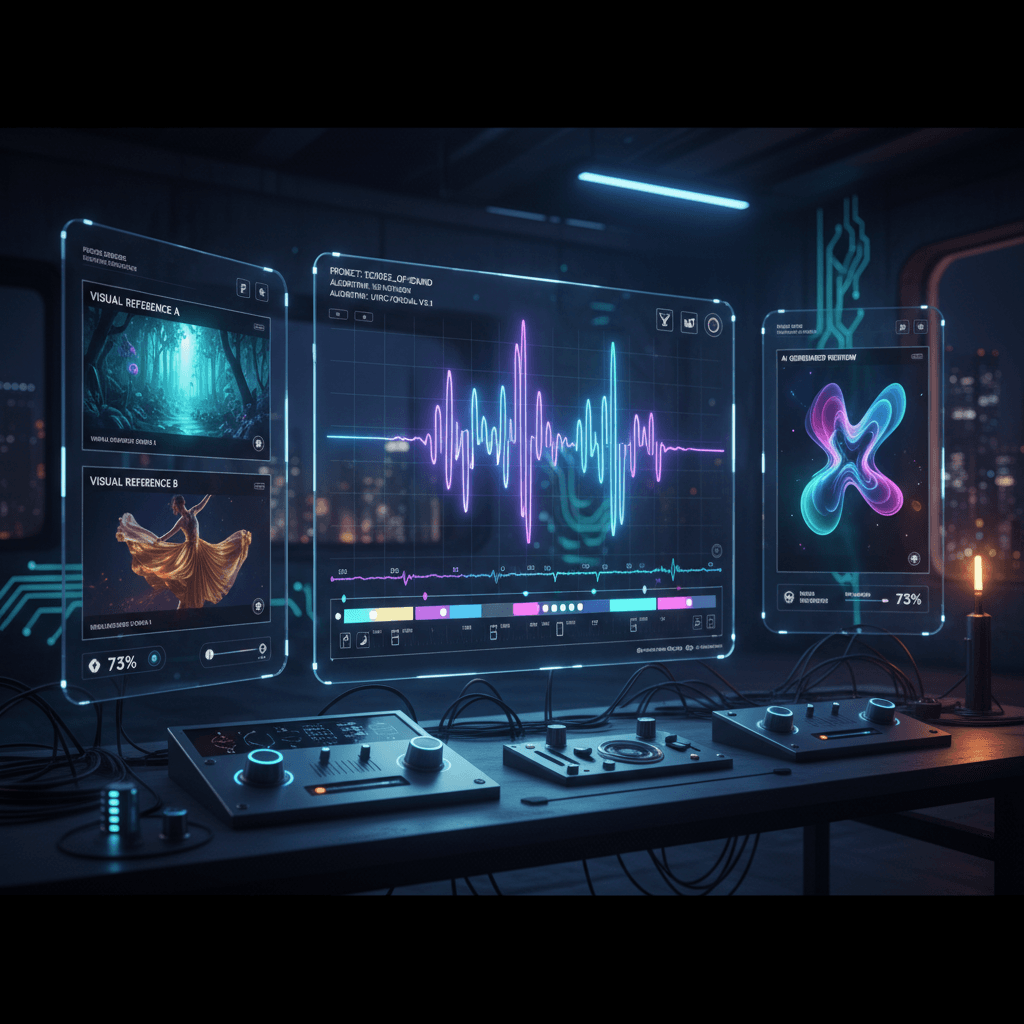
A music video lives or dies on two things: rhythm and vibe. Rhythm means visuals that move with the song. Vibe means a consistent aesthetic across every cut. AI video tools have historically failed both — drifting style and no real understanding of musical timing.
Seedance 2.0 Reference is the first AI video model that meaningfully addresses both, because you can feed it audio references alongside images and it treats musical mood as input.
TL;DR
- Use up to 3 audio references to bias visuals toward your song's mood
- 9 image references lock in a consistent visual style across cuts
- Generate 4-15 second clips at $0.3024/sec
- Works for full indie music video workflows at $50-$150 total
- Native audio sync handles ambient layer; you add the actual track in post
- Try free with 50 credits
Why AI Music Videos Have Been Hit and Miss
The hits are impressive. The misses are jarring. You've probably seen both. The core problem is that most tools treat music videos as a series of unrelated text-to-video calls stitched together. Style drifts. Motion doesn't match the song. Faces change between cuts.
The fix is making the tool aware of the song's vibe and locking style across cuts. That's exactly what Seedance 2.0 Reference does with its multi-modal input.
The Music Video Workflow
Step 1: Build a style bundle for the whole video. 6-8 images that represent your target aesthetic. Cover color, lighting, and composition. Re-use across every single cut.
Step 2: Pick an audio mood reference. Not the whole song — 4-6 seconds of a section that captures the dominant emotional tone. This becomes your audio reference input.
Step 3: Plan your cuts. Map out 8-20 clips at varied lengths (4-8 seconds each is typical for modern music videos). Write a prompt for each one describing the visual beat.
Step 4: Generate each clip with the same image bundle and same audio reference. Vary only the prompt.
Step 5: Edit to the song. Drop the clips into your editor and cut them to the actual song. Because the visuals share a consistent style and mood bias, they'll feel like a real music video instead of a slideshow of AI clips.
Sample Cut List
For a 2:30 indie track, a typical cut list might look like:
| # | Duration | Description | |---|---|---| | 1 | 5 sec | Establishing wide — urban skyline at night | | 2 | 4 sec | Close-up of performer's hands on guitar | | 3 | 6 sec | Medium shot walking through empty street | | 4 | 4 sec | Insert — rain on pavement, reflection | | 5 | 5 sec | Over-shoulder looking up at neon sign | | 6 | 8 sec | Hero shot — performer centered, slow push | | 7 | 4 sec | Quick detail — spinning record, dust | | 8 | 6 sec | Wide — performer silhouetted in doorway | | 9 | 5 sec | Close-up face in rain | | 10 | 10 sec | Closing hero — walking away from camera |
Total: 57 seconds. Cost at $0.3024/sec = ~$17.24. Well inside the Popular $25 tier.
Build your first music video cut list. Upload a style bundle and generate your first clips in minutes. Start free.
Prompt Templates for Music Video Shots
Establishing wide:
Wide shot of [location] at [time], [weather/atmosphere],
camera slowly drifts [direction], 5 seconds
Performance shot:
Medium shot of a [performer description] [performing action],
camera [holds/slow zoom], [lighting mood], 6 seconds
Insert/detail:
Extreme close-up of [object], [specific motion],
[lighting quality], 4 seconds
Hero moment:
[Subject] [hero action] in [location],
slow cinematic push-in, [emotional moment], 8 seconds
Fill in the brackets with your specific visuals. Remember: references handle style, prompts handle content.
Using Audio References for Tonal Matching
The audio reference input is where music video work gets interesting. You don't need to upload the whole song — in fact, shorter snippets work better.
Best practices:
- Use 4-6 second clips of the section whose tone represents the video
- If the song shifts dramatically (quiet verse, heavy chorus), generate different clip batches with different audio references
- For an introspective song, use an introspective audio cue (sparse piano, ambient drone)
- For a high-energy song, use a high-energy cue (driving drums, distorted guitar)
You can combine up to 3 audio references per generation. If your song has layered moods, use two contrasting references and the model will blend them.
Native Audio Sync and Why It Matters (Even for Music Videos)
Seedance 2.0 Reference generates a native ambient audio track with every video. For a music video you'll mute this and use the actual song, so why does it matter?
Because it affects the visuals. The model generates visuals that line up with an implied audio, which means the footage has internal rhythm. When you sync to your real song, the match feels tighter than cutting to silent clips.
Try generating the same prompt with and without audio references. The version with audio references will almost always cut cleaner in your edit.
Try Seedance 2.0 Reference — multi-modal video generation
Audio-biased AI video for music creators. 50 free credits, no card required.
Try Seedance 2.0 Reference FreeProduction Math: A Full Music Video
For a typical 3-minute indie music video at 30-40 individual clips:
| Clip Count | Avg Duration | Total Seconds | Credits | Cost | |---|---|---|---|---| | 20 clips | 5 sec | 100 | 6,050 | $60.50 | | 30 clips | 5 sec | 150 | 9,075 | $90.75 | | 40 clips | 6 sec | 240 | 14,520 | $145.20 |
At the upper end you'd want the $100 Max tier (12,000 credits) plus a small top-up. Compared to traditional music video production ($5,000-$50,000+), this is almost free.
The Limits of AI Music Videos
No lip sync. Reference mode can't match a performer's mouth to lyrics. For lip-synced performance shots you need OmniHuman v1.5 instead, which specializes in sync.
No original dialogue or vocals. The audio sync is ambient only.
Character consistency is loose. If your video features a recurring "hero" character, they won't look identical across every cut. Use references of that character to get "close enough" but don't expect identical.
15-second duration cap per clip. Longer takes aren't possible in a single generation. For longer shots, generate multiple 15-second clips with overlap and cut between them.
A Hybrid Workflow: AI + Traditional
The most interesting music video work right now combines AI-generated footage with selective live-action. You might shoot 3-5 real shots of your artist, then fill in 30 more atmospheric AI-generated cuts. The style bundle you use for the AI shots can include stills from your live footage, which keeps everything visually coherent.
This hybrid is currently the sweet spot for indie artists and small labels: spend a day shooting the essential performance shots, then use Seedance 2.0 Reference to produce all the b-roll, inserts, and atmospheric moments for the cost of a small credit pack.
Genre Considerations
Ambient / electronic: Multi-modal works extremely well. Abstract visuals are Reference mode's strongest area.
Indie / alternative: Great fit. Moody color grading and cinematic references are easy to gather.
Pop: Harder — pop videos demand tight lip sync and on-brand celebrity appearances. Use Reference for b-roll only.
Hip hop: Mixed. Works great for atmosphere and b-roll; performance shots still want real footage or OmniHuman for lip sync.
Metal / rock: Strong fit for atmosphere and performance environments. Less strong for performer close-ups.
Putting It All Together
A music video workflow that actually ships looks like this:
- Listen to the song and decide on visual direction (30 min)
- Gather 6-8 reference images + 1-2 audio references (30-60 min)
- Write cut list with 20-40 prompt lines (1-2 hours)
- Generate clips in batches (2-3 hours including review)
- Edit to song in your preferred NLE (4-6 hours)
Total: a full day's work for an entire music video. A year ago that would have been a week's work minimum, plus shoot days.
For more on multi-modal workflows, read our complete Reference guide and the multi-modal deep dive. For lip-synced performance shots, switch to OmniHuman v1.5.
Music videos are one of the best fits for Seedance 2.0 Reference. Start small with a test cut and build from there.
Make your first music video cut
Upload a style bundle and audio reference, generate your first clip. 50 free credits, no card required.
Start Creating Free