Seedance 2.0 Reference for Travel Content: Photos to Video Reels
Travel content creators have piles of photos and not enough video. Here's how to turn your travel photos into scroll-stopping video reels with Seedance 2.0 Reference.
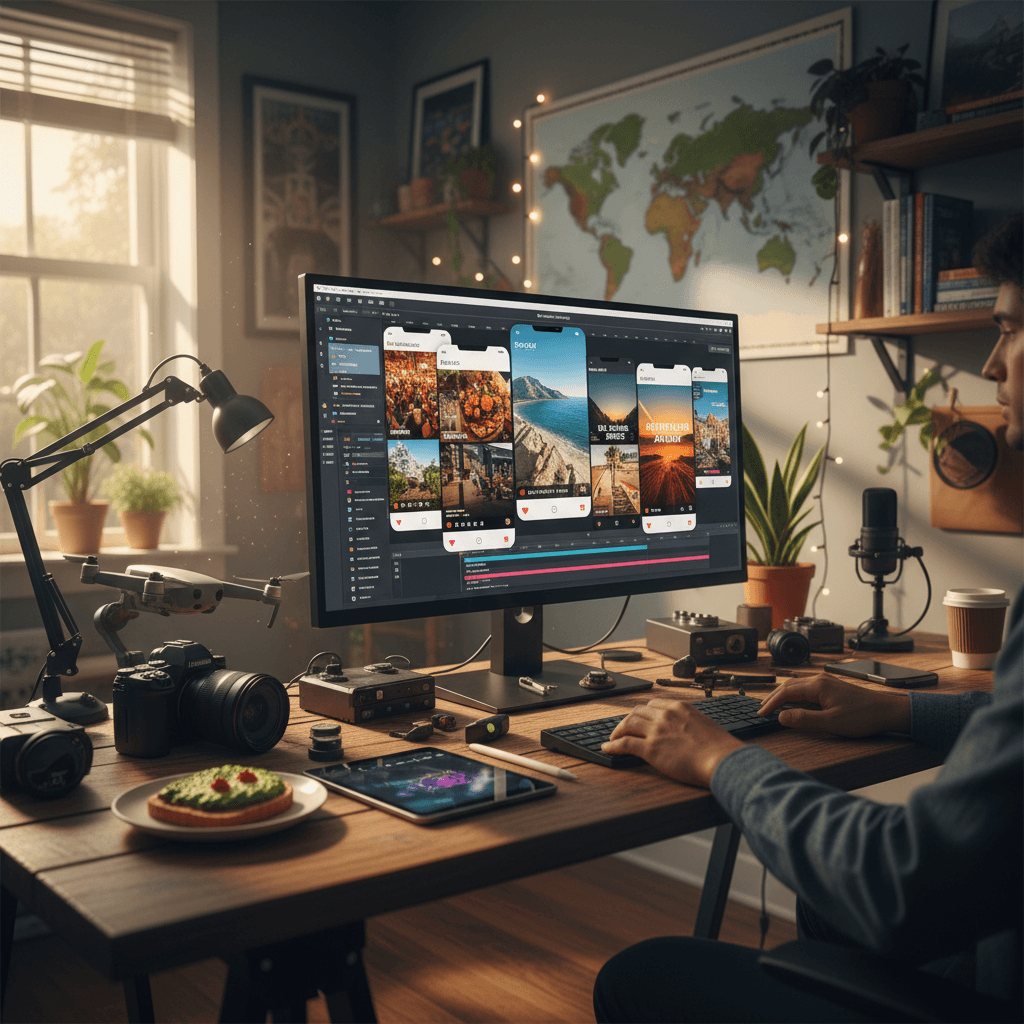
Every travel creator has the same problem: too many photos, not enough video. You come back from a trip with 1,500 photos and 12 minutes of shaky phone footage. The photos are gorgeous. The video is thin. Your feed needs video and you don't have enough to ship.
Seedance 2.0 Reference turns your travel photos into matching video clips. Not replacing your real footage — supplementing it with atmospheric cuts that share the exact visual language of your trip.
TL;DR
- Upload your travel photos as reference images (up to 9)
- Generate matching atmospheric video in 60-180 seconds
- Cost: $2-$5 per clip, fits any creator budget
- Works for Reels, Shorts, TikTok, and travel blog video
- Not a replacement for real footage — a supplement for b-roll and atmosphere
- Try it free with 50 credits
The Travel Creator's Dilemma
Travel content on social media demands video. Instagram Reels, TikTok, YouTube Shorts — all of them reward motion over stills. But travel is a photo-first activity for most creators. You're carrying a camera because you want to capture the place, and stills are faster and more reliable than video in the field.
Result: your Lightroom catalog has hundreds of edited photos and your video folder has a dozen shaky clips. You can't ship daily Reels from that imbalance.
Reference mode fixes the math. Your photos become the source material for video. The generated clips feel like they came from the same trip because they share the style of your actual photos.
The Travel Reel Workflow
Step 1: Edit your photos as normal. Your style — color grade, preset, tone — is what the AI will match.
Step 2: Pick 6-9 of your best photos from the trip. Include variety — wide shots, street scenes, food, environmental detail, one hero frame.
Step 3: Upload as references in Seedance 2.0 Reference.
Step 4: Write simple motion prompts describing subtle travel moments.
Step 5: Generate 4-8 second clips. Reels and TikToks live in short runtime.
Step 6: Mix generated clips with your real footage in a simple edit.
Prompt Templates for Travel Content
Environmental establishing:
Wide shot of a [location], camera slowly drifts right,
[time of day] light, 6 seconds
Street scene:
People move through a busy market street, medium shot,
natural light filtering through awnings, 5 seconds
Food shot:
Steam rises from a bowl of noodles on a wooden table,
close-up, warm ambient light, 4 seconds
Hero moment:
Traveler looks out over a vast landscape, back to camera,
golden hour, slow camera push-in, 8 seconds
Transit beat:
Train passes through a station platform, camera holds static,
blue hour light, 5 seconds
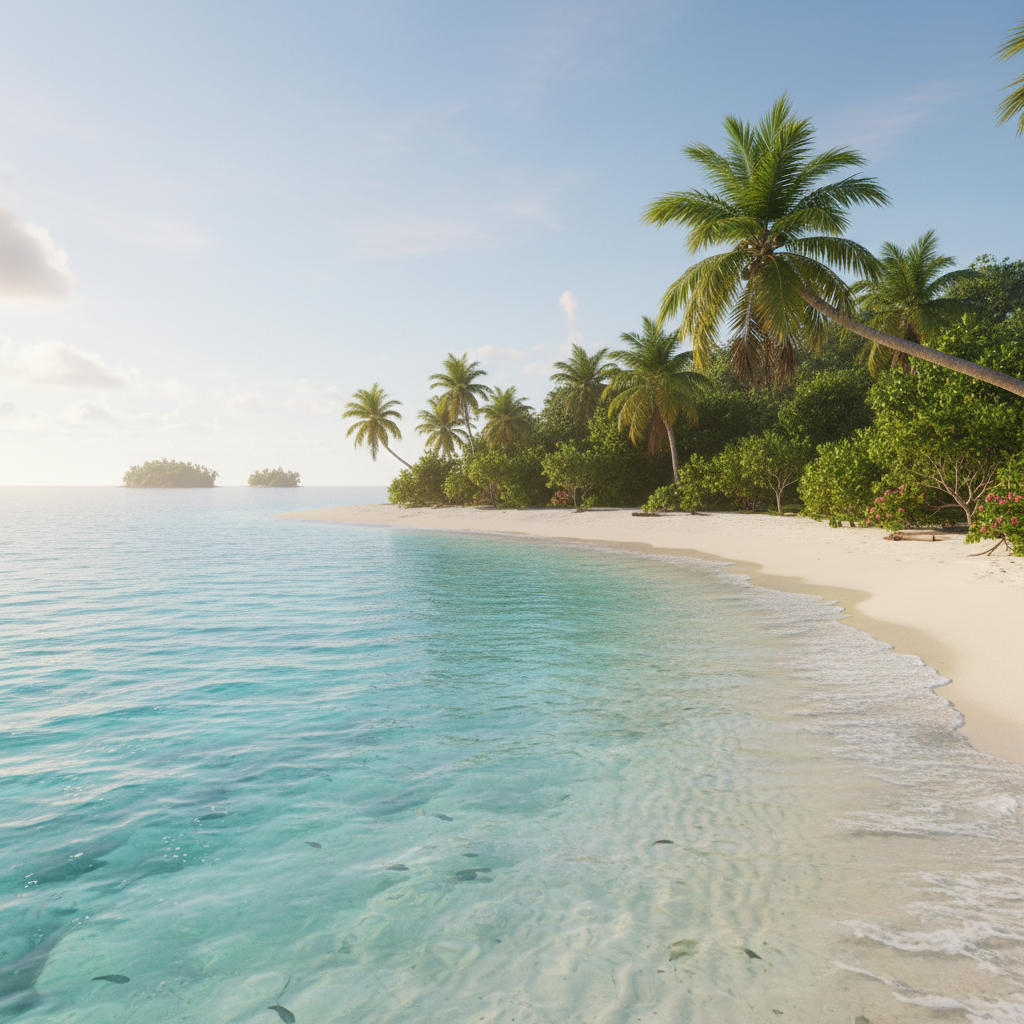
Upload your latest trip photos. Generate matching video clips in minutes. Start free with 50 credits.
The Hybrid Travel Reel
The strongest travel reels right now combine real footage with AI-generated cuts. Example 30-second Reel structure:
| Clip | Source | Purpose | |---|---|---| | 1 (3 sec) | Real phone shot | Opening hook — your real energy | | 2 (3 sec) | AI from photos | Atmospheric wide | | 3 (2 sec) | Real | Action beat | | 4 (3 sec) | AI | Mood detail | | 5 (2 sec) | Real | Self-shot moment | | 6 (3 sec) | AI | Environmental wide | | 7 (3 sec) | Real | Transition action | | 8 (4 sec) | AI | Hero atmospheric moment | | 9 (2 sec) | Real | Close-up detail | | 10 (3 sec) | AI | Closing shot | | 11 (2 sec) | Real | Outro |
Real clips anchor the reel in authenticity. AI clips fill the gaps with cinematic coverage you couldn't shoot. The blend feels intentional, not scattered.
Disclosing AI Content
Travel audiences are generally okay with AI-supplemented content as long as you're honest about what's real. Common approaches:
- Small caption note: "some cuts generated with AI from my photos"
- In-bio disclosure if you use AI frequently
- Tag AI-focused content appropriately when platform tags exist
This isn't about legal obligation — it's about trust with your audience. If they think everything is real footage and find out otherwise, that's worse than knowing upfront. If you're creating strictly atmospheric pieces that don't claim to document specific events, disclosure is simpler.
Cost for Ongoing Travel Content
Travel creators ship a lot. Let's math out a month.
Scenario: 15 Reels per month, each with ~4 AI-generated clips averaging 5 seconds.
- 15 × 4 × 303 credits = 18,180 credits
- Cost: ~$182
Most travel creators need one $100 Max tier (12,000 credits) plus a small top-up per month. That's about $200 in AI video costs for a full month of daily content — less than the cost of one traditional b-roll shooter-for-hire day.
For lighter creators shipping 5 Reels per month:
- 5 × 4 × 303 = 6,060 credits
- Cost: ~$60
The $50 Pro tier or a mix of Starter tiers covers it.
Try Seedance 2.0 Reference — multi-modal video generation
Travel photos, meet matching video. 50 free credits, no card required.
Try Seedance 2.0 Reference FreeLocation-Specific Bundles
For creators who return to favorite destinations, building location-specific reference bundles pays off.
Example: If you shoot Japan content regularly, build a "Japan bundle" with 9 photos that represent your specific Japan aesthetic — the warm tones you prefer, the compositions you favor, the way you shoot Kyoto vs Tokyo. Re-use that bundle for every Japan-themed Reel.
Over time you build a library:
- Japan bundle
- Italy bundle
- Iceland bundle
- Mexico bundle
Each bundle is your "style signature" for that region. New content ships fast because the reference work is already done.
Matching Your Personal Brand
The secret of good travel creators is visual consistency across trips. Viewers know your feed is yours before they see the caption. Reference mode helps maintain that consistency — the bundle captures your edit style and enforces it on generated content.
For personal brand purposes, your reference bundle might include:
- 3-4 photos from the current trip
- 2-3 "signature style" photos from your portfolio
- 1-2 shots of you (for scale-figure consistency)
The signature style photos anchor every new trip's content to your existing brand language. Trip-specific photos add the local flavor.
Common Travel Content Mistakes
Only using photos from the current trip. Include a few signature-style photos from your back catalog so the AI doesn't drift from your brand.
Using unedited photos. Reference mode matches your edit style. If your photos are unedited, the output will feel unfinished. Edit first, reference second.
Prompting for style in addition to references. Don't write "warm, golden hour, cinematic" if your references already show that. Keep prompts subject/action only.
Trying to match specific people. Reference mode won't reproduce you (or anyone) exactly. Use for atmospheric and b-roll content, not for self-face shots.
Vertical vs Horizontal
Travel content is vertical-dominant (Reels, TikTok, Shorts) but some creators still ship horizontal (YouTube long form, websites). Seedance 2.0 Reference supports:
- 9:16 vertical for Reels/Shorts/TikTok
- 16:9 horizontal for YouTube long form
- 1:1 square for legacy Instagram posts
Pick aspect ratio to match your delivery platform. No extra cost.
Workflow for a Post-Trip Dump
Came back from a trip and need to produce a week of content? Here's an efficient workflow:
Monday: Edit the best 30-50 photos in Lightroom (~2 hours) Tuesday: Build a trip-specific reference bundle (~30 min). Generate 20-30 AI video clips in batches (~2 hours including review) Wednesday-Friday: Shoot small real footage moments to mix with AI clips. Edit first 3 Reels. Weekend: Edit and schedule remaining 4 Reels for the week.
You ship 7 Reels from one trip without being on-location. The AI-generated cuts fill the b-roll gap that used to force creators to re-shoot.
Where To Go Next
For the foundational workflow, read the style-consistent tutorial. For photo-album-to-video workflows, see animating a photo album. For the full feature breakdown, the Seedance 2.0 Reference guide is the right read.
Travel content just became a lot easier to scale. Your photos are your video library, too.
Your trip photos → your next Reel
Upload 6-9 photos from your last trip and generate matching video clips. 50 free credits, no card required.
Start Creating Free