How to Create AI Video Series with Consistent Style
A video series needs to feel like a series, not like 10 random clips. Here's the Seedance 2.0 Reference workflow for shipping visually consistent series at scale.
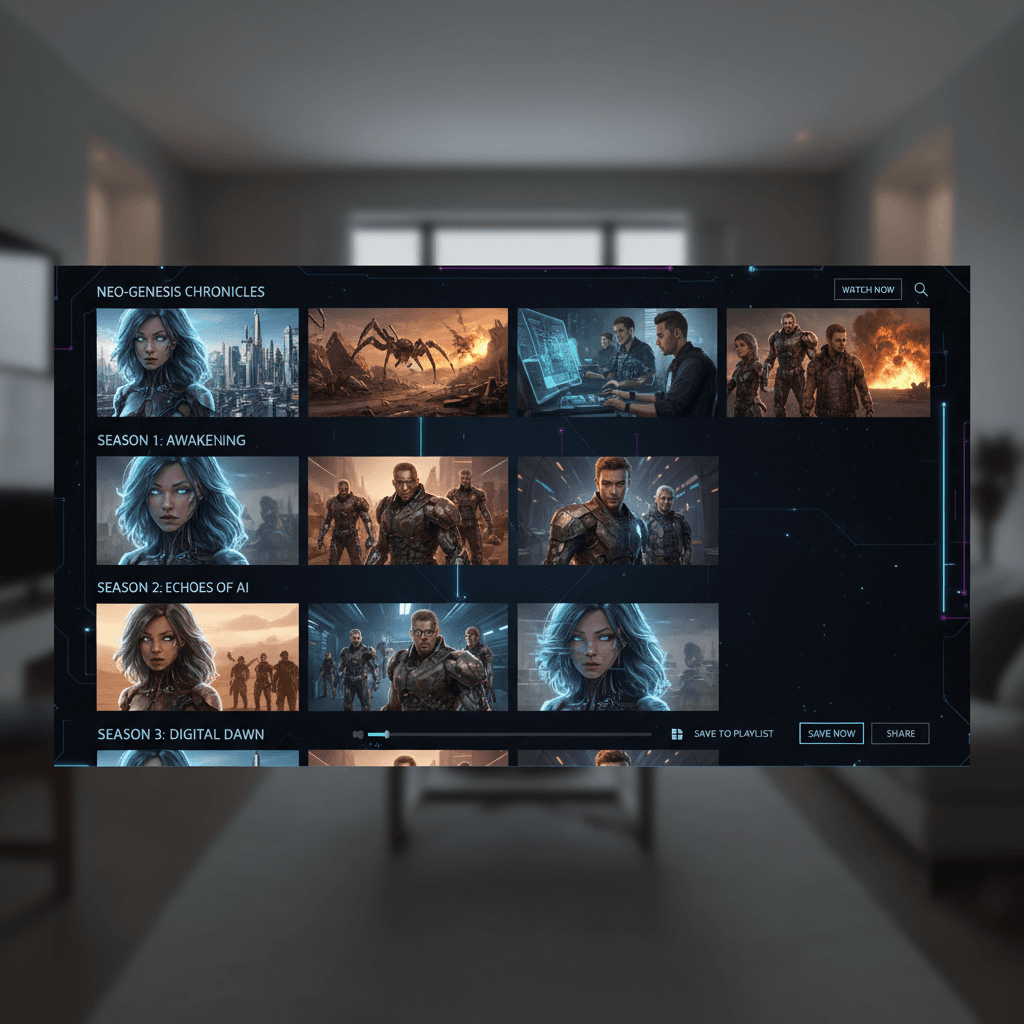
The hardest part of shipping an AI video series isn't making one clip — it's making ten that feel like siblings. Anyone can prompt their way to a single cool clip. Very few tools can give you a ten-pack that looks like it came from the same production team on the same shoot day.
Seedance 2.0 Reference is built for exactly this. Here's the workflow.
TL;DR
- Build one reference bundle per series (6-9 images) and lock it
- Re-use the exact same bundle for every clip in the series
- Vary only the prompts, not the references
- Budget $15-$60 for a 5-10 clip series at 5-8 seconds each
- Works for YouTube, TikTok, ad campaigns, and narrative projects
- Try it free with 50 credits
Why Series Consistency Is the Hardest Problem
Every AI video creator hits this wall. Your first clip is great. Your second clip, using the same prompt structure, looks similar enough. By clip five you're already editing around mismatches in color grade. By clip ten you have a pile of "close enough" shots that don't actually cut together.
The root cause: text-to-video models interpret prompts stochastically. Small prompt variations produce meaningfully different styles. Even identical prompts produce drift across runs.
Reference mode eliminates the interpretation gap. The same 9 reference images produce the same fused style vector every time. Lock the bundle and you've locked the style.
The Single Bundle Principle
Here's the one rule: never change your reference bundle mid-series.
Curate 6-9 images before you start generating. Save them. Use them on every single clip. Resist the urge to swap in a "better" image halfway through — every swap shifts the style vector and breaks consistency with previous clips.
If you find a better reference on clip 5, make a note to use it next series. Don't change the current series mid-flight.
Bundle Curation for Series Work
For a series, your bundle should cover all the visual territory you expect to shoot.
For a 5-clip series (narrow scope): 4-6 images covering your core style.
For a 20-clip series (broader scope): 7-9 images covering multiple facets — interiors and exteriors, wide shots and close-ups, day and night if applicable.
For a 50+ clip series (ongoing content channel): 9 images representing the broadest expression of your style, with room for the variety the series will need.
The tricky part is that bigger series need broader references, but broader references can dilute the style signal. You're balancing specificity against range. Usually 7-9 carefully chosen images hit the sweet spot for series work.
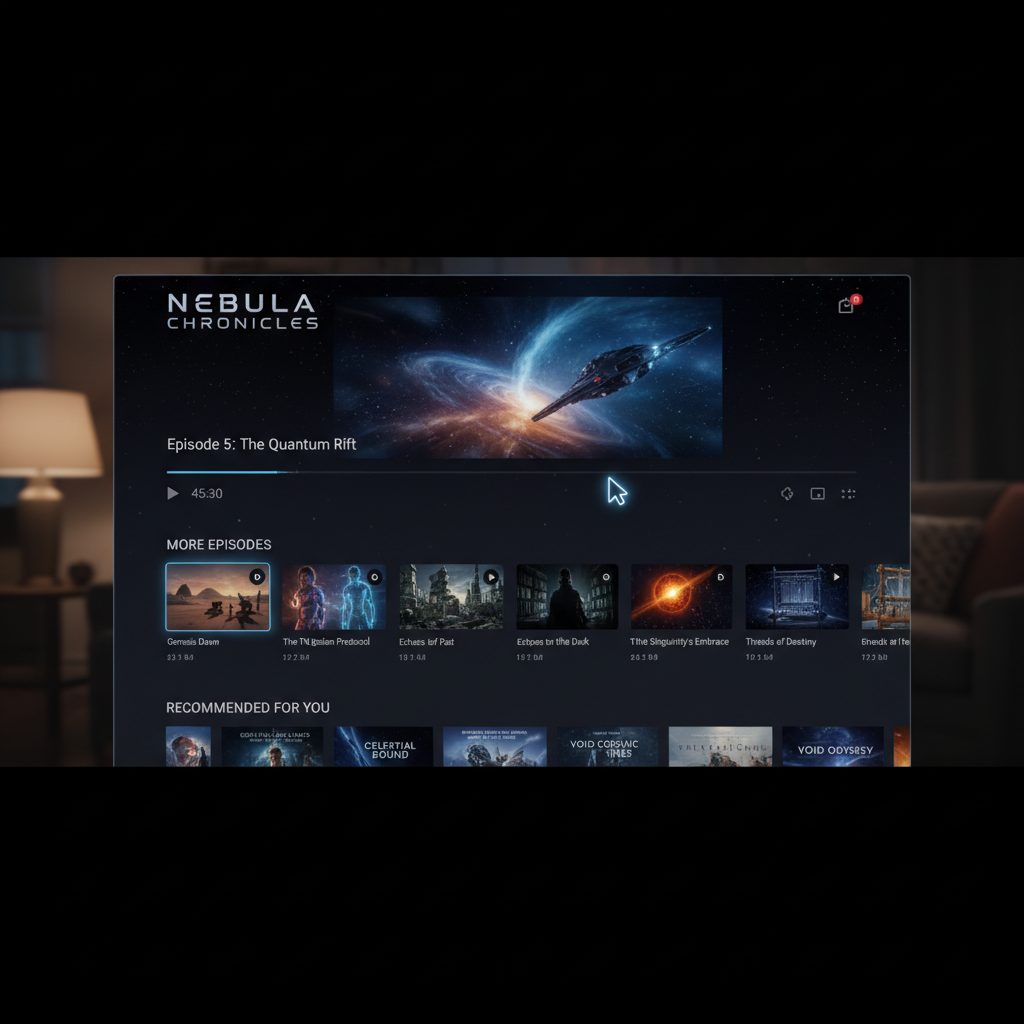
Start your first series. Build one bundle, use it on 10 clips, see the consistency. Start free with 50 credits.
A 10-Clip Series Walkthrough
Let's say you're shipping a 10-clip travel series: moody, cinematic, European cities at dusk.
Reference bundle (used for all 10 clips):
- Wide Paris rooftop shot at golden hour
- Narrow Rome alley with warm lamp light
- Venice canal at blue hour
- Cafe interior with window light
- Close-up of coffee cup with shallow depth of field
- Silhouette figure walking on a bridge
- Hand-held feel street shot
- Architectural detail close-up with grain
- One hero frame showing exact mood
10 prompts (vary content only, no style language):
Wide shot of Paris rooftops at sunset, camera holds steady, 5 secondsWoman walks across Charles Bridge in Prague, medium shot tracking, 6 secondsSteam rising from espresso cup on a marble counter, camera holds, 4 secondsTram passes through a narrow street in Lisbon, from pedestrian POV, 5 secondsHand pushes open wooden door to reveal warm cafe interior, 5 secondsSlow camera push across a Venetian canal at blue hour, 8 secondsClose-up of leather suitcase being set down, 4 secondsWide establishing shot of Barcelona rooftops, 6 secondsHand writing in a leather journal at a cafe table, 5 secondsSilhouette walks away from camera down a lamp-lit street, 8 seconds
Total runtime: 56 seconds. Credits: ~3,400. Cost: ~$34. Fits inside the $50 Pro tier with room left over.
The 10 clips will cut together like a real travel show.
Adding Motion Variety Across a Series
All 10 clips above use different prompts but the same references. To add more motion variety without breaking consistency, introduce up to 3 video references that stay constant too.
Example motion bundle (used alongside the image bundle):
- 1 handheld tracking reference
- 1 slow dolly push reference
- 1 static cinematic hold reference
Between the 3 motion references and 10 shot-specific prompts, you get natural motion variety while the series still feels unified.
Try Seedance 2.0 Reference — multi-modal video generation
Build one bundle, ship 10 matching clips. 50 free credits, no card required.
Try Seedance 2.0 Reference FreeHandling Series That Need Multiple "Looks"
Some series need distinct looks across episodes — different locations, day vs night, indoor vs outdoor. The question is whether to use one bundle or multiple.
Use one bundle when the "different looks" share a core aesthetic. A series that goes from daylight to night but keeps the same color grade philosophy can use one bundle with images showing both times of day.
Use multiple bundles when the looks are genuinely different. Episode 1 is sun-drenched comedy, Episode 2 is moody noir — those are different series in disguise. Use different bundles but keep a few shared "signature" images for continuity.
Scaling to 50+ Clips
For longer-form series (social channels, ongoing campaigns), the bundle becomes a production asset. Treat it like a style guide.
Best practices for long-running series:
- Lock the bundle in month 1 and don't touch it
- Document the bundle with notes on what each image contributes
- Version the bundle if you ever need a major style refresh (v1 → v2)
- Re-use across team members so multiple creators hit the same style
With a locked bundle, a team of 2-3 people can ship 100+ visually consistent clips per month without style drift.
Cost Math for Series at Scale
| Series Size | Avg Length | Cost | |---|---|---| | 5 clips | 5 sec | ~$15 | | 10 clips | 5 sec | ~$30 | | 20 clips | 8 sec | ~$97 | | 50 clips | 8 sec | ~$242 | | 100 clips | 6 sec | ~$181 |
The $100 Max tier (12,000 credits) covers roughly 40 clips at 8 seconds. For ongoing content channels, budget one tier per month of production.
Troubleshooting Series Drift
If your series clips start feeling mismatched:
Symptom: Color grade drifts. Your image bundle probably has a dominant reference that the model is under-weighting for some prompts. Add a second reference showing the same color to reinforce it.
Symptom: Random clips feel "too AI." The prompt is probably fighting the references with style language. Strip any style words from the prompt.
Symptom: Motion feels unrelated across clips. Add consistent motion references or be more specific about motion in prompts.
Symptom: Subject rendering varies wildly. Subject consistency across clips is genuinely hard — Reference mode helps style but doesn't guarantee identical characters. See our notes on character consistency limitations.
Series Use Cases Where This Shines
YouTube channels. Consistent intros, b-roll, atmospheric cuts with a locked brand aesthetic.
TikTok / Reels series. Multi-part posts where each clip needs to feel like a continuation of the last.
Ad campaign variants. A/B test creative variations with guaranteed brand consistency.
Episodic content. Multi-episode YouTube or streaming content where visual unity sells the show.
Portfolio work. Demo reels of your AI work that actually look coherent instead of scattershot.
Next Steps
Start with a 3-clip test series before committing to anything larger. If the consistency holds across 3 clips, it'll hold across 30. Scale from there.
For the foundational workflow, read the style-consistent tutorial. For brand-specific series, see brand videos. For the complete feature set, the Seedance 2.0 Reference guide is the right starter.
Series consistency is the killer app for Reference mode. Lock your bundle, vary your prompts, and watch your output start to feel like a production instead of a prompt experiment.
Ship your first consistent series
Build a single reference bundle and use it across 10 clips. 50 free credits, no card required.
Start Creating Free