How to Create AI Presentation Slides with Seedream 5.0 Lite
Create professional presentation slide graphics with Seedream 5.0 Lite — title slides, section dividers, concept visuals, and background images for PowerPoint, Google Slides, and Keynote.
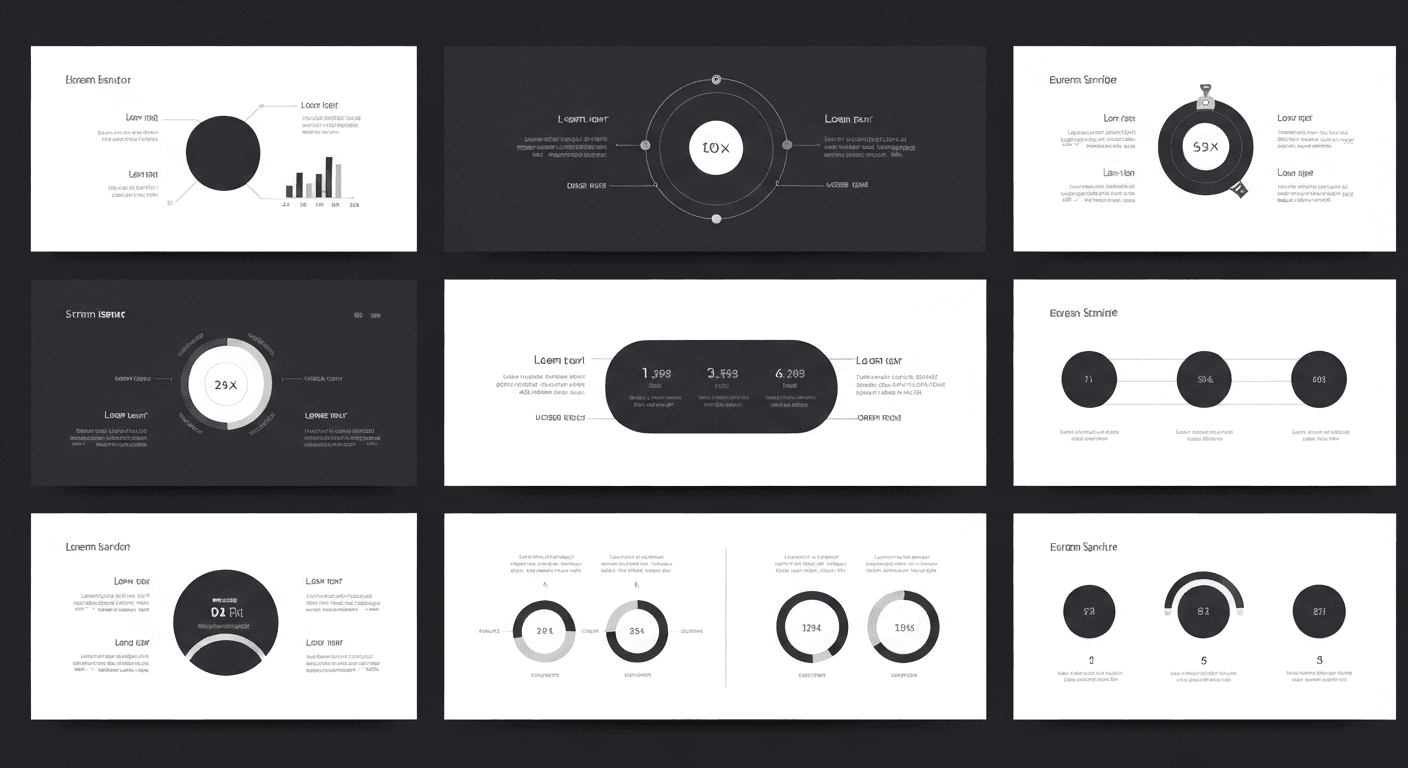
Presentations with strong visuals are 43% more persuasive. Yet most business decks are death by bullet points and recycled stock photos. A fully custom 20-slide deck built with Seedream 5.0 Lite costs $1.33 and takes 15 minutes — here's how to build one that actually holds attention.
TL;DR
- 43% more persuasive with strong visuals vs bullet-point decks
- $1.33 for a 20-slide visual set — full custom backgrounds and concepts
- 15-20 minutes vs 1.5-3 hours of stock photo hunting
- Text rendering for title slides with baked-in headlines
- Works with PowerPoint, Google Slides, Keynote, and Canva
Why Presentation Visuals Matter
A presentation with strong visuals is 43% more persuasive than one without. Yet most business presentations rely on bullet points, generic clip art, and recycled stock photos. The result: death by PowerPoint — slides audiences tune out within minutes.
The issue isn't that presenters don't value visuals. Creating custom visuals for every presentation takes time and design skills most professionals lack. Finding relevant stock photos takes 10-30 minutes per image, and they're usually a poor fit.
Seedream 5.0 Lite solves it by generating custom presentation graphics in seconds. Need a visual metaphor for "market disruption"? Describe it, have it in 10 seconds. Need consistent section dividers for a 50-slide deck? Generate them in 2 minutes. Full feature details in our complete guide.
See the text rendering yourself
The only AI model that gets text right. $0.07 per image, 50 free credits.
Try Seedream 5.0 Lite FreeSlide Graphics to Generate
| Slide Type | Purpose | Images Needed | Aspect Ratio | |---|---|---|---| | Title slide | First impression, set tone | 1 background | 16:9 | | Section divider | Transition between sections | 1 per section | 16:9 | | Concept visual | Illustrate an idea | 1-2 per concept | 16:9 or 1:1 | | Background image | Behind bullet points | 1 per text slide | 16:9 | | Icon/illustration | Support individual points | 1 per point | 1:1 | | Data visualization accent | Enhance charts | 1 per data slide | 16:9 | | Closing/CTA slide | End strong | 1 background | 16:9 |
Title Slide Creation
The title sets the tone for the entire presentation. Memorable, professional, relevant to your topic.
Corporate
Professional presentation title slide background,
[TOPIC-RELATED VISUAL CONCEPT], [CORPORATE_COLORS] color
palette, modern clean design, subtle and sophisticated,
large clear space for text overlay, 16:9 landscape
Creative
Creative presentation title slide, [BOLD_VISUAL_CONCEPT]
related to [TOPIC], vibrant [COLOR_PALETTE],
dynamic composition with energy, modern design aesthetic,
space for title text on [LEFT/RIGHT/CENTER], 16:9
Academic/Research
Academic presentation title slide background,
[RESEARCH_TOPIC_VISUAL], professional and scholarly,
clean muted color palette, institutional quality,
authoritative and trustworthy, space for text, 16:9
Title with Embedded Text
Presentation title slide, text "[PRESENTATION TITLE]" in
bold [FONT_STYLE] font, [TOPIC_VISUAL] in background,
[COLOR_PALETTE], professional quality, presenter name area
at bottom, 16:9 landscape
Seedream 5.0 Lite's text rendering means you can bake clean professional title text directly into slide backgrounds.
Section Dividers
Section dividers create breathing room between major topics.
Numbered Divider
Presentation section divider, large text "[SECTION NUMBER]"
in bold [COLOR], text "[SECTION TITLE]" below in clean font,
[SUBTLE_BACKGROUND], [CONSISTENT_COLORS],
professional transition slide, 16:9
Visual Metaphor Divider
Presentation section divider, [VISUAL_METAPHOR_FOR_SECTION]
as focal point, [COLOR_PALETTE], clean modern design,
space for section title text, smooth transition feel, 16:9
Consistent Set
For a cohesive deck, generate all dividers with the same prompt structure, only changing section number and title:
Presentation section divider, abstract [COLOR] gradient
background with subtle geometric elements, clean modern design,
space for section text, [CONSISTENT_STYLE], 16:9
Generate all 4-8 section dividers in one batch for visual consistency.
Concept and Idea Visualization
The most valuable use of AI presentation graphics — turning abstract concepts into visual representations.
The Template
Presentation visual for the concept of [CONCEPT],
[VISUAL_METAPHOR] illustration, [COLOR_PALETTE],
clean professional style, immediately understandable,
suitable for business presentation, 16:9
Real Examples
"Digital Transformation":
Presentation visual for digital transformation concept,
traditional industry elements morphing into digital/data streams,
blue and teal gradient, modern tech aesthetic,
professional quality, clear visual metaphor, 16:9
"Team Collaboration":
Presentation visual for teamwork concept, interconnected
puzzle pieces or gears working together, warm professional
color palette, collaborative energy, modern illustration
style, business context, 16:9
"Market Growth":
Presentation visual for market growth concept, upward trajectory
with expanding landscape, green and gold palette,
optimistic professional feel, abstract business visualization,
clean modern, 16:9
"Innovation Pipeline":
Presentation visual for innovation pipeline, ideas flowing
through stages from concept to product, blue gradient palette,
futuristic professional design, process visualization, 16:9

Want text this clean? Try Seedream 5.0 Lite free →
Background Images for Text Slides
Most slides have bullet points that need a visual background. The key: backgrounds that enhance without distracting.
Subtle Background
Subtle presentation slide background, [SOFT_VISUAL_ELEMENT],
[MUTED_COLORS], very soft and understated, large clear area
for text overlay, professional quality, should not compete
with text content, 16:9
Gradient
Smooth gradient presentation background, [COLOR_1] to [COLOR_2]
transition, clean and professional, subtle texture,
modern corporate aesthetic, ample space for text, 16:9
Themed
Presentation background with subtle [THEME] motif,
very soft opacity, [COLOR_PALETTE], professional and clean,
background should be subtle enough for white or dark text
overlay, 16:9
Do's and Don'ts
| Do | Don't | |---|---| | Keep backgrounds subtle and soft | Use busy high-contrast backgrounds | | Maintain consistent colors across slides | Change background style every slide | | Leave clear space for text | Let background compete with text | | Use soft focus or low opacity | Use sharp detailed images behind text |
Icons and Small Illustrations
Individual icons and illustrations enhance bullet points and data slides.
Single Icon
Simple presentation icon of [CONCEPT], flat design style,
[SINGLE_COLOR] on transparent/white background, minimal
and clean, professional icon quality, suitable for
presentation slides, square format
Consistent Icon Set
Presentation icon set piece, flat [COLOR] icon of [CONCEPT],
consistent line weight, [STYLE] design, matching aesthetic
with other icons in set, professional quality, square
Use the same color, style, and design keywords across all icons.
Matching Your Corporate Template
Extract Style From Existing Templates
- Note the color palette — extract hex codes
- Identify the style — modern, traditional, playful, technical
- Note font preferences — serif vs sans-serif, bold vs light
- Document the mood — professional, innovative, friendly
- Create a prompt prefix — combine all elements into a reusable prefix
Corporate Prompt Prefix
[COMPANY_NAME] corporate presentation style, colors [HEX_1]
and [HEX_2], [STYLE] design aesthetic, professional quality,
consistent with corporate brand guidelines,
Share this prefix across your team so everyone generates consistent visuals.
Batch Generating a Full Deck
20-Slide Presentation Workflow
| Slide Type | Count | Images Needed | |---|---|---| | Title slide | 1 | 1 | | Section dividers | 4 | 4 | | Concept visuals | 6 | 6 | | Text slide backgrounds | 7 | 3 (reuse) | | Closing slide | 1 | 1 | | Icon sets | 1 | 4 | | Total | 20 | 19 |
Credits: 19 × 7 = 133 credits ($1.33)
Generation Flow
| Step | Time | |---|---| | Write all 19 prompts from outline | 15 minutes | | Generate all images | 5 minutes | | Review and select | 5 minutes | | Insert into presentation tool | 10 minutes | | Adjust positioning and add text overlays | 15 minutes | | Total | 50 minutes |
A fully visual 20-slide deck in 50 minutes. Compare to 2-3 hours of stock photo hunting.
For infographic-style slides, see infographics guide. For education decks, see teachers guide.
A 20-slide visual deck for $1.33
Title text baked right into the slide. Skip stock photo hunting for good.
Build Your Next DeckPlatform-Specific Tips
PowerPoint
- Generate at 16:9 (1360x768) — PowerPoint's default
- Use PNG format for best quality
- Insert as background: right-click slide → Format Background → Picture
- Layer text boxes on top
Google Slides
- Same 16:9 aspect ratio
- Upload to Google Drive first for faster insertion
- Use "Change Background" for full-bleed backgrounds
- Slides compresses images — start high quality
Keynote
- Supports both 16:9 and 4:3
- "Magic Move" transitions work well with consistent backgrounds
- Use "instant alpha" to remove backgrounds from icons
Canva Presentations
- Direct upload and easy positioning
- Generate at exact Canva presentation dimensions
- Combine AI visuals with Canva's text and layout tools
Cost and Time Savings
Per-Presentation Cost
| Size | Images | Credits | Cost | |---|---|---|---| | Short (10 slides) | 8-10 | 56-70 | $0.56-$0.70 | | Standard (20 slides) | 15-20 | 105-140 | $1.05-$1.40 | | Long (40 slides) | 25-35 | 175-245 | $1.75-$2.45 | | Conference keynote (60+ slides) | 40-50 | 280-350 | $2.80-$3.50 |
Time Savings
| Task | Traditional | Seedream 5.0 Lite | |---|---|---| | Find/create title image | 15-30 min | 30 seconds | | Find/create section dividers | 20-40 min | 2 minutes | | Find/create concept visuals | 30-60 min | 5 minutes | | Create consistent backgrounds | 20-40 min | 3 minutes | | Total per 20-slide deck | 1.5-3 hours | 15-20 minutes |
Annual Savings for Frequent Presenters
Professional creating 2 presentations/month:
- Time saved: 3-5 hours/month (36-60 hours/year)
- Direct cost: ~$3/month ($36/year)
- Stock photo cost eliminated: $100-500/year
Presentation visuals should enhance your message, not consume your prep time. Seedream 5.0 Lite makes fully custom visually compelling decks possible in minutes for about a dollar.
Build your next deck → — 50 free credits. 20-slide visual set for $1.33.