Seedream 5.0 Lite for Teachers: Educational Visual Materials
How teachers can use Seedream 5.0 Lite to create educational visuals — worksheets, flashcards, presentation graphics, classroom posters, and learning materials with AI.
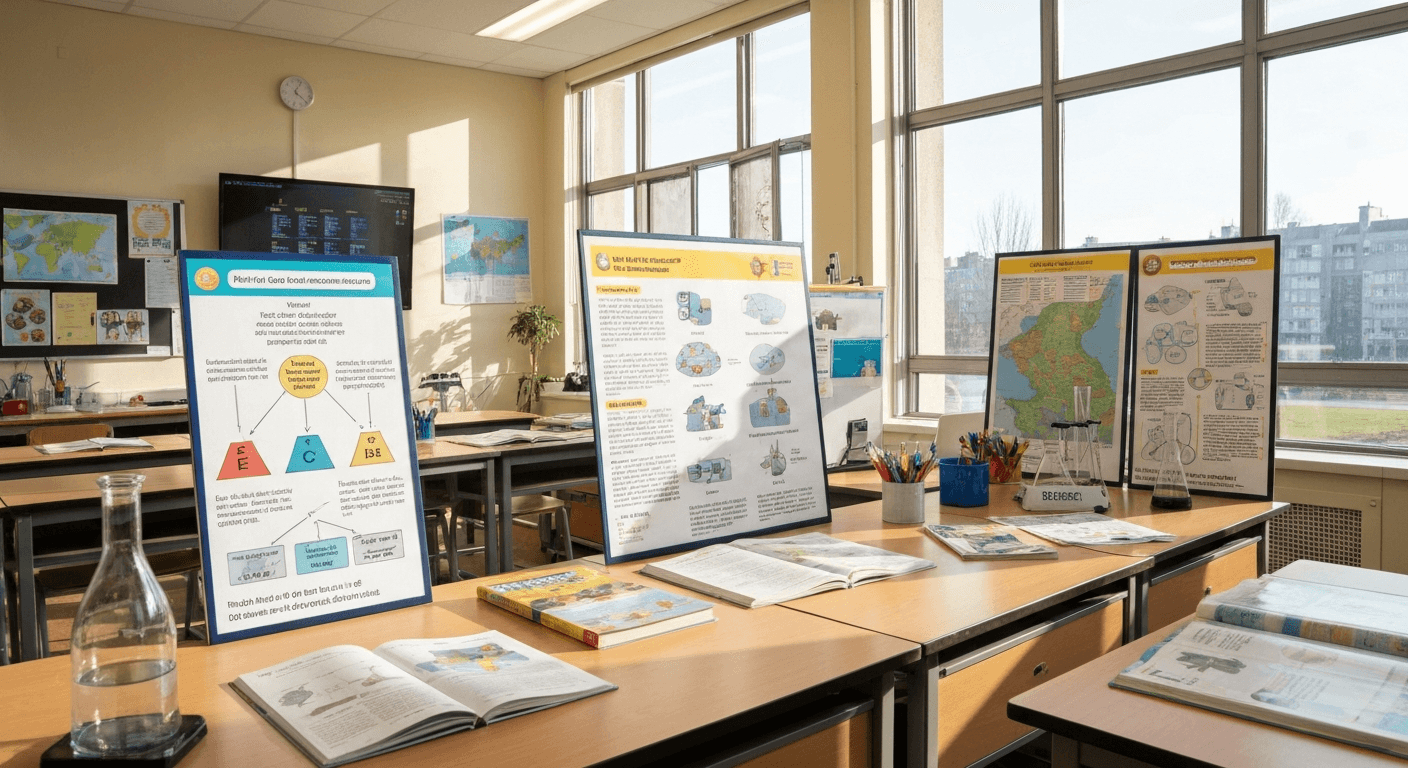
Students retain 65% of visual information vs 10% from text alone. Yet most teachers spend hours hunting for clip art that looks like it's from 1998. Seedream 5.0 Lite gives teachers professional custom visuals in 10 seconds each — an entire semester of materials for under $10.
TL;DR
- 65% retention with visual materials vs 10% text-only
- $10 covers a full semester of custom classroom visuals (150 images)
- Text rendering for labels, vocabulary words, and instructions
- Age-appropriate style via prompt modifiers — K-5 through 12
- Faster than searching clip art at 10 seconds per image
The Visual Learning Gap
Research is clear: visual materials improve comprehension and retention. Students retain 65% of visual information compared to just 10% of text after three days. Yet most teachers spend hours hunting for appropriate images or settle for clip art that looks dated.
The gap between what visuals could do and what teachers can practically create is a resource problem. No time, no design skills, no budget for custom visuals on every lesson.
Seedream 5.0 Lite bridges that gap. Professional visual creation in every teacher's hands. 10 seconds per image, $0.07 per generation — faster than searching clip art, cheaper than a classroom supply run. Full feature overview in our complete guide.
See the text rendering yourself
The only AI model that gets text right. $0.07 per image, 50 free credits.
Try Seedream 5.0 Lite FreeWhy It Fits the Classroom
Text Rendering for Labels
Educational materials need readable text — vocabulary words, labels, instructions, headings. Seedream 5.0 Lite renders text accurately, so you generate complete visuals with all text elements included.
Deep Thinking for Accurate Depictions
When science needs an accurate plant cell or history needs ancient Rome, deep thinking mode reasons about content to produce factually appropriate visuals.
Style Versatility for Ages
Young learners need friendly colorful illustrations. High schoolers need realistic or stylized imagery. Style transfer lets the same teacher generate age-appropriate visuals for different class levels.
Rapid Creation for Daily Lessons
Teachers often prepare the night before class. 10 seconds per image means a full lesson's visuals in minutes, not hours.
Classroom Poster Generation
Classroom posters reinforce concepts, display rules, and create an engaging learning environment.
Rules and Expectations
Classroom poster, text "[RULE]" in large friendly bold font,
colorful [ILLUSTRATION] showing the rule in action,
bright cheerful color palette, elementary school style,
engaging and clear, portrait orientation
Examples:
- "BE KIND TO OTHERS" with children helping each other
- "RAISE YOUR HAND" with a student raising their hand
- "LISTEN CAREFULLY" with attentive students
Subject Area Posters
Math:
Educational math poster for classroom, text "MULTIPLICATION TABLE"
in bold colorful font, visually organized grid layout,
bright primary colors, kid-friendly design,
educational and eye-catching, portrait
Science:
Educational science poster, labeled diagram of [CONCEPT],
text labels pointing to each part, clear scientific
illustration style, educational color scheme,
accurate and informative, portrait
Reading:
Classroom reading poster, text "READ EVERY DAY" in playful
bold font, [CHILD READING] illustration, surrounded by books,
warm inviting colors, encouraging and friendly, portrait
Motivational
Classroom motivational poster, text "[MOTIVATIONAL PHRASE]"
in inspiring bold font, [UPLIFTING_ILLUSTRATION],
bright positive color palette, encouraging atmosphere,
suitable for [GRADE_LEVEL], portrait orientation
Flashcards and Vocabulary
Visual flashcards dramatically improve retention.
Vocabulary Flashcard
Educational flashcard, clear illustration of [WORD/CONCEPT],
text "[WORD]" in bold font at bottom, simple clean background,
[AGE-APPROPRIATE STYLE], learning material quality,
square format
Language Learning
Language learning flashcard, illustration of [OBJECT/ACTION],
text "[WORD IN TARGET LANGUAGE]" in bold font at top,
text "[TRANSLATION]" in smaller font at bottom,
clean educational design, bilingual flashcard style, square
Science Vocabulary
Science vocabulary flashcard, accurate illustration of
[SCIENTIFIC CONCEPT], text "[TERM]" in bold at top,
brief visual representation of the concept,
educational scientific style, clean and clear, square
Batch Flashcard Sets
Generate a complete vocabulary unit:
- List all vocabulary words
- Write prompt for each using templates
- Generate all cards in one batch (140-210 credits, $1.40-$2.10)
- Print or display digitally

Want text this clean? Try Seedream 5.0 Lite free →
Worksheet Illustrations
Custom illustrations that match specific content — no more generic clip art.
Math Story Problems
Worksheet illustration for math story problem, [SCENE_DESCRIPTION]
showing [NUMBER] [OBJECTS], simple clean drawing style,
black and white line art suitable for printing,
educational worksheet quality, square
Science Diagrams
Educational science diagram of [CONCEPT], labeled parts with
text "[LABEL 1]", "[LABEL 2]", "[LABEL 3]", clear arrows
pointing to each part, clean scientific illustration,
suitable for worksheet, educational style, square
History/Social Studies
Historical illustration of [EVENT/SCENE], educational depiction
suitable for [GRADE LEVEL], [ART STYLE], historically
appropriate details, educational quality,
clear and informative, landscape
Geography
Educational geography illustration of [GEOGRAPHIC FEATURE],
labeled with text "[LABELS]", clear and accurate depiction,
educational map/illustration style, suitable for classroom,
informative, landscape
Presentation Slide Graphics
See our presentations guide for detailed techniques.
Lesson Title
Presentation title slide graphic, text "[LESSON TITLE]" in
bold [FONT], [SUBJECT-RELATED VISUAL] background,
[COLOR_PALETTE], clean professional educational design, 16:9
Concept Illustration
Presentation illustration of [CONCEPT], clear visual explanation,
[STYLE] design, [COLOR_PALETTE], educational quality,
suitable for classroom presentation, 16:9
Discussion Question
Classroom presentation slide, text "THINK ABOUT IT:" in bold,
text "[QUESTION]" below in clear font,
[THOUGHT-PROVOKING VISUAL], engaging color scheme,
educational presentation style, 16:9
Subject-Specific Materials
Mathematics
| Material | Focus | |---|---| | Number line visuals | Labeled number lines with marked points | | Geometry shapes | Labeled shapes and properties | | Fraction visuals | Pie charts, bars, visual representations | | Word problem scenes | Illustrated scenarios | | Graph examples | Sample graphs with labeled axes |
Science
| Material | Focus | |---|---| | Cell diagrams | Labeled plant/animal cells | | Ecosystem scenes | Habitats with labeled organisms | | Chemical processes | Visual representation of reactions | | Solar system | Labeled planets | | Weather | Cloud types, water cycle |
Language Arts
| Material | Focus | |---|---| | Story scene illustrations | Scenes from assignments | | Character visuals | Character descriptions | | Grammar posters | Parts of speech with examples | | Writing process charts | Visual workflows | | Genre posters | Genre characteristics |
Social Studies/History
| Material | Focus | |---|---| | Historical scene recreations | Important historical moments | | Map illustrations | Simplified geographic/political maps | | Cultural visuals | Cultural practices and traditions | | Government diagrams | Government structure visuals | | Timeline graphics | Historical period illustrations |
Age-Appropriate Content
Different ages respond to different styles.
Elementary (K-5)
Prompt modifier: "friendly cartoon style, bright primary colors,
simple and cheerful, age-appropriate for young children,
cute and engaging"
Characteristics: rounded shapes, bright colors, friendly characters, simple compositions, large text.
Middle School (6-8)
Prompt modifier: "clean modern illustration style, appealing
color palette, age-appropriate for tweens, engaging without
being childish, educational yet cool"
Characteristics: slightly more sophisticated, cooler palettes, more detail.
High School (9-12)
Prompt modifier: "professional educational style, mature
color palette, realistic or stylized illustration,
appropriate for young adults, informative and engaging"
Characteristics: realistic or semi-realistic, sophisticated colors, detailed imagery.
Batch Creating a Semester
The Workflow
- Map your curriculum — list all units and key topics (1 hour)
- Identify visual needs — 2-5 images per unit (30 minutes)
- Write prompts — using templates (1-2 hours)
- Generate — batch sessions (30-60 minutes)
- Organize by unit — file and label (30 minutes)
Volume and Cost
| Semester Length | Units | Images/Unit | Total | Credits | Cost | |---|---|---|---|---|---| | 10 weeks | 5 | 10 | 50 | 350 | $3.50 | | 15 weeks | 8 | 10 | 80 | 560 | $5.60 | | 18 weeks | 9 | 15 | 135 | 945 | $9.45 |
An entire semester of custom educational visuals for under $10 — less than one textbook illustration license.
Related: infographics guide for info-graphic classroom materials.
A semester of visuals for under $10
Vocabulary labels and diagrams with readable text. Faster than searching clip art.
Start Free With 50 CreditsCost for Educators
Teacher-Friendly Pricing
| Need | Images | Credits | Cost | |---|---|---|---| | Single lesson | 3-5 | 21-35 | $0.21-$0.35 | | Weekly materials | 10-15 | 70-105 | $0.70-$1.05 | | Monthly materials | 40-60 | 280-420 | $2.80-$4.20 | | Full semester | 80-135 | 560-945 | $5.60-$9.45 |
Free Start
New teachers get 50 free credits at signup — enough for 7 test generations before spending anything.
Recommended Tier
The $10 Starter tier (1,050 credits = 150 images) covers most teachers for an entire semester with credits to spare.
Alternatives Comparison
| Resource | Annual Cost | Unique Content | |---|---|---| | Clip art subscription | $60-120 | No | | Stock education images | $100-300 | No | | Custom illustration | $500-2,000 | Yes | | Seedream 5.0 Lite | $10-20 | Yes |
Tips for Classroom Use
Do
- Match visuals to learning objectives — every image should serve a pedagogical purpose
- Use consistent style within a unit — maintain visual coherence
- Generate options — create 2-3 versions, pick the most effective
- Involve students — let older students suggest prompts
- Save and reuse — build a library organized by subject and unit
Don't
- Use AI images without review — always check accuracy, especially science and history
- Rely solely on AI for diagrams — use AI for concepts, traditional tools for precise technical diagrams
- Forget accessibility — add alt text descriptions for digital materials
- Generate inappropriate content — keep prompts focused on education
- Overwhelm with visuals — quality and relevance over quantity
AI Literacy Opportunity
Using AI image generation is also an opportunity to teach AI literacy:
- Discuss how AI generates images
- Compare AI-generated images to photographs
- Talk about accuracy and bias in AI-generated content
- Have students evaluate AI images critically
Seedream 5.0 Lite puts professional visual creation in every teacher's toolkit. Whether you teach kindergarten or high school, text rendering, style versatility, and affordable pricing make it the most practical tool for educational visual content.
Generate your first classroom visuals → — 50 free credits. A semester of materials for under $10.