How to Create AI Art with Seedream v3 — Styles & Techniques
Explore artistic styles and techniques for creating AI art with Seedream v3. From oil paintings to vector illustrations, learn how to generate stunning artwork with effective prompting and settings.
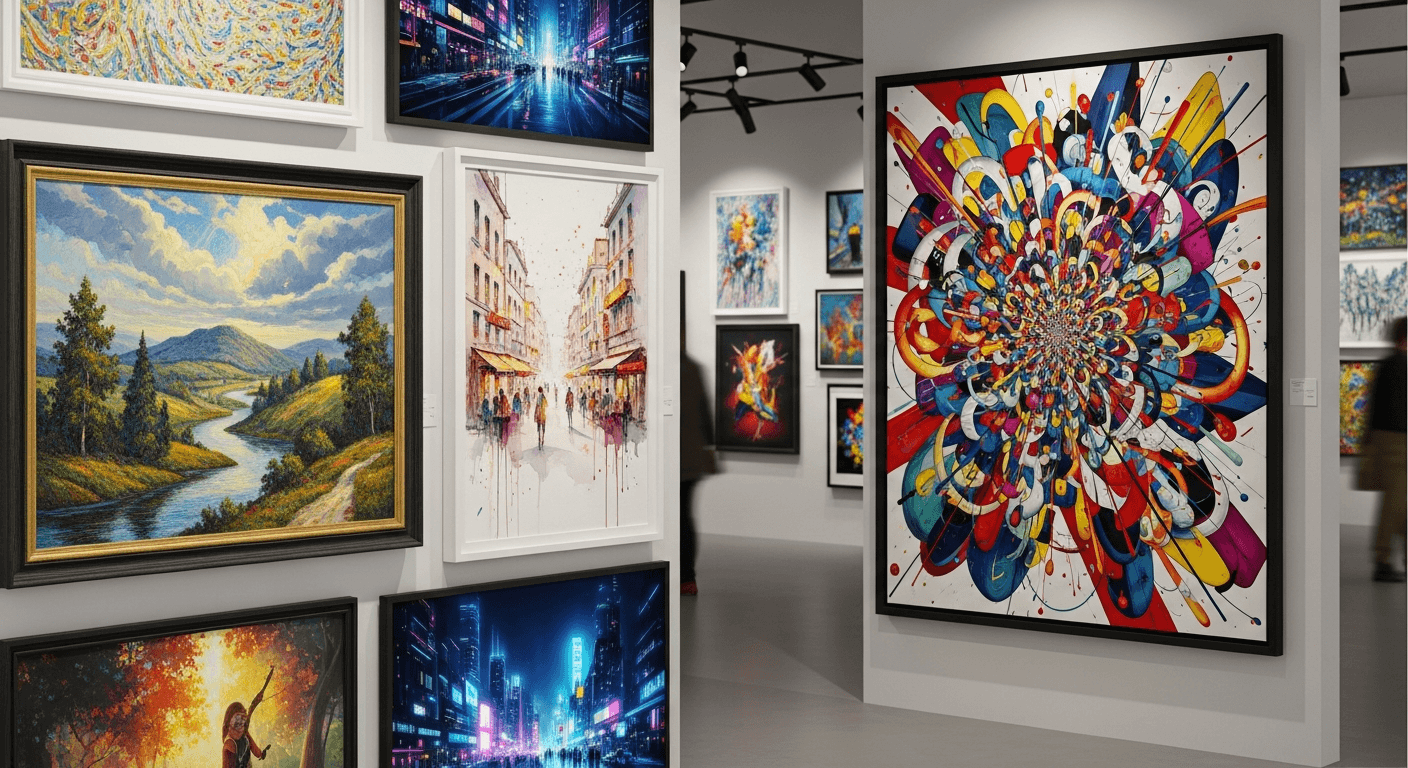
At $0.06 per generation, you can explore thirty artistic styles in an afternoon for less than the price of a coffee. Seedream v3 is not just a text-to-image tool — it is a creative sandbox where experimentation is finally affordable. Oil painting, watercolor, cyberpunk concept art, flat vector illustration, abstract expressionism — the model handles all of them, and the guidance_scale parameter lets you tune how literal or expressive the output feels.
Here is how to get the best results in every major style.
TL;DR
- Style keywords dramatically change texture, color, edges, and mood
- Use
guidance_scale3-5 for abstract, 5-7 for painterly, 7-9 for illustration, 9-11 for vector/flat - Reinforce style keywords with supporting technique details for best results
- Lock seeds when building a series for visual consistency
- Style blending produces the most unique results
Why Seedream v3 Works for Art
Three reasons the model suits art creation specifically:
Style versatility. From photorealism to oil painting to flat vector, Seedream v3 responds to an enormous range of style keywords with impressive accuracy.
Guidance scale control. Art rewards creative latitude. Lower guidance values let the model take artistic risks; higher values lock in specific styles. No other major hosted generator exposes this as explicitly.
Affordable iteration. At $0.06 per generation, exploring 30 variations costs $1.80. This is the price point where creative experimentation becomes practical, not precious.
For general platform basics, see our complete Seedream v3 guide. For fundamentals of prompting, see the prompt guide.
See it for yourself
Explore 30 art styles in an afternoon for less than the price of a coffee — 50 free credits, no card required.
Try Seedream v3 FreeHow Style Keywords Actually Work
When you include a style keyword, the model adjusts multiple aspects of generation:
- Texture and brush strokes: "Oil painting" produces visible paint texture; "vector" produces flat clean shapes
- Color handling: Watercolor produces transparent blended colors; pop art produces bold flat colors
- Edge quality: Painterly styles soften edges; graphic styles sharpen them
- Detail level: Realistic styles maximize detail; minimalist styles simplify
- Overall mood: Style keywords carry emotional associations
The key to effective style prompting is reinforcing the style with supporting keywords. "Oil painting" works — but "oil painting on canvas, visible brushstrokes, rich impasto texture, gallery-quality" produces dramatically better results.
Oil Painting and Classical Styles
Key Prompting Words
- "Oil painting on canvas"
- "Visible brushstrokes, impasto technique"
- "Classical composition"
- "Chiaroscuro" (dramatic light-dark contrast)
- "Renaissance," "Baroque," "Romantic period"
Example Prompts
Classical still life:
Oil painting of a Dutch Golden Age still life, crystal vase with wilting
roses, ripe fruit and a silver goblet on dark tablecloth, dramatic
chiaroscuro lighting, visible brushstrokes, rich deep colors,
museum quality, classical composition
Landscape:
Oil painting of a misty mountain valley at dawn, tall pines in foreground,
lake reflecting pink and gold sky, Romantic period landscape style,
thick impasto texture, atmospheric perspective, traditional canvas painting
Guidance scale: 7-9. Balance enough adherence for subject accuracy while allowing painterly quality.
Sizes: 1536x1024 for landscapes, 1024x1536 for portraits, 1024x1024 for still life.
Watercolor and Ink
Key Prompting Words
- "Watercolor painting"
- "Transparent layers, color bleeding"
- "Wet on wet technique"
- "White paper showing through"
- "Soft edges, fluid transitions"
- "Pen and ink with watercolor wash"
Example Prompts
Botanical:
Delicate watercolor painting of a pink peony bloom, botanical illustration
style, transparent paint layers, soft color gradients, white paper visible
around edges, detailed petals with subtle color variation
Urban sketch:
Pen and ink sketch with watercolor wash of a Parisian cafe, loose
expressive linework, splashes of warm color, architectural details,
urban sketching style, white paper areas, spontaneous artistic feel
Guidance scale: 5-7. Lower guidance preserves the spontaneous quality that makes watercolors feel authentic. Higher guidance makes them look stiff and controlled.
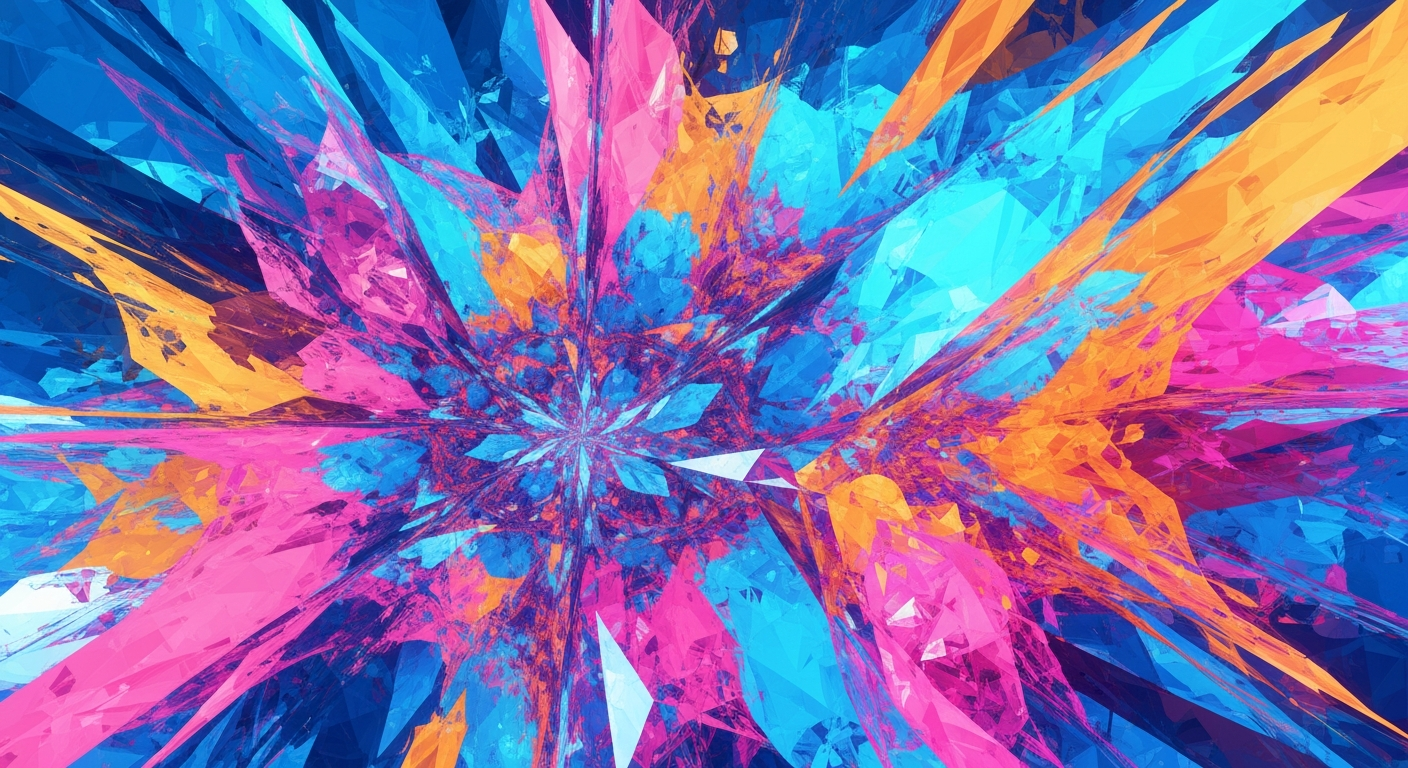
Want art like this? Try Seedream v3 free →
Ready to try Seedream v3? Start creating free →
Digital Illustration
Key Prompting Words
- "Digital illustration"
- "Clean lines, smooth rendering"
- "Vibrant color palette"
- "Editorial illustration"
- "Children's book illustration"
Example Prompts
Character illustration:
Digital illustration of a young explorer standing on a cliff edge,
looking out over a vast canyon at sunset, detailed character design,
adventurous pose, warm color palette, clean digital painting style
Editorial:
Editorial illustration for a technology magazine article, abstract
representation of artificial intelligence, geometric shapes and flowing
data streams, blue and purple color scheme, modern clean illustration
Guidance scale: 7-9. Clean illustration benefits from higher adherence.
Vector and Flat Design
Key Prompting Words
- "Flat vector illustration"
- "Geometric shapes"
- "Bold solid colors"
- "No gradients" or "minimal gradients"
- "Clean lines, sharp edges"
- "Isometric" (for 3D-perspective flat design)
Example Prompts
Icon style:
Flat vector illustration of a mountain landscape, simple geometric shapes,
limited color palette of three blues and two greens, clean minimalist
design, no texture, bold flat colors, modern graphic design
Isometric:
Isometric illustration of a cozy coffee shop interior, flat design style,
pastel color palette, geometric furniture and characters, clean lines,
cute modern design, no shadows, digital vector art
Guidance scale: 9-11. Vector styles need strong guidance to prevent the model from adding texture and detail that undermines the flat aesthetic.
Concept Art and Fantasy
Key Prompting Words
- "Concept art"
- "Epic scale"
- "Cinematic composition"
- "Atmospheric perspective"
- "Fantasy," "sci-fi," "cyberpunk"
- "Matte painting"
Example Prompts
Fantasy landscape:
Epic concept art of a floating city above the clouds, massive stone
towers connected by arched bridges, waterfalls cascading into the void
below, golden hour sunlight, dramatic atmospheric perspective,
cinematic composition, highly detailed
Sci-fi character:
Concept art of a cyberpunk bounty hunter, weathered armor with glowing
circuit patterns, neon-lit rain-slicked alley background, dramatic rim
lighting, character design sheet feel, dark sci-fi aesthetic
Guidance scale: 7-9. Balances creative detail with prompt adherence.
Abstract and Experimental
Key Prompting Words
- "Abstract art"
- "Non-representational"
- "Gestural," "expressive"
- "Color field"
- "Geometric abstraction"
- "Fluid art"
Example Prompts
Color field:
Abstract color field painting, large areas of deep crimson bleeding
into warm amber, subtle texture variations, contemplative mood,
Mark Rothko inspired, museum-quality canvas, rich saturated pigments
Geometric:
Geometric abstract composition, overlapping translucent circles and
triangles, harmonious blue and gold color palette, balanced asymmetric
layout, modern abstract art, clean and contemplative
Guidance scale: 3-5. Lower guidance gives the model creative freedom, which aligns with the experimental nature of abstract work. Results are often more interesting when the model is less constrained.
Anime and Manga
Key Prompting Words
- "Anime style," "manga style"
- "Cel-shaded"
- "Large expressive eyes"
- "Clean line art"
- "Studio Ghibli style"
- "Light novel illustration"
Example Prompts
Character portrait:
Anime style portrait of a young mage with flowing silver hair and
violet eyes, ornate fantasy robes with gold embroidery, magical sparkles
in the air, soft cel-shading, vibrant colors, light novel illustration
Scene:
Studio Ghibli style illustration of a girl running through a field of
tall sunflowers, blue sky with puffy white clouds, warm summer light,
hand-drawn anime aesthetic, gentle color palette, nostalgic feel
Guidance scale: 7-9. Anime styles have specific conventions that benefit from clear adherence.
Pop Art and Graphic Styles
Key Prompting Words
- "Pop art style"
- "Bold outlines"
- "Halftone dots"
- "Limited bright color palette"
- "Comic book style"
- "Screen print aesthetic"
Example Prompts
Pop art portrait:
Pop art style portrait of a woman with bold colors, thick black outlines,
halftone dot pattern, limited palette of red blue yellow and black,
Andy Warhol inspired, screen print aesthetic, graphic and bold
Guidance scale: 8-10. Pop art needs strong guidance to maintain distinctive characteristics.
Try the prompt yourself
Copy any style prompt above and see it come to life. 50 free credits, 8 images to experiment with.
Start Creating FreeStyle Blending for Unique Results
One of the most creatively rewarding techniques is combining two or more styles.
Effective Combinations
- "Watercolor meets cyberpunk" — soft flowing paint depicting futuristic cityscapes
- "Oil painting of an anime character" — classical technique on modern subjects
- "Photorealistic rendering in Art Deco style" — realistic detail with geometric design
- "Ukiyo-e woodblock print of a modern city" — traditional Japanese art depicting contemporary scenes
- "Children's book illustration of cosmic horror" — friendly style, dark subject
Tips for Blending
- Put the primary style first in your prompt
- Describe specific elements from each style you want to combine
- Use
guidance_scale6-8 — too high forces one style to dominate - Generate 4 variations — blending produces more diverse results
Guidance Scale Reference for Art
| Style | Guidance | Reasoning | |---|---|---| | Abstract | 3-5 | Maximum creative freedom | | Watercolor | 5-7 | Natural, spontaneous quality | | Oil painting | 7-9 | Balance detail with painterly feel | | Digital illustration | 7-9 | Clean compositions | | Concept art | 7-9 | Creative detail with adherence | | Anime/manga | 7-9 | Style-specific conventions | | Vector/flat | 9-11 | Precise geometric control | | Pop art/graphic | 8-10 | Specific visual requirements | | Style blends | 6-8 | Allow creative combination |
Building an Art Series
Creating cohesive series requires consistency.
1. Define Your Visual Language
Before generating, decide: color palette, style, composition approach, subject treatment.
2. Create a Base Prompt Template
[Subject] in [your consistent style description], [your lighting],
[your color palette], [your quality terms]
3. Use Seed Control
Find a seed that produces your desired aesthetic, then use it across the series while changing the subject. This is Seedream v3's most powerful tool for series consistency.
4. Maintain Settings Consistency
Same guidance_scale, image size, and aspect ratio across the entire series.
FAQ
Can Seedream v3 replicate any art style? It handles a very wide range effectively. Niche or highly specific styles may require more detailed prompting. All styles in this guide produce strong results consistently.
How do I get consistent style across multiple images? Use a consistent prompt template, same guidance scale, and same or similar seeds.
Is AI-generated art real art? AI is a tool for creative expression, like photography or digital painting software. The creative decisions — subject, style direction, composition, iteration, curation — remain human.
Can I sell AI-generated artwork? Images generated on the Seedance platform are available for commercial use under the platform terms of service. You can sell prints, use them in products, or license them.
What about higher quality with v4.5? For illustration work benefiting from better prompt understanding, Seedream v4.5 is an excellent upgrade. For text-in-image needs, Seedream 5.0 Lite adds text rendering.
Start creating art with Seedream v3 → — 50 free credits, explore 8 different styles before spending anything.