How to Create AI Game Assets with Seedream v4.5
Learn how to generate game-ready assets with Seedream v4.5 — character sprites, environment concepts, item designs, UI elements, and textures. Practical workflows for indie developers and game studios.
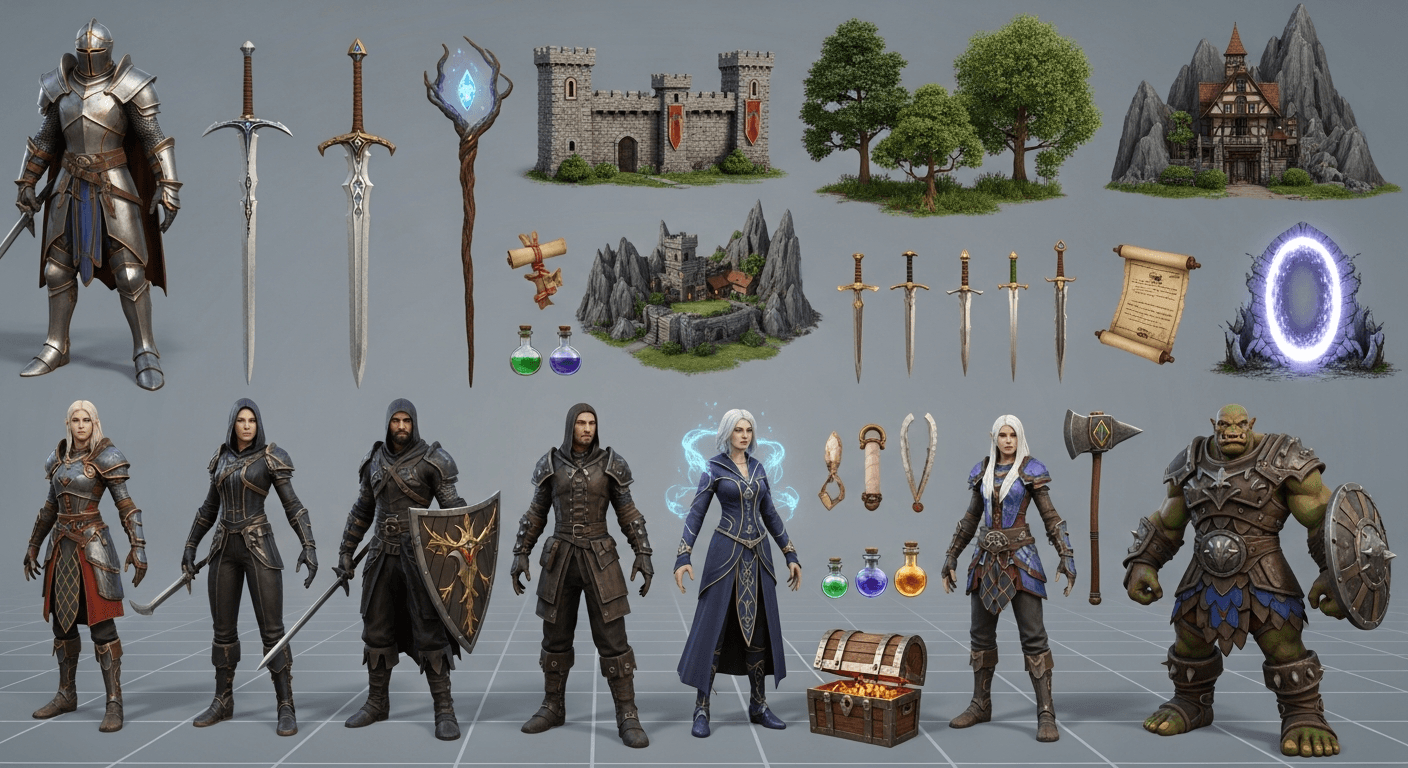
Indie game development has always been an asset problem. You can code the systems, you can design the levels, but you cannot paint 800 items and 40 characters in your spare time. Seedream v4.5 does not remove that work entirely — but it cuts it from months to weeks, and the math on solo projects stops being laughable.
TL;DR
- Seedream v4.5 generates game-ready concept art, sprites, items, and UI at $0.08/image
- 4MP output gives you headroom for sprite sheets, icons, and UI mockups
- Structured prompting produces consistent character turnarounds and item sets
- Works as concept art for 3D teams or direct asset generation for 2D games
- 50 free credits at signup means 6 test generations before spending anything
Why AI Assets Changed Indie Game Development
A decade ago, a solo developer chose between programmer art (functional but ugly) and outsourcing assets (expensive and slow). AI image generation broke that tradeoff. You can now ship your own game with art that holds up visually, created in hours instead of months, without the art director budget.
Seedream v4.5 is particularly well-suited to game dev workflows because of three things: 4MP output that can be cut into sprite sheets and tile sets, strong prompt adherence for consistent character and item design, and unified editing that lets you refine a single strong base image rather than re-rolling variations. At $0.08 per generation, your total asset budget for a small game can run under $50.
This guide covers the full asset pipeline: characters, environments, items, UI, and textures.
Ship your indie game's art set for under $50
Characters, environments, items, UI — Seedream v4.5 generates it all at 4MP. 50 free credits on signup, no card required.
Try Seedream v4.5 FreeBefore You Start: The Asset Workflow
AI-generated game assets typically follow this pipeline:
- Define the art style of your game with style reference prompts
- Lock a style anchor — a reusable prompt block that appears in every generation
- Generate concept art first to validate the direction
- Produce production assets using the locked style anchor
- Edit and clean up in the unified editor or in Photoshop/Aseprite
- Import and implement in your game engine
The style anchor is the single most important technique. It is a reusable block of 15-25 words that defines your game's visual identity and gets pasted into every prompt in the project.
Example style anchor for a dark fantasy pixel game:
Dark fantasy pixel art, muted desaturated palette,
warm torchlight accents, hand-drawn sprite style,
24-bit color depth, Moebius-influenced linework
Character Asset Generation
Concept Character Design
Start with front-view concept sheets before committing to a direction.
[STYLE ANCHOR] + character concept, a young druid
with leaf-patterned robes and a wooden staff,
neutral standing pose, front view, flat gray
background, clean silhouette, detailed costume
design
Key instructions: "front view," "neutral pose," "flat gray background," "clean silhouette." These keep the output usable as reference rather than environmental scene art.
Character Turnarounds
For 3D modelers or for consistency across game scenes, generate a turnaround sheet.
[STYLE ANCHOR] + character turnaround sheet,
a female warrior in plate armor, front view,
side view, and back view, all on a single flat
neutral background, consistent proportions,
reference sheet style
Request all three views in one prompt. v4.5's improved composition handling gets these in one pass more often than earlier models did.
Character Variations
For enemy types or character classes in a series, use the style anchor to maintain visual consistency.
[STYLE ANCHOR] + character concept, a shadow
assassin in dark leather armor, same proportions
and art treatment as previous druid character,
neutral pose, flat background
The "same proportions and art treatment as previous" phrasing cues the model to match what it generated before, using the style anchor as the tether.
Environment and Background Art
Parallax Background Layers
For 2D games with parallax scrolling, generate layers separately and composite them.
[STYLE ANCHOR] + parallax background layer,
distant mountain silhouettes in cool blue,
atmospheric haze, minimal detail, 16:9 wide
format, top-down layer perspective for game
parallax
Generate foreground, midground, and background layers as separate prompts. Composite in your engine for parallax depth.
Tile Set References
v4.5 will not generate perfectly tileable textures in one pass, but it will give you strong tile set concept references that your artist (or you) can adapt.
[STYLE ANCHOR] + tile set concept reference,
forest floor terrain, grass variations, dirt
path transitions, stone outcroppings, top-down
RPG perspective, arranged in a grid layout
Level Concept Art
Before building a level, generate environment concept art to lock the mood.
[STYLE ANCHOR] + environment concept, a ruined
elven library overgrown with luminous vines,
shafts of light through broken stained glass,
scattered books and debris, epic scale,
cinematic establishing shot
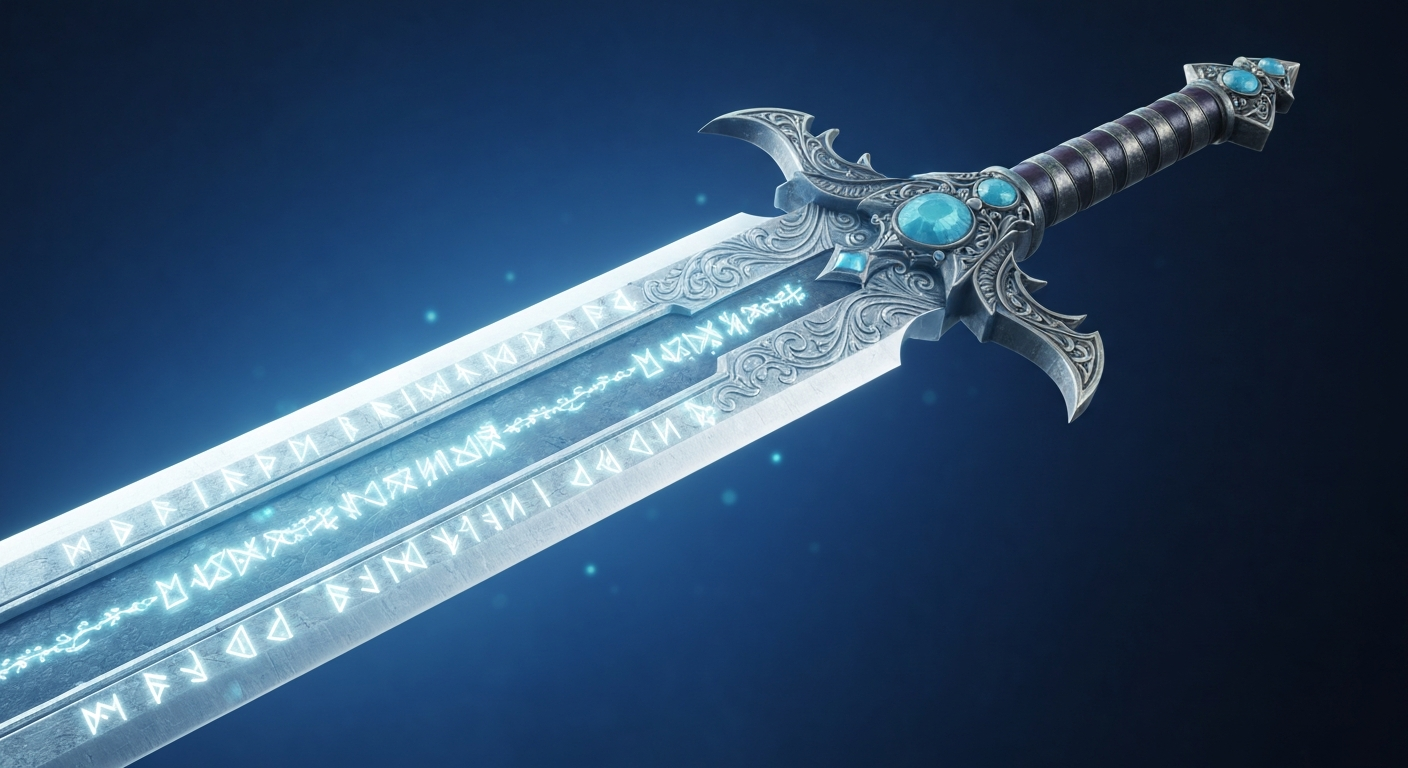
Want detail like this? Try Seedream v4.5 free →
Ready to start your game's asset pipeline? Try Seedream v4.5 free →
Item and Prop Design
Weapon Sets
[STYLE ANCHOR] + weapon concept set, fantasy
swords, six variations from simple iron sword
to ornate legendary blade, arranged on flat
neutral background, detailed prop study,
consistent lighting and scale
Request explicit counts ("six variations") and explicit arrangement ("flat neutral background"). v4.5 handles item collections well when you are clear about the layout.
Consumables and Icons
[STYLE ANCHOR] + game item icon, a glowing
blue health potion in an ornate glass flask,
top-down view, flat dark background, square
composition, detailed item art, RPG inventory
icon style
Generate individual icons at 1:1 aspect ratio, 2048x2048. Crop and scale down to whatever your UI needs.
Armor and Equipment
[STYLE ANCHOR] + armor set concept, heavy
plate armor decorated with dragon motifs,
displayed on an invisible mannequin, front
view, neutral flat background, detailed
equipment study
UI Element Generation
For game UI, v4.5 produces strong references you can trace or adapt in vector tools.
Frames and Panels
[STYLE ANCHOR] + game UI frame concept, ornate
fantasy panel with carved wooden edges and iron
corner fittings, empty center space for UI
content, top-down flat view, square composition,
interface art
Buttons and Icons
[STYLE ANCHOR] + game button concept, rounded
rectangular button with gold trim and red inner
glow, empty label area, front view, flat dark
background, UI design reference
HUD Elements
[STYLE ANCHOR] + game HUD element concept,
semicircular health bar with ornate fantasy
frame, glowing red fill, displayed on a
transparent-style background, detailed
interface art
Texture Generation for 3D Games
For 3D pipelines, v4.5 generates texture references and color maps that your artists can clean up for PBR use. It does not generate true tileable seamless textures in one pass, but the outputs are strong starting points.
[STYLE ANCHOR adapted for PBR] + close-up
texture reference, weathered medieval castle
stone wall, realistic lighting, top-down flat
view for material reference, detailed surface
texture with visible wear and moss growth
See our dedicated texture generation guide for more PBR-oriented techniques.
Cost Breakdown for a Small Indie Game
Let us put real numbers on a hypothetical solo project: a 2D top-down RPG with 20 characters, 30 enemies, 200 items, 15 environments, and a UI set.
| Asset Category | Generations | Cost | |---|---|---| | Character concepts (20 × 3 iterations) | 60 | $4.80 | | Enemy designs (30 × 2 iterations) | 60 | $4.80 | | Items and props (200 × 1 base + refinement) | 250 | $20.00 | | Environments (15 × 4 exploration) | 60 | $4.80 | | UI references (50 × 2 iterations) | 100 | $8.00 | | Level concept art (10 × 3) | 30 | $2.40 | | Total asset budget | 560 | $44.80 |
Under $50 for a full RPG's worth of concept and reference art. A traditional outsourced budget for the same work would run $5,000-$20,000.
From programmer art to shippable visuals
Seedream v4.5 closes the asset gap for solo devs. Start with 50 free credits and test your game's style anchor today.
Start Generating AssetsStyle Anchor Examples for Common Game Genres
16-bit JRPG:
16-bit JRPG pixel art, bright saturated palette,
clean sprite art, Chrono Trigger influence,
crisp pixel edges, 32x32 sprite proportions
Dark Fantasy 2D:
Dark fantasy 2D illustration, muted desaturated
palette, dramatic chiaroscuro, hand-painted feel,
Darkest Dungeon influence, weathered aesthetic
Cartoon Platformer:
Cartoon platformer art style, bright saturated
colors, thick clean outlines, rounded friendly
shapes, Hollow Knight character design influence,
hand-drawn flat shading
Sci-Fi Top-Down:
Sci-fi top-down game art, cool blue and orange
palette, technical mechanical detail, clean
vector-style rendering, isometric perspective,
modern indie game aesthetic
Cozy Farming Game:
Cozy farming game art, warm pastel palette,
soft rounded shapes, Stardew Valley influence,
welcoming mood, pixel art with modern lighting
Production Tips From Real Projects
Never skip the style anchor. Without a locked style block, every generation drifts slightly and your asset set looks inconsistent.
Generate assets in logical batches. All characters first, then all items, then all environments. Switching contexts wastes time and prompt calibration.
Keep a "rejection folder." Every image that does not make the final cut teaches you something about the prompt. Review rejections weekly and tune your style anchor.
Use the unified editor for variations. If a character base is 90% right, edit it to produce outfit variations rather than regenerating from scratch.
Export at the largest size, scale down in-engine. 2048x2048 generations scale to any sprite size you need.
What Seedream v4.5 Cannot Do for Games
Honesty: the tool does not generate perfect tileable textures in one shot, it does not produce animation frames with consistent character poses, and it does not replace a technical artist for rigging or shader work. It is an asset creation tool, not an asset pipeline.
You still need your engine of choice (Unity, Godot, Unreal), your sprite tools (Aseprite, Photoshop), and your judgment as an art director. v4.5 handles the concept and asset generation; you handle integration and polish.
Frequently Asked Questions
Can I use Seedream v4.5 images commercially in my game? Yes. Commercial use is included on the Seedance platform.
Does v4.5 generate true tileable textures? Not in a single pass. It generates strong texture references that you clean up with seamless-tiling tools.
How do I keep characters consistent across multiple scenes? Use the style anchor method plus the techniques in our consistent characters guide.
What about sprite animation frames? v4.5 is not ideal for frame-by-frame animation. Use it for key poses and then hand-animate or use dedicated animation tools.
Is there an API for programmatic generation? Yes. See the Seedream v4.5 API guide for integration details.
AI image generation has made indie game development genuinely accessible to solo developers who could not afford an art team. Seedream v4.5 is the version to use because of its quality, 4MP output, and the workflow-friendly credit pricing. A full asset set for a small game costs less than one artist's daily rate.
Start building your game's visuals. Try Seedream v4.5 free with 50 credits →