Seedream v4.0 Edit for Bloggers: Quick Featured Images
Bloggers need fresh featured images for every post. Seedream v4.0 Edit produces them in 30 seconds for $0.06 each. Here's how to build a blog image workflow.
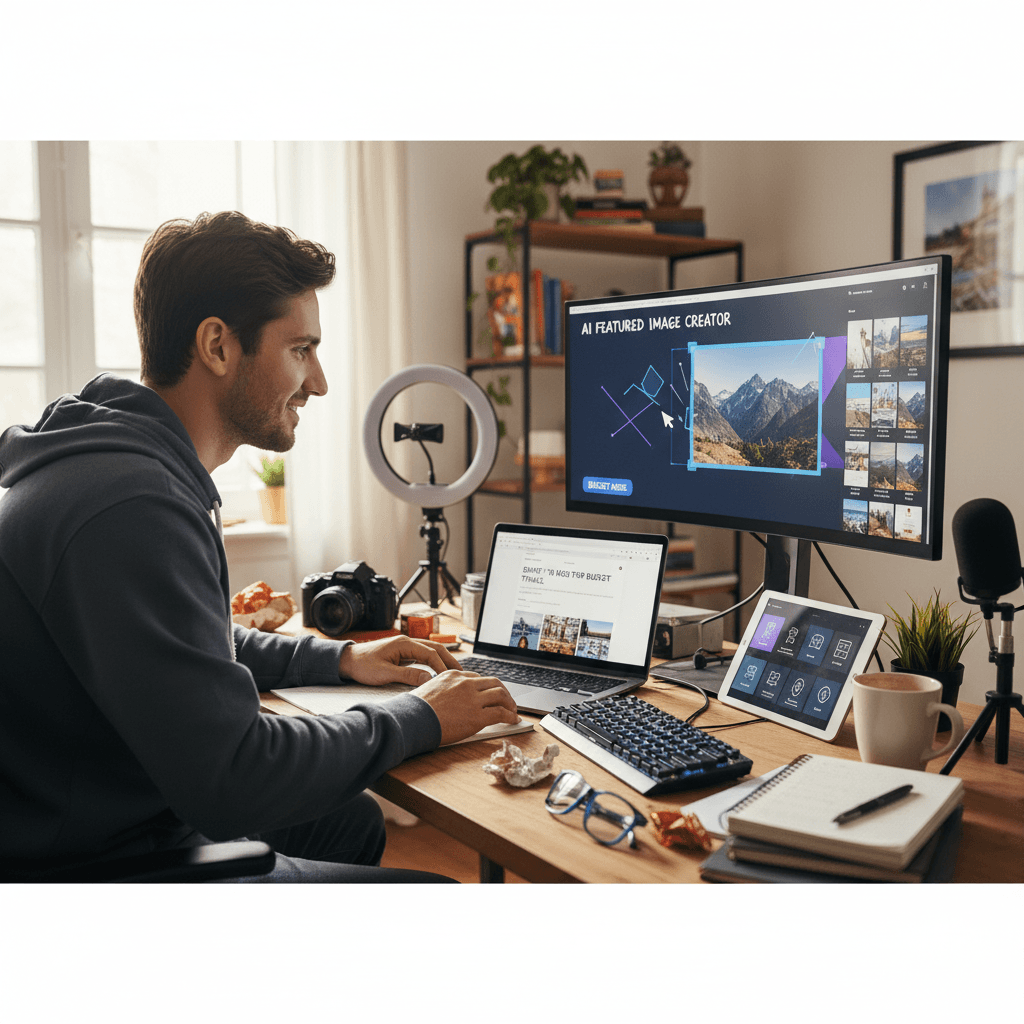
Every blog post needs a featured image. If you publish twice a week, that's eight images a month. At $20 per stock photo or $50 per custom illustration, blogging isn't cheap. Seedream v4.0 Edit takes the same workload and charges $0.48 a month instead.
TL;DR
- $0.06 per featured image edit — the cheapest workflow for bloggers
- Edit stock photos, old blog images, or personal photos in 30 seconds
- Works with WordPress, Ghost, Substack, Medium, and any CMS
- No watermarks, commercial usage allowed
- 50 free credits on signup at seedance.it.com
The Blogger Image Problem
Blog images have competing demands:
- Must be fresh and original (not the same stock photo every other site uses)
- Must match your brand style
- Must be produced fast enough to not bottleneck publishing
- Must cost almost nothing, because blogs rarely monetize instantly
Traditional options all fail at least one of those. Stock photos aren't original. Custom illustrations are slow and expensive. DIY shots are slow. Free AI generators are watermarked or rate-limited.
Seedream v4.0 Edit solves all four. You start with any image — a stock photo, an old post image, a phone pic — and transform it into something fresh and on-brand in 30 seconds for 6 cents.
Core Blogger Workflows
1. Style-matching stock photos
Stock photos are generic. Style transfer makes them yours.
"Apply a warm film photo aesthetic with soft grain"
"Turn this into a minimalist editorial style"
"Apply a dreamy pastel aesthetic"
Run the same style prompt on every post image for a consistent blog look.
2. Removing distracting elements
Stock images often have clutter that doesn't match your post topic. Clean it up:
"Remove the text and logos from the background"
"Remove any people in the background"
"Remove the clutter on the desk"
Try Seedream v4.0 Edit — budget AI image editing
The cheapest AI image editor at just $0.06 per edit. 50 free credits, no card needed.
Try Seedream v4.0 Edit Free3. Recycling old post images
That post from 2022 has an outdated image. Refresh it:
"Modernize this image with 2026 aesthetics"
"Apply a clean editorial style with better lighting"
Now the old post gets a visual facelift without reshooting anything.
4. Creating topical variants
Writing a series? Create variants of a single base image:
Original: "A laptop on a desk"
Variant 1: "Add a morning coffee and soft window light"
Variant 2: "Add a notebook and pen, warm lamp lighting"
Variant 3: "Add a plant and afternoon sunlight"
Four on-brand images from one base photo. Total cost: $0.24.
Cost Over a Year
Let's say you publish 2 posts a week = 104 posts a year. Each needs one featured image.
| Source | Cost per image | Yearly total | |--------|----------------|--------------| | Seedream v4.0 Edit | $0.06 | $6.24 | | Stock photo license | $10-20 | $1,040-$2,080 | | Custom illustration | $50-200 | $5,200-$20,800 | | Free + manual editing | "Free" | ~40 hours of time |
Six dollars a year. For every featured image on a prolific blog.
Platform-Specific Tips
WordPress
Upload edits directly to the media library. Use the same aspect ratio (typically 1200×675 or 1600×900) for every featured image.
Ghost
Ghost favors clean, editorial-style images. Use style transfer for consistency:
"Apply a clean editorial photo style with muted tones"
Substack
Substack posts live in email inboxes. High contrast matters:
"Boost contrast and add subtle vignette for email visibility"
Medium
Medium's reader uses a tall format. Consider prompts that work well in portrait crops.

Fresh featured images for 6 credits each. Open Seedream v4.0 Edit and start your next post.
Building a Consistent Blog Style
A cohesive blog looks professional. Pick one style prompt and apply it across every featured image:
"Apply warm film photo aesthetic with soft grain"
Or:
"Apply a clean modern editorial look with neutral tones"
Or:
"Apply a moody dark aesthetic with rich shadows"
Use the same prompt for 50 posts in a row. Your blog feed becomes instantly recognizable.
Real Workflow: Publishing a Post
Here's the 5-minute image workflow for a new blog post.
Step 1 (1 min): Pick a base image. Could be a stock photo, an old post image, or a phone pic.
Step 2 (30 sec): Upload to Seedream v4.0 Edit.
Step 3 (30 sec): Type your brand's style prompt. Click generate.
Step 4 (30 sec): Wait for the generation.
Step 5 (30 sec): Download, upload to your CMS, set as featured image.
Step 6 (1 min): Publish the post.
Five minutes from base image to published post. Six cents in editing cost.
Avoiding the "AI Blog" Look
AI-edited images have a tell if you overdo the style transfer. Keep edits subtle for the most natural look:
- Use "soft" or "subtle" in your prompt
- Avoid chaining multiple style transfers
- Pick styles that fit real photography, not cartoonish AI aesthetics
- Keep source images high quality
Your blog should look curated, not algorithmic.
Freshen your next post for 6 credits
50 free credits = 8 featured images on the house. No card needed.
Edit My Featured ImageWhen to Upgrade Models
If you run a high-traffic blog where image quality converts, consider Seedream 5.0 Edit for sharper output at $0.07 per edit. For most bloggers starting out or running lifestyle content, v4.0 is more than enough.
For generation from scratch (not editing), pair v4.0 Edit with Seedream 5.0 Lite for cheap AI-generated source images.
Related Reading
Final Word
Blogging doesn't need to cost hundreds per month in image licensing. With Seedream v4.0 Edit, your entire year of featured images costs less than a single pizza. Claim your free credits, pick a base photo, and ship your next post with a fresh image that actually looks like your brand.