Seedream v4.0 Edit for Non-Designers: No Skills Required
You don't need design skills to edit images. Seedream v4.0 Edit lets anyone fix photos with plain English for $0.06 each. Built for non-designers and everyday users.

You don't know what "feathering" means. You've never drawn a mask in your life. The word "layer" makes you close the tab. Good news: Seedream v4.0 Edit was built for you. Type what you want in plain English, get an edit in 30 seconds, pay 6 cents. No design background required.
TL;DR
- Zero design skills needed — type in plain English, click generate
- $0.06 per edit — the cheapest AI editor in the Seedream family
- No layers, masks, curves, filters, or technical terms
- 20-40 seconds per edit
- 50 free credits on signup at seedance.it.com
The Non-Designer Problem
Most photo editors assume you know design. They come loaded with tools named after physical artist supplies (brush, eraser, pen), panels called things like "channels" and "paths," and settings with names like "feather radius" and "gaussian blur."
Non-designers don't know any of that. You just want the photo to look better. You want the photobomber gone. You want the sky to look nicer. You want the product to match your brand colors.
Seedream v4.0 Edit replaces all the design vocabulary with one box: a text input. Type what you want. The model figures out which tools to use internally.
What You Need to Know (Nothing)
The entire learning curve for Seedream v4.0 Edit is:
- Upload an image
- Type what you want changed
- Click generate
- Download the result
That's it. No menus to memorize. No shortcuts to learn. No tutorials to watch. If you can use email, you can use v4.0 Edit.
Try Seedream v4.0 Edit — budget AI image editing
The cheapest AI image editor at just $0.06 per edit. 50 free credits, no card needed.
Try Seedream v4.0 Edit FreeExample Prompts for Normal People
No design jargon. Just natural sentences.
"Make the sky nicer"
"Remove the guy in the background"
"Change the dress to blue"
"Make this look more professional"
"Add some warm sunset lighting"
"Remove the trash can"
"Make the colors pop more"
"Turn this into a painting"
"Clean up the background"
"Brighten everything up a bit"
Every one of these works. You don't need to know anything about design to use them.
Who Non-Designers Really Are
The "non-designer" label covers a huge range of people who need to edit images regularly but have never studied design:
- Small business owners fixing product or location photos
- Realtors cleaning up listing shots
- Teachers preparing classroom visuals
- Parents editing family photos
- Nonprofit staff creating event materials
- Coaches sharing workout photos
- Food bloggers making recipe posts look great
- Wedding planners sharing client moments
- Community managers making group photos presentable
All of these people need AI editing but have no interest in learning Photoshop. Seedream v4.0 Edit is built for their workflow.
Real Examples: Non-Designer Use Cases
The realtor
You shot a living room but there's clutter on the coffee table.
"Remove the clutter from the coffee table"
Done in 30 seconds. Listing is ready.
The food blogger
Your pasta photo has ugly lighting.
"Add warm natural window light from the side"
Photo looks restaurant-quality.
The teacher
You need a clean version of a specimen photo for a worksheet.
"Replace the background with plain white for clarity"
Worksheet-ready.
The parent
You want a family photo without the random dog walker in the back.
"Remove the person with the dog in the background"
Gone. Memory preserved.
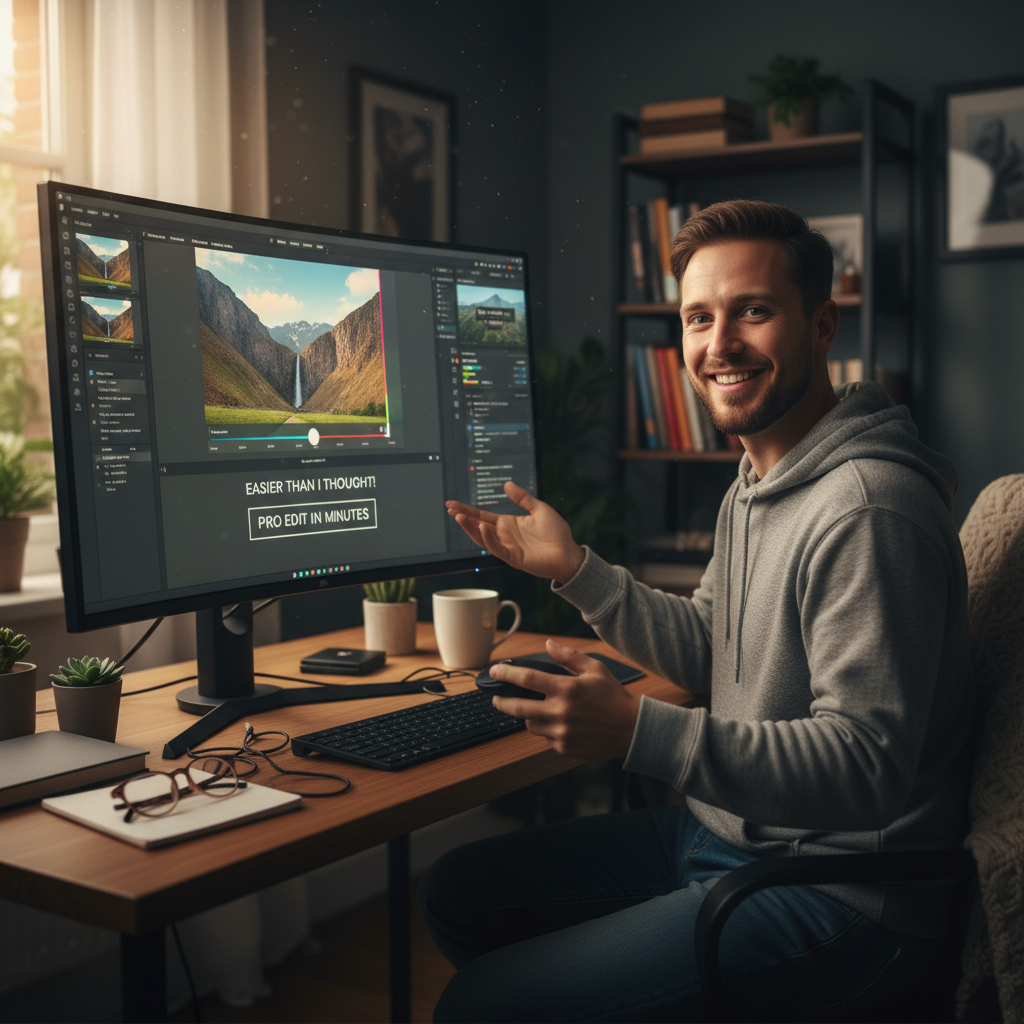
No design skills required. Open Seedream v4.0 Edit and type your first prompt.
Why Natural Language Works
Traditional editors require you to translate what you want into a sequence of tool operations. Remove a photobomber? That's: fuzzy select tool → refine edge → invert selection → clone stamp → heal brush → blend. Six steps, five tools, plus all the skill to execute them well.
Seedream v4.0 Edit lets you skip all that. "Remove the guy in the background" is both the request and the instruction. The AI handles the six-step sequence internally.
This works because the model was trained on millions of natural language prompts paired with edited images. It's learned what humans mean when they describe changes.
Tips for Non-Designer Prompts
-
Describe what you want the photo to look like, not how to do it. "Make the sky sunset" beats "apply orange gradient layer with 40% opacity to sky region."
-
Use normal English. "Nicer lighting" works. "Warmer tones" works. "More professional" works. Avoid technical terms.
-
Be specific about location. "The left side" or "the background" help the model target the right area.
-
Keep prompts short. Under 20 words is the sweet spot. Long prompts confuse the model.
-
Iterate cheaply. Didn't work? Rephrase and try again. Two tries costs $0.12.
What If Your Prompt Doesn't Work?
Sometimes the model interprets a prompt differently than you intended. That's fine — iterate.
- Too subtle? Add "more" or "dramatically."
- Too aggressive? Add "subtly" or "slightly."
- Wrong area? Be more specific about location.
- Wrong result? Rephrase with different words.
Each retry costs 6 cents. Even 5 retries total $0.30 — still cheaper than hiring any designer.
8 free edits on signup
50 free credits lets non-designers try v4.0 Edit without spending anything. No card required.
Start FreeThings to Try on Your First Day
- Fix a photo from your phone that you almost deleted
- Turn a boring stock photo into a branded one
- Remove a stranger from a family photo
- Change the sky in a landscape shot
- Turn a regular photo into a painting
Each takes 30 seconds and costs 6 cents. In 3 minutes you'll understand what Seedream v4.0 Edit can do better than any tutorial could explain.
Related Reading
Final Word
Design used to gatekeep photo editing. Seedream v4.0 Edit removes the gate. You don't need skills, software, or tutorials. You need a photo and a sentence. Sign up, grab your free credits, and fix your first image without learning anything new.