Seedance 1.0 Pro for Wedding Videographers: AI Enhancement
Learn how wedding videographers can use Seedance 1.0 Pro to enhance their work with AI-generated B-roll, atmospheric footage, venue previews, and creative supplementary content for stunning wedding films.
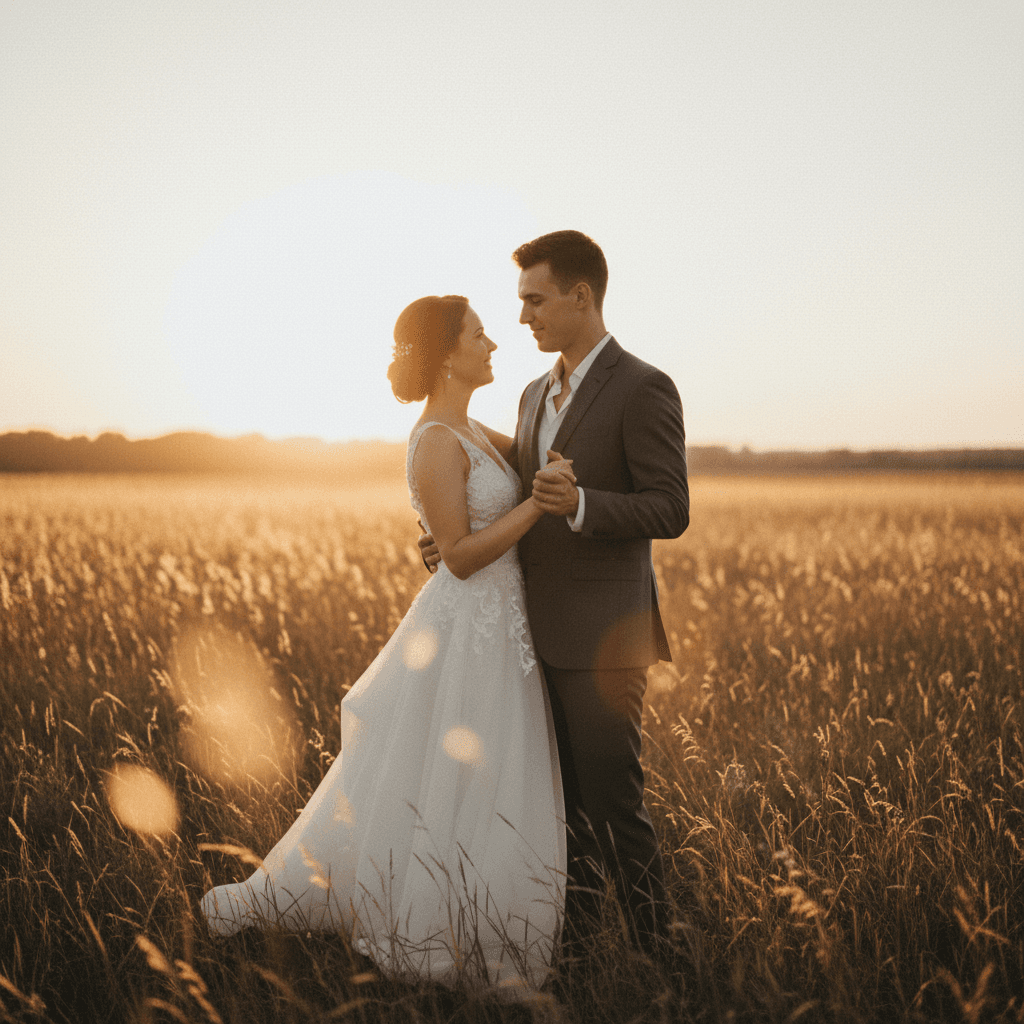
Wedding videographers live and die by B-roll. You shot the ceremony, the speeches, the first dance — but the film needs breathing room, mood, atmosphere. Those are the shots that got away because you were busy capturing the moments that actually happened. Seedance 1.0 Pro fills the gap: atmospheric B-roll, venue previews, and stylized supplementary footage you can generate from the still photos you already have.
TL;DR
- AI-generated B-roll for atmosphere, venue, and mood at $1.44 per 6s shot
- Workflow: live wedding footage (your shoot) + Seedance supplementary shots = richer films
- Best for: venue previews, save-the-date videos, atmospheric B-roll, engagement teasers
- Cost: ~$20–50 per wedding film for supplementary AI footage
- Native 1080p delivers broadcast-quality shots that blend with your own footage
Where AI Fits in Wedding Videography
Let us be clear about what AI video should and should not do in wedding work.
Good uses:
- Atmospheric B-roll that fills pacing gaps
- Venue previews for save-the-dates and booking teasers
- Save-the-date videos using engagement photos as source
- Seasonal or location B-roll when you missed the golden hour window
- Abstract mood shots (rings on silk, petals falling, candles)
- Engagement session teasers from photo shoots
Not-so-good uses:
- Replacing actual ceremony or reception footage
- Generating the couple doing things that did not happen
- Fabricating guest interactions
- Anything that would surprise the couple if they knew
The principle: AI enhances your coverage, it does not replace or fabricate it.
Generate broadcast-quality 1080p video
Professional image-to-video AI. Default 1080p output, superior motion. 50 free credits.
Try Seedance 1.0 Pro FreeWhy Seedance 1.0 Pro Specifically
- Native 1080p matches your delivery specs for wedding films
- Motion coherence means fabric, drapery, candles, and petals move naturally
- Camera lock for stable studio-like detail shots
- End frame control for ring reveals and object-focused transitions
- Cost-effective — under $50 per wedding for full supplementary coverage
- 60–120s generation lets you finish a wedding film without waiting days for motion graphics
Wedding Content You Can Generate
Detail and Object Shots
Rings, bouquets, invitations, shoes, veils — the little objects that fill a wedding film. Often best with camera lock and macro framing.
Macro shot of two wedding rings resting on a white silk surface,
soft natural window light, subtle sparkle on the diamond,
camera lock, 100mm macro lens, shallow depth of field, real-time
subtle breathing motion. 6 seconds.
Close-up of a bridal bouquet of white peonies and eucalyptus,
soft natural light, gentle swaying motion, camera lock, 85mm
lens, shallow depth of field. 5 seconds.
Atmospheric B-Roll
Candles, petals, champagne, fabric — the visual poetry of a wedding.
Slow-motion close-up of champagne bubbles rising in a crystal
flute, soft golden backlight, black background, macro lens.
6 seconds.
Rose petals drifting slowly through soft morning light, warm
color palette, camera lock, shallow depth of field. 6 seconds.
A row of white pillar candles flickering on a wooden altar,
soft ambient light, warm palette, subtle real-time flame
movement. 5 seconds.
Venue Previews for Booking
When you are pitching new couples, venue preview content sells the dream.
Slow aerial push over a vineyard wedding venue at golden hour,
warm backlight, long shadows, distant mountains, 24mm wide angle,
real-time. 8 seconds.
Medium wide shot of an empty ballroom set for a wedding reception,
soft chandelier light, white linen tables, subtle atmospheric
haze, camera lock. 6 seconds.
Save-the-Date from Engagement Photos
Upload engagement session photos as source images and generate subtle motion versions for save-the-date videos.
Medium shot of a couple holding hands walking along a forest
path, warm afternoon backlight, soft focus background, 85mm
lens, subtle real-time motion, romantic pace. 6 seconds.
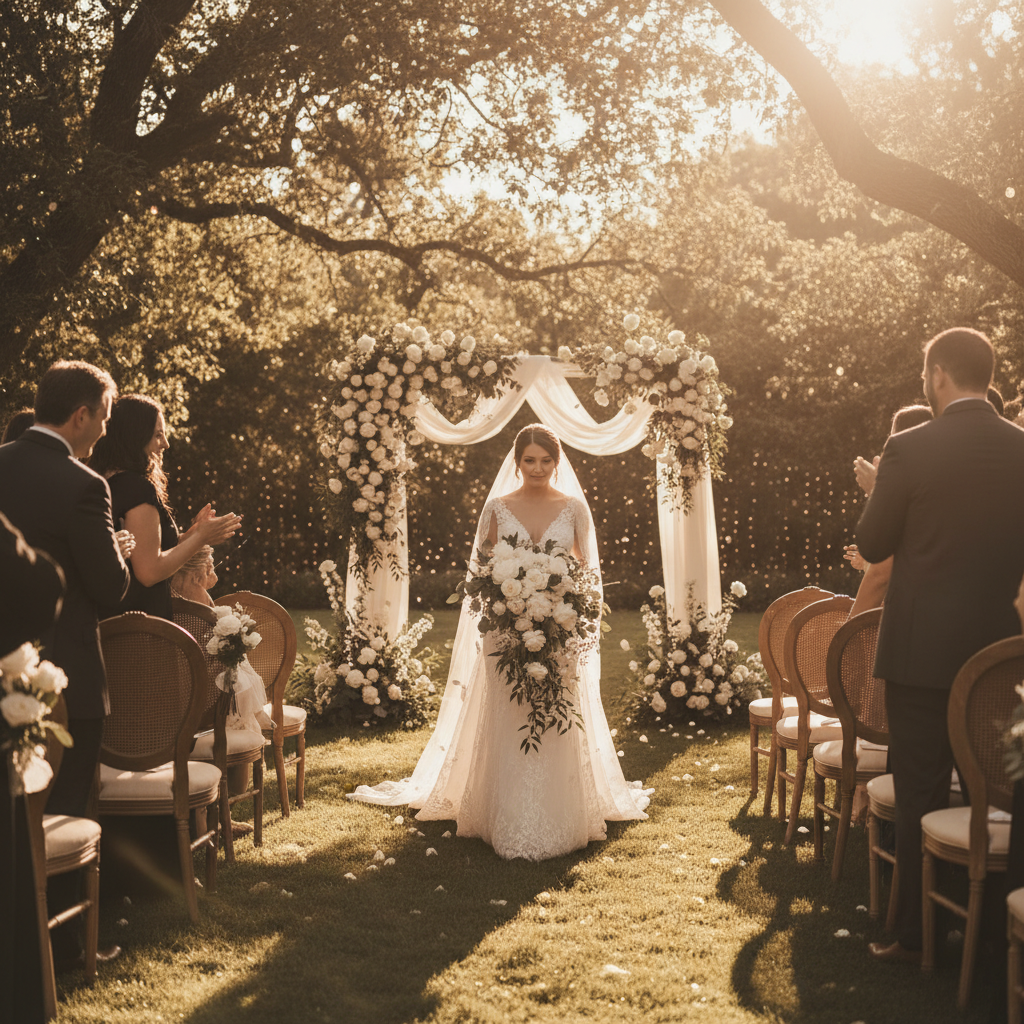
Want broadcast quality like this? Try Seedance 1.0 Pro free →
The Wedding Film Workflow with AI B-Roll
Step 1 — Shoot the wedding normally. AI supplements; it does not replace.
Step 2 — Review your footage. Identify pacing gaps, missing moods, detail shots you did not get.
Step 3 — Plan your AI supplementary shots. Keep a shot list: 8–15 atmospheric B-roll shots typically covers a wedding film.
Step 4 — Source images from the day. Use photos you (or the photographer) captured as source material.
Step 5 — Generate Seedance B-roll. Match the aesthetic of your live footage — same color palette, same lighting mood.
Step 6 — Cut into your edit. Use AI shots where pacing needs breathing room or establishing context.
Cost Breakdown: Full Wedding Film Supplement
A typical wedding film uses 10–15 supplementary B-roll shots:
- 10 detail/atmospheric shots × 6s = $14.40
- 3 venue/establishing shots × 8s = $5.76
- 2 abstract mood shots × 5s = $2.40
Shot total: $22.56
With iteration (1.5x): ~$34
That is less than the cost of a tank of gas, adding production value that would otherwise require another full shoot day.
Matching AI Footage to Your Wedding Aesthetic
Wedding videography is aesthetic-driven. If your films lean warm and airy, your AI B-roll should match. If you shoot moody and cinematic, your prompts need to match.
Warm and airy (light and bright):
- Soft natural window light
- Warm cream and beige palette
- Shallow depth of field
- Gentle real-time motion
- 85mm lens language
Moody and cinematic:
- Low-key dramatic lighting
- Deep shadows, rich color
- Shallow depth of field
- Slow deliberate motion
- Cinematic color grading language
Documentary and natural:
- Available light
- Neutral color palette
- Subtle handheld motion
- 35mm lens language
Build a prompt template that captures your house style, then customize per wedding.
Add the shots you missed
Native 1080p atmospheric B-roll that blends with your live footage. Under $50 per wedding. 50 free credits.
Start Wedding B-RollCamera Lock for Detail Shots
Wedding detail shots (rings, bouquets, invitations) almost always want camera lock on. The object is the subject; the camera should disappear. Toggle camera lock and write prompts that describe subject motion only — "the silk fabric gently moves as it catches the light."
End Frame Control for Reveals
End frame control is perfect for ring box reveals, envelope opens, and small transformation shots.
Start frame: closed jewelry box on a white linen background.
End frame: open jewelry box revealing a diamond ring with
soft key light catching the facets.
Prompt: smooth lid lift, soft reveal, shallow depth of field,
elegant pace. 5 seconds.
Ethical Considerations
Wedding work carries emotional weight. Some ground rules:
- Be transparent with your couples. Let them know you use AI for supplementary B-roll.
- Don't fabricate events. Never generate the couple doing things they did not actually do.
- Don't replace real moments. The ceremony, vows, first dance, speeches should always be real footage.
- Use AI for atmosphere, not reality. Candles, petals, venue establishing shots — fine. Guest interactions, family members — no.
- Get permission for likeness. If you use their engagement photos for AI save-the-dates, get explicit permission.
Save-the-Date Videos as a New Service
A lot of wedding videographers are adding AI save-the-date videos as a paid add-on service. Here is the pitch:
- Offer: 15-second save-the-date video using their engagement photos
- Your cost: ~$5 in Seedance generation
- Your price: $150–$400 as an add-on
- Margin: extraordinary
- Time: 1–2 hours of editing
Couples love it, it differentiates your package, and it creates social sharing when they post it on Instagram.
Tips for Wedding AI Video
- Match the real footage. Color, light, and pace should blend seamlessly.
- Keep it subtle. Wedding films work because they feel authentic. AI shots should feel like they could have been real.
- Atmospheric over literal. Candles, petals, fabric — these work. Attempts to generate people usually do not.
- Iterate to perfection. At $0.48 for a 2-second test, dial in the look before committing to full shots.
- Build a wedding prompt library. Reusable templates save hours per project.
Related Reading
- Seedance 1.0 Pro complete guide
- Cinematic techniques
- Nature and landscape videos
- Seedance 1.0 Pro for music videos
FAQ
Will couples know it's AI? Properly matched atmospheric B-roll blends seamlessly with your live footage. Detail shots are indistinguishable from real macro work.
Should I disclose AI usage? Yes, we recommend being transparent with your couples about your workflow.
Can I use AI for the ceremony footage? No — that is a line you should not cross. Live footage is live footage.
Can Seedance handle guest scenes? Possible but generally avoid — AI struggles with multiple unknown faces and can look off.
Commercial use? Yes, all Seedance output is cleared for commercial wedding work.
The best wedding films are a combination of documentation and atmosphere. AI handles the atmosphere so you can focus on what only humans can capture.
Start creating wedding B-roll on Seedance 1.0 Pro → with your 50 free credits.