AI Product Photography with Seedream v3: Complete Guide
Learn how to create professional product photography with Seedream v3 AI. From e-commerce listings to lifestyle shots, generate stunning product images at a fraction of traditional photography costs.
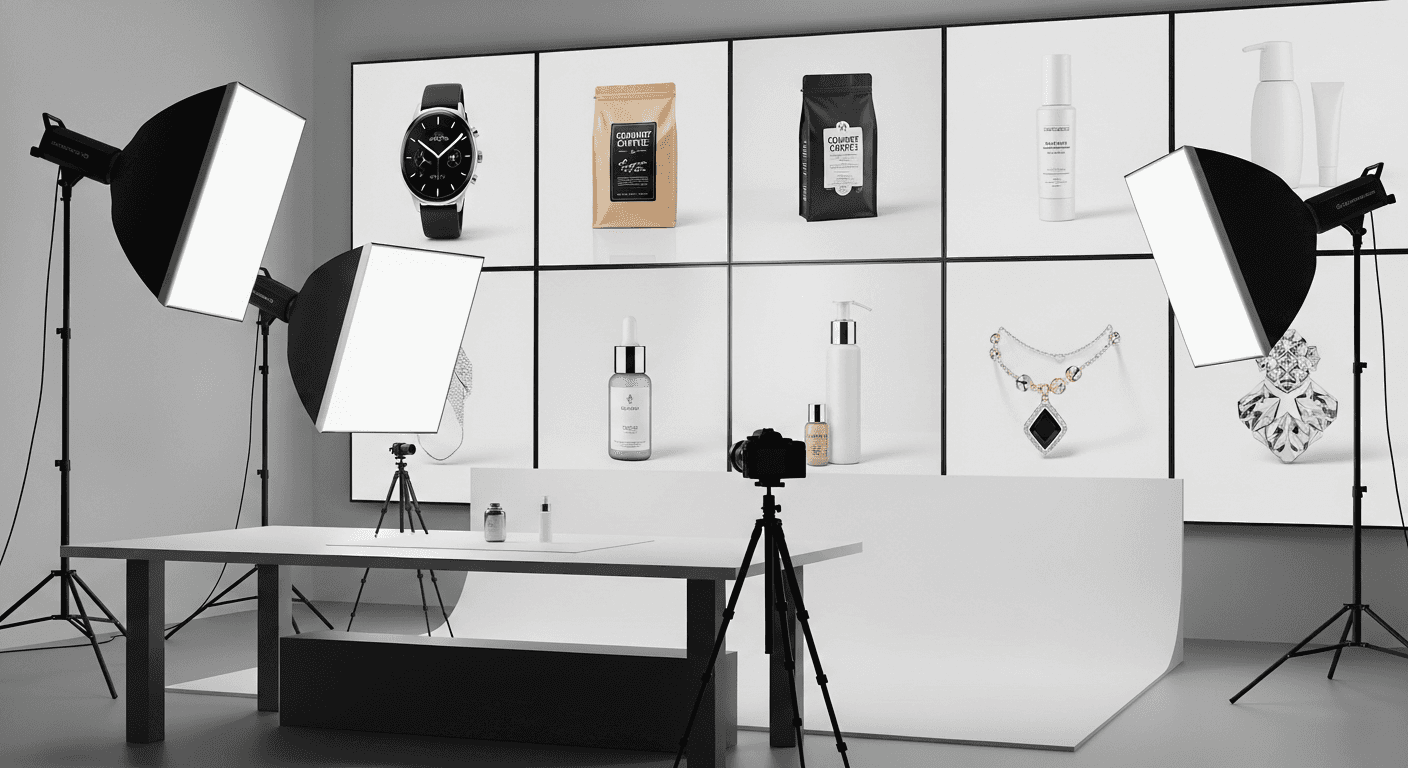
A professional product photoshoot for 100 SKUs costs between $2,500 and $7,500. Seedream v3 generates the same 100 product images for about $6 — including multiple angles, lifestyle contexts, and iteration. The math is almost absurd, but the quality delta has narrowed enough that it actually matters.
Here is how to generate product photography that converts.
TL;DR
- Seedream v3 generates product shots at $0.06 each — 400-1000x cheaper than traditional photography
- Use
guidance_scale8-10 for product shots (high adherence keeps details accurate) - Batch generate 4 variations per product, then iterate with seed control
- Works best for: catalog shots, lifestyle contexts, social media, A/B testing
- Consider real photography for signature products where exact details matter
The Cost Problem Seedream v3 Solves
Traditional product photography is expensive in ways that compound:
| Approach | Per Image | Setup Time | Iteration | |---|---|---|---| | Professional studio | $50-$500+ | Hours to days | Slow (reshoot required) | | DIY with lightbox | $5-$20 | 30-60 min | Moderate | | Stock photography | $1-$50 per license | Minutes | N/A (limited selection) | | Seedream v3 | $0.057 | Seconds | Instant |
For 100 products with 5 images each:
- Professional: $25,000-$250,000
- Seedream v3 (with extensive iteration): $30-$60
This is not a 10% improvement. It is a different order of magnitude.
Visit the pricing page for credit tier details.
See it for yourself
Generate professional product shots for $0.06 each — 50 free credits, enough for 8 products to test quality.
Try Seedream v3 FreeWhat Seedream v3 Actually Handles Well
Not every product image is suitable for AI generation. Seedream v3 excels at:
Standard catalog photography — clean, well-lit product shots on neutral backgrounds. The bread and butter of e-commerce listings.
Lifestyle photography — products shown in use or in context. Creates emotional connection.
Hero shots — dramatic, attention-grabbing images for landing pages and ads.
Detail shots — close-ups highlighting texture, construction, craftsmanship.
Group shots — multiple products arranged together, collections, color variants.
What it struggles with: Your exact unique product with specific physical details that must match reality perfectly. For signature items, real photography remains better.
White Background Product Shots
The most common e-commerce image: a clean product shot on a white background.
Prompt Template
Professional product photography of [detailed product description],
centered on pure white background, softbox lighting from above and left,
slight shadow underneath, sharp focus, commercial product photography,
clean and minimalist
Key Keywords That Work
- "Pure white background" or "clean white seamless background"
- "Product photography, commercial quality"
- "Centered composition"
- "Soft even lighting, no harsh shadows"
- "High detail, sharp focus"
Settings
Guidance scale 8-10. Higher guidance keeps the model faithful to your specific product description and prevents drift on the background.
Example Prompts
Skincare bottle:
Professional product photography of a frosted glass skincare bottle
with gold cap, minimalist label with clean typography, centered on pure
white background, soft studio lighting, slight reflection on surface,
commercial e-commerce product photo, 4K detail
Leather bag:
Premium leather messenger bag in cognac brown, aged leather texture
with brass hardware, standing upright on clean white background,
three-quarter angle view, soft diffused studio lighting, product
photography, commercial quality
Electronics:
Modern wireless earbuds in matte black, open charging case displaying
both earbuds, clean white background, professional product photography,
soft overhead lighting, sharp detail, minimalist composition
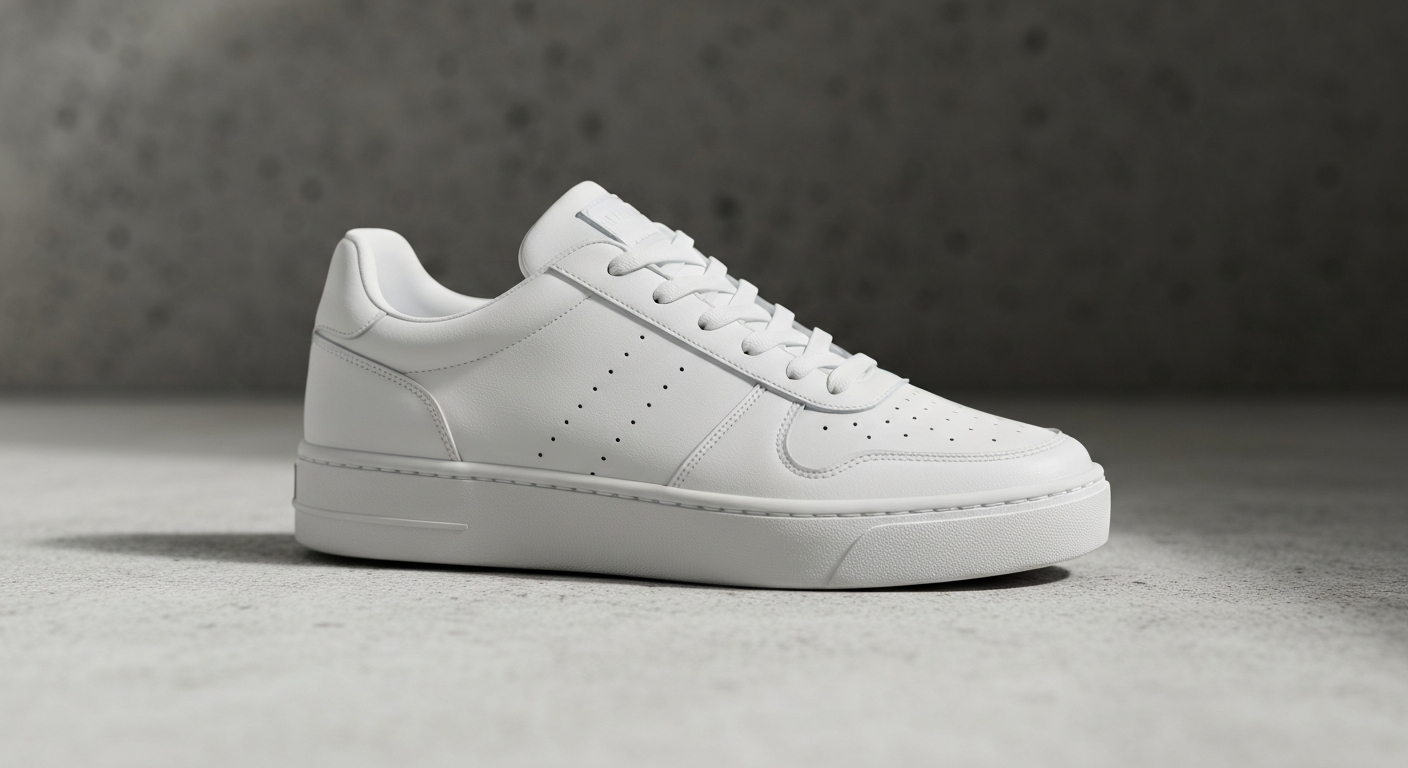
Want product shots like this? Try Seedream v3 free →
Ready to try Seedream v3? Start creating free →
Lifestyle and Context Shots
Lifestyle shots place products in realistic usage scenarios. They convert better than isolated product shots because they help customers envision the product in their lives.
Prompt Template
[Product] in [realistic setting], [person interaction if applicable],
[lighting/time of day], lifestyle photography, authentic feel,
[mood], professional quality
Example Prompts
Coffee mug:
A handmade ceramic coffee mug with speckled glaze on a rustic wooden
kitchen table, morning sunlight streaming through a nearby window,
a small succulent plant and open book in the soft background, lifestyle
photography, warm cozy atmosphere, shallow depth of field
Running shoes:
Athletic running shoes on wet pavement after rain, city park path
in the background, golden hour light, dynamic angle from ground level,
lifestyle sports photography, energetic mood, professional quality
Candle:
A luxury soy candle in an amber glass jar on a bathroom marble countertop,
soft towels and eucalyptus sprig in the background, warm diffused lighting,
spa aesthetic, lifestyle product photography, peaceful atmosphere
Tips for Lifestyle Shots
- Describe the environment in detail — specific furniture, materials, weather, time of day
- Include "natural" and "authentic" to avoid overly staged looks
- Mention one or two background elements for context without cluttering
- Keep the product as the clear focal point even in busy scenes
Flat Lay Photography
Flat lay shots are overhead views of products arranged on a surface — popular for social media and e-commerce.
Example Prompts
Skincare routine:
Flat lay overhead photography of a skincare routine — cleanser, toner,
serum, and moisturizer bottles neatly arranged on a marble surface,
small green plant and cotton pads as props, soft natural light,
pastel minimal aesthetic, beauty product flat lay, professional styling
Tech accessories:
Flat lay of tech essentials — laptop, wireless mouse, smartphone,
notebook and pen, coffee cup — arranged on a clean white desk surface,
minimalist aesthetic, overhead perspective, soft even lighting,
workspace flat lay photography
Close-Up Detail Shots
Detail shots highlight craftsmanship, texture, and quality.
Example Prompts
Watch dial:
Extreme close-up of a luxury watch dial, brushed steel indices,
sunburst blue dial texture, sapphire crystal reflections, macro
photography, shallow depth of field, dramatic side lighting
Fabric texture:
Close-up detail of premium cashmere knit sweater fabric, visible
weave pattern, soft texture, natural fiber details, warm side lighting,
macro product photography, tactile quality visible
Optimal Settings Table
| Setting | Value | Why | |---|---|---| | Guidance scale | 8-10 | High adherence for accurate rendering | | Batch size | 4 | Multiple variations to find the best | | Image size (standard) | 1024x1024 | Square works for most e-commerce | | Image size (tall) | 1024x1536 | Vertical emphasis products | | Seed | Save and reuse | Maintain consistency across catalog |
Industry-Specific Tips
Fashion and Apparel
- Describe fabric drape, fit, and texture explicitly
- Specify whether the garment is flat, on a hanger, or on a mannequin
- Include material keywords: "silk," "cotton," "structured," "flowing"
- For lifestyle shots, describe the model's pose and setting
Food and Beverage
- Describe garnishes, steam, condensation, freshness cues
- Include texture words: "crispy," "glistening," "fresh-cut"
- See our dedicated food photography guide
Electronics and Tech
- Emphasize sleek materials: "matte black aluminum," "polished glass"
- Include screen content descriptions if displays are visible
- Use clean, minimal backgrounds to match tech aesthetics
Jewelry
- Describe metal finish, gemstone color and cut, chain details
- Include reflection and sparkle: "light catching the facets"
- Use dark backgrounds for contrast with precious metals
- Macro close-ups work well for fine details
Home and Furniture
- Describe room setting and complementary decor
- Include material details: "walnut veneer with matte finish"
- Show scale with room context
Building a Consistent Product Catalog
Consistency across product images is essential for professional catalogs.
1. Create a Standard Prompt Template
Write a base prompt describing your standard setup — background, lighting, composition, style. Only swap the product description for each new item.
2. Use Seeds for Consistency
Generate a product image you like, copy the seed, and use the same seed (or a nearby seed) for related products.
3. Standardize Settings
Same guidance_scale, image size, and aspect ratio across your entire catalog. Small setting variations create noticeable inconsistencies.
4. Batch Related Products
Generate all products in a category together. A set of 10 handbag photos generated in one session with one template looks more cohesive than 10 generated over weeks with evolving prompts.
For broader e-commerce strategy, see our e-commerce guide. You can also animate your AI product photos into video with Seedance 2.0.
Stop reading. Start creating.
Build your entire product catalog for the price of one traditional shoot. 50 free credits, no card required.
Start Creating FreeWhen to Use Real Photography Instead
Be honest about where AI falls short:
Use AI for:
- Concept visualization and mockups
- Quick listings for new products
- Social media content
- A/B testing image variations
- Supplementary angles and lifestyle contexts
- Common products with standard forms
Use real photography for:
- Signature products where exact details matter
- Products with unique mechanical/functional details
- Luxury goods where authentic imagery builds trust
- Regulatory requirements mandating real photography
The hybrid approach is the pragmatic winner: real photography for hero shots and key listings, AI for supplementary angles, seasonal refreshes, social media, and A/B testing.
FAQ
Can customers tell the difference? For well-prompted images of common product types, most customers cannot distinguish AI-generated from real photography. Highly specific or unusual products may show subtle differences.
How many credits per product? A typical session — generating 4 variations, picking the best, iterating 2-3 more times — costs about 24-42 credits ($0.24-$0.42) per product.
What image size for e-commerce? 1024x1024 (square) works for Amazon, Shopify, Etsy. Use 1024x1536 for Pinterest-style layouts. See the image sizes guide.
Can I create 360-degree views? You can generate multiple angles by adjusting the viewing angle in your prompt while keeping the seed constant. Not true 360° photography but approximates it for some use cases.
Should I use v3 or v4.5? Both work well. v4.5 may handle complex products with fine details slightly better. v3 is faster and 25% cheaper. Start with v3, move to v4.5 if you need improved detail. See the version comparison.
Start generating product photography → — 50 free credits, enough for 8 product shots to test quality.