AI Moodboard Creation with Seedream v4.5 for Designers
Create professional mood boards with Seedream v4.5 for interior design, branding, fashion, and creative projects. Generate custom visual references that match your exact vision instead of searching stock libraries.
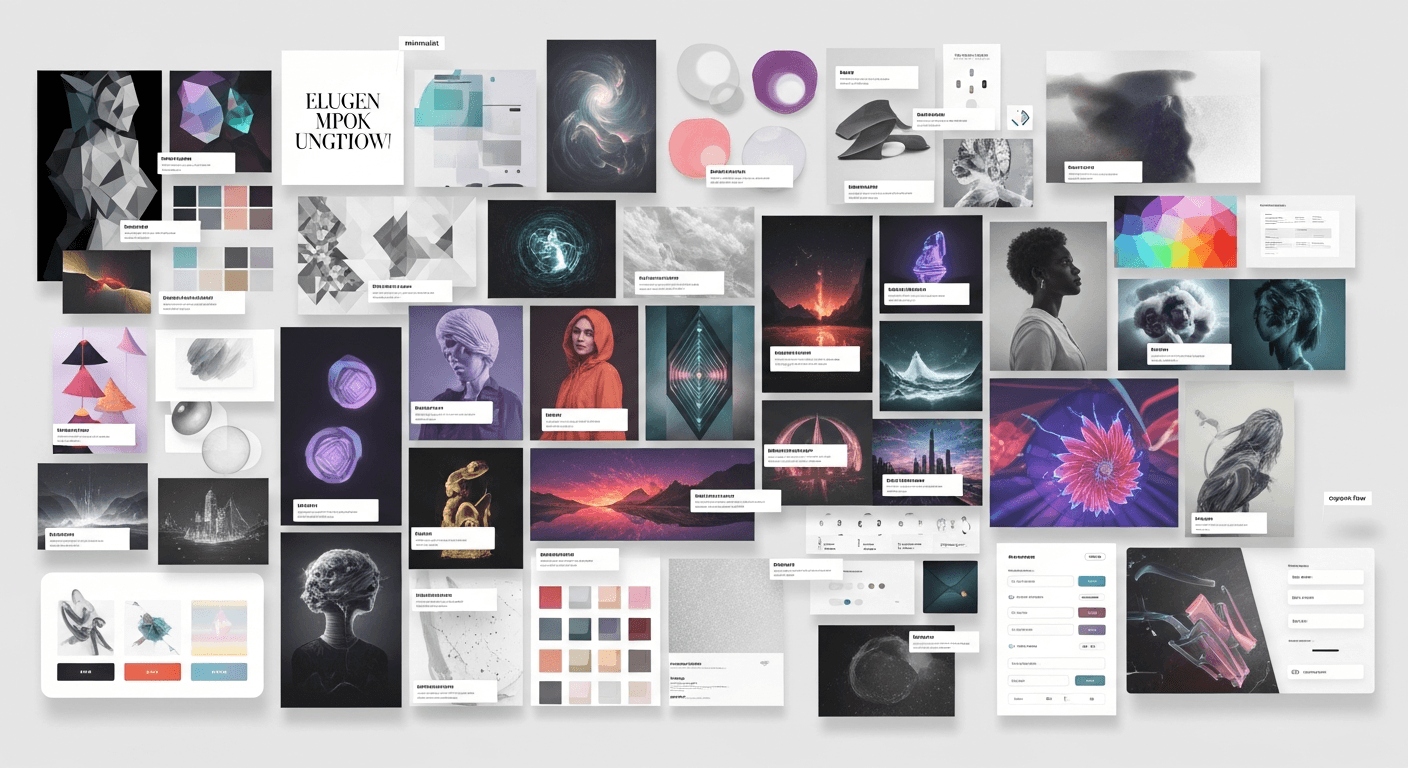
An hour on Pinterest looking for the "right" reference image is an hour you did not bill. Seedream v4.5 flips that equation — instead of searching for images that almost match your vision, you generate the exact images you want in 15 seconds each. For designers building mood boards as part of client work, this is one of the biggest workflow wins AI has delivered.
TL;DR
- Seedream v4.5 generates custom mood board imagery for $0.08 per image
- Stop digging through Pinterest and stock libraries — generate exactly what you need
- Works for interior design, branding, fashion, product, and creative direction
- 4MP output looks polished in pitch decks and client presentations
- A full mood board typically costs $0.80-$2.00 in generation fees
Why AI Mood Boards Beat Stock Library Searches
Traditional mood board workflows have one fundamental problem: you are limited to images that already exist. You know the mood you want, but you spend hours searching for images that capture 70% of it. You settle for close-enough. You grab images from Pinterest that are blurry, watermarked, or in the wrong aspect ratio. You worry about licensing.
Seedream v4.5 eliminates every step of that process. You describe the exact image you want — the lighting, the color, the subject, the mood — and the model produces it in seconds at 4MP resolution. No licensing concerns, no Pinterest rabbit holes, no compromise.
The result is mood boards that genuinely match your vision instead of approximating it. That specificity makes client conversations faster and more productive.
Stop settling for 'close enough' Pinterest finds
Generate exactly the mood image you need at 4MP. 50 free credits on signup covers a full client mood board.
Try Seedream v4.5 FreeWhat Makes a Great Mood Board Image
Before prompting, understand what a mood board image needs to do. It is not a hero shot or a finished piece — it is a reference point that communicates a specific feeling, material, color, or atmosphere.
Strong mood board images share these traits:
- Single focus. One mood or direction per image, not layered concepts
- Clean composition. Minimal distractions that dilute the reference
- Deliberate lighting. Lighting is often the main mood carrier
- Color intentionality. Palette should be readable in a glance
- Editorial quality. Looks like it came from a lifestyle magazine, not a random upload
v4.5 produces this kind of image reliably when you prompt for it directly.
The Mood Board Prompt Template
[MOOD ADJECTIVE] + [SUBJECT/SCENE] + [SETTING] +
[LIGHTING] + [COLOR PALETTE] + [STYLE] +
[EDITORIAL TREATMENT]
Example:
Serene and minimalist, a single ceramic vase
with a dried branch on a pale oak shelf,
minimalist Japanese interior setting, soft
morning window light, warm cream and sage
palette, Japandi aesthetic, editorial lifestyle
photography
Every bracket is a lever you can adjust. Swap "serene and minimalist" for "energetic and playful" and the entire mood shifts while keeping the compositional structure.
Mood Board Use Cases by Discipline
Interior Design Mood Boards
Mood board image, cozy modern farmhouse
kitchen detail, a cast iron pot on a warm
oak countertop, soft morning light, warm
neutral palette with cream and terracotta,
editorial lifestyle photography
Mood board image, minimalist Japanese tea
room detail, a clay tea bowl on a tatami
mat, soft diffused daylight, muted natural
palette, peaceful contemplative mood,
editorial photography
See our full interior design visualization guide for more.
Brand Identity Mood Boards
Mood board image for a premium skincare
brand, a single ceramic dropper bottle on
a smooth stone surface, soft side lighting,
muted beige and cream palette, minimalist
luxurious mood, editorial brand photography
Mood board image for a craft coffee brand,
hands holding a speckled ceramic mug with
latte art, warm morning light, earthy warm
palette, artisan cafe mood, lifestyle
photography
Fashion Mood Boards
Mood board image for a resort wear collection,
flowing white linen fabric draped on a
weathered driftwood fence, golden hour
backlight, warm sun-bleached palette,
summer coastal mood, editorial fashion
photography
See our fashion photography guide for applied fashion workflows.
Product Design Mood Boards
Mood board image for a minimalist consumer
electronics brand, a white ceramic object
on a seamless light gray background, soft
studio lighting, clean monochromatic palette,
modern product design mood, editorial product
photography
Editorial and Publication Mood Boards
Mood board image for a travel magazine
feature on Kyoto, a single red lantern
against a dark temple roof at twilight,
atmospheric rim light, deep crimson and
navy palette, cinematic mood, editorial
travel photography
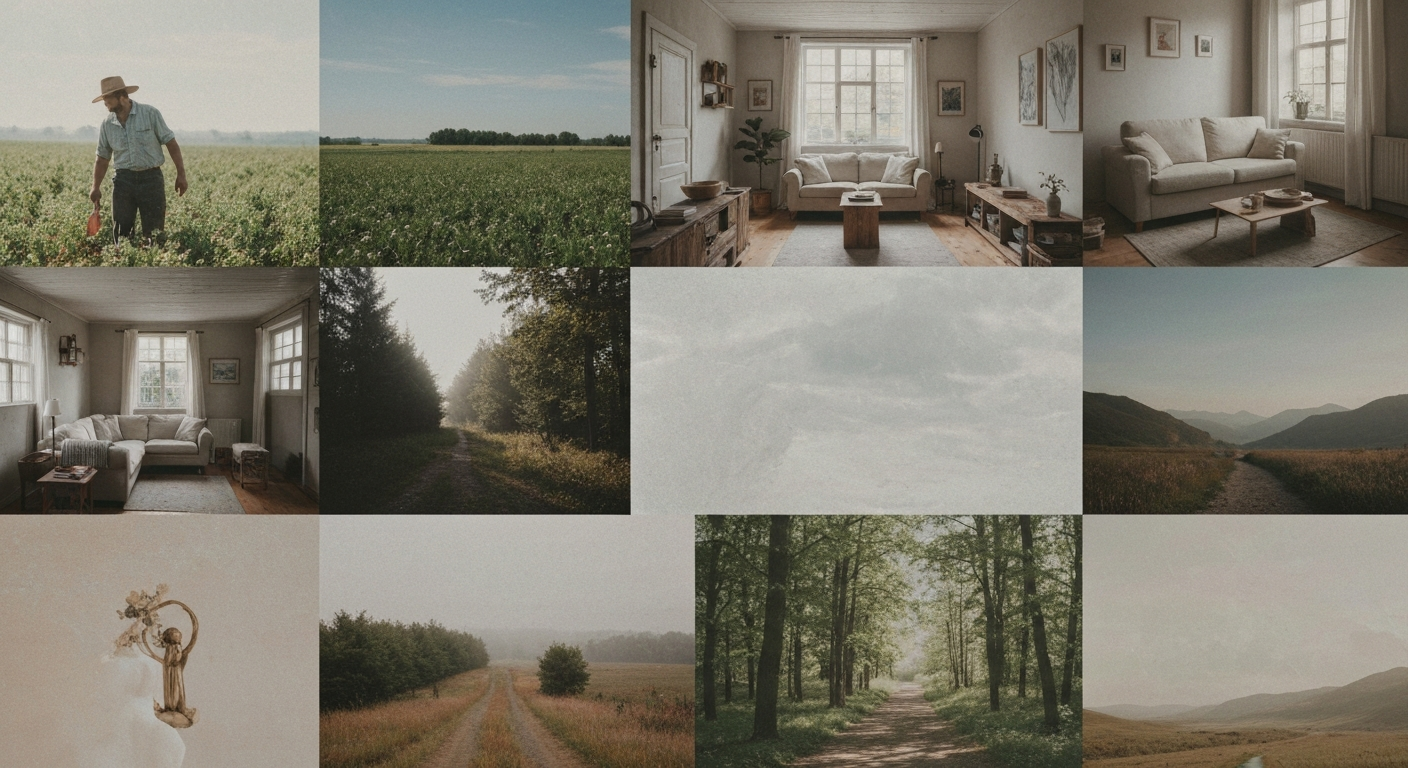
Want detail like this? Try Seedream v4.5 free →
Ready to speed up your mood board workflow? Try Seedream v4.5 free →
Building a Cohesive Mood Board
A mood board is not just a pile of images. It is a curated collection that tells a visual story. When generating with v4.5, think about the narrative you want the board to convey.
The Five-Image Mood Board Structure
Most strong mood boards have 5-9 images in complementary roles:
- Hero image — the dominant mood setter, often largest
- Color accent — a single image that anchors the palette
- Material reference — texture, finish, tactile quality
- Lifestyle moment — people or hands showing use context
- Detail shot — a close-up that communicates craft
Generate each role separately with a prompt aimed at that specific purpose:
Hero: Wide atmospheric establishing shot of
the overall mood
Color accent: Abstract or still-life image
dominated by the key palette colors
Material: Close-up texture study of the
key material
Lifestyle: Candid hands or figure interacting
with the subject
Detail: Macro shot of a specific element
carrying the mood
Keeping the Mood Board Visually Cohesive
The biggest mistake in AI-generated mood boards is aesthetic drift — each image looks great individually but the set feels disjointed. Fix this with a shared style anchor.
Mood board style anchor:
[ANCHOR]: editorial lifestyle photography,
warm neutral palette of terracotta and cream,
soft natural daylight, shallow depth of field,
analog film aesthetic, moody warm grade
Paste this anchor into every prompt in the mood board. Vary only the subject. Every image will look like it belongs together.
[ANCHOR] + a ceramic bowl of ripe figs on
a linen cloth
[ANCHOR] + hands kneading dough on a
marble counter
[ANCHOR] + morning light through a kitchen
window with dried herbs hanging
Three images, one mood, perfect visual coherence.
Client Presentation Workflow
Here is how a mood board conversation works with v4.5 in the loop:
1. Initial brief. Get the client's verbal mood description and any reference images they have.
2. Direction exploration. Generate 8-12 images across 2-3 possible directions (~$0.96). Include in the meeting deck.
3. Client feedback. Walk through the directions together. Note which elements land, which feel off.
4. Live iteration. If possible, generate new images during the meeting based on client reactions. Nothing builds confidence like watching AI produce exactly what the client just asked for.
5. Lock the direction. Save the approved images as your visual north star for the project.
6. Ongoing reference. Use the same style anchor through the project to maintain consistency as new deliverables are created.
Mood Board Vocabulary for Better Prompts
Use these terms to steer mood reliably:
Moods: serene, energetic, moody, romantic, playful, sophisticated, rustic, contemporary, nostalgic, cinematic, cozy, intimate, grand, minimalist, maximalist
Lighting terms: soft morning light, golden hour, blue hour, overcast diffuse, moody low-key, high-key bright airy, warm window light, candlelight glow, dramatic side light
Editorial references: Kinfolk magazine style, Monocle editorial, Wallpaper* aesthetic, Cereal magazine feel, Another Magazine mood, Dwell lifestyle
Color palette descriptors: warm earth tones, cool neutral palette, muted pastels, saturated jewel tones, monochromatic cream, warm terracotta and sage, moody deep blues
Cost Math for Mood Board Work
| Project Type | Typical Mood Board Generation | |---|---| | Quick creative brief exploration | 5 images = $0.40 | | Standard client mood board | 10 images = $0.80 | | Multi-direction pitch deck | 20 images = $1.60 | | Full brand development moodboard | 30-40 images = $2.40-$3.20 |
Under $5 for even the most elaborate mood board project. Compare that to hours of unbillable Pinterest searching and potential stock licensing fees.
Turn a $200 stock licensing line into pennies
Every mood board image, exactly to brief, at 4MP. Start with 50 free credits and build your first board in 10 minutes.
Start Boarding FreeCommon Mood Board Mistakes
Mistake: Trying to capture too many moods in one image. Fix: One mood per image. If you want contrasting directions, make separate mood boards.
Mistake: Letting each image drift aesthetically. Fix: Use a locked style anchor in every prompt.
Mistake: Generic descriptions. Fix: Reference specific magazines, lighting conditions, and color palettes instead of vague words like "modern."
Mistake: Skipping the human element. Fix: Include at least one lifestyle image with hands or figures. It grounds the mood in use context.
Mistake: Overloading the board with too many images. Fix: 5-9 strong images beat 20 mediocre ones. Curate.
Frequently Asked Questions
Can I use AI-generated mood board images in client deliverables? Yes. Commercial use is included on the Seedance platform. Just be clear with clients that these are concept references, not final campaign imagery.
Will clients know the images are AI-generated? Increasingly, yes. This is fine — transparency builds trust. The value of AI-generated mood boards is precision, not deception.
What resolution for pitch deck mood boards? 2048x1365 (3:2) or 2048x2048 (1:1) work well in standard presentation formats.
Can I build brand guidelines with AI images? For mood and direction, yes. For final logo and brand asset work, rebuild in vector. See the logo design guide.
Any related workflows? See the graphic design guide, interior design guide, and fashion photography guide.
Mood boards are one of the clearest wins for AI-assisted design workflows. You stop compromising with close-enough stock imagery and start communicating your actual vision. Seedream v4.5's quality and pricing make it the practical tool for every designer doing client-facing creative direction.
Build your next mood board in minutes. Try Seedream v4.5 free →